EasyManua.ls Logo

Daewoo DLA-32C5 - Picture Adjustment

Daewoo DLA-32C5
53 pages
Print Icon
To Next Page IconTo Next Page
To Previous Page IconTo Previous Page
Loading...
Picture Adjustment
31
Note :
• 16:9 : 16:9 will display a true 16:9 (anamorphic) picture with no aspect
distortions.
• 4:3 : General TV screen currently broadcasted.
• ZOOM 1 : Enlarge vertical size of the 16:9 picture.
• ZOOM 2 : Move the ZOOM 1 picture to the upper direction.
• 4:3, ZOOM1 and ZOOM2 screen are not available in PC mode.
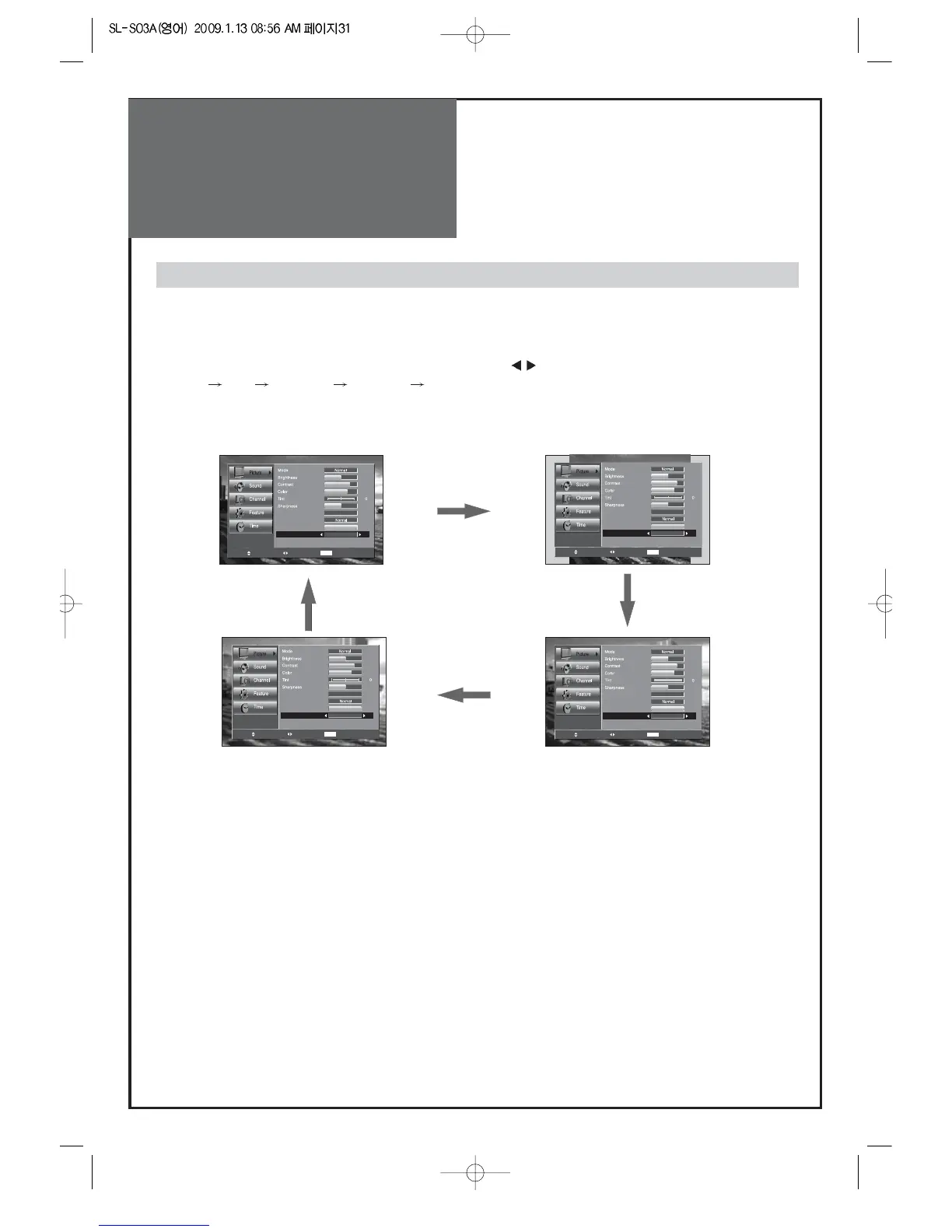
Adjustment of Aspect ratio in TV/Video/Component mode
1. Press the "MENU -> Picture -> Aspect Ratio" button.
• The screen changes as below whenever by pressing the "
" button.
16:9
4:3 ZOOM 1 ZOOM 2 16:9

Color temp.
Dimming
Aspect Ratio
PC Screen Mode
Off
16 : 9
RG
Noise Reduction
42
81
58
10
4
Move Change MENU Return
Color temp.
Dimming
Aspect Ratio
PC Screen Mode
Off
ZOOM 1
RG
Noise Reduction
42
81
58
10
4
Move Change MENU Return
Color temp.
Dimming
Aspect Ratio
PC Screen Mode
Off
ZOOM 2
RG
Noise Reduction
42
81
58
10
4
Move Change MENU Return
Color temp.
Dimming
Aspect Ratio
PC Screen Mode
Off
4 : 3
RG
Noise Reduction
42
81
58
10
4
Move Change MENU Return

Related product manuals