Picture Adjustment
32
Note.
• You can adjust the PC menu only in the PC mode.
• During the Auto Adjust, you must not alter a screen on the monitor.
• During a moving picture, Auto Adjust is liable to incorrectly work. So you must execute
Auto Adjust on a still image.
• When Auto Adjust is not working correctly, you can adjust with Auto adjust, Phase,
Clock, H. Position and V. Position.
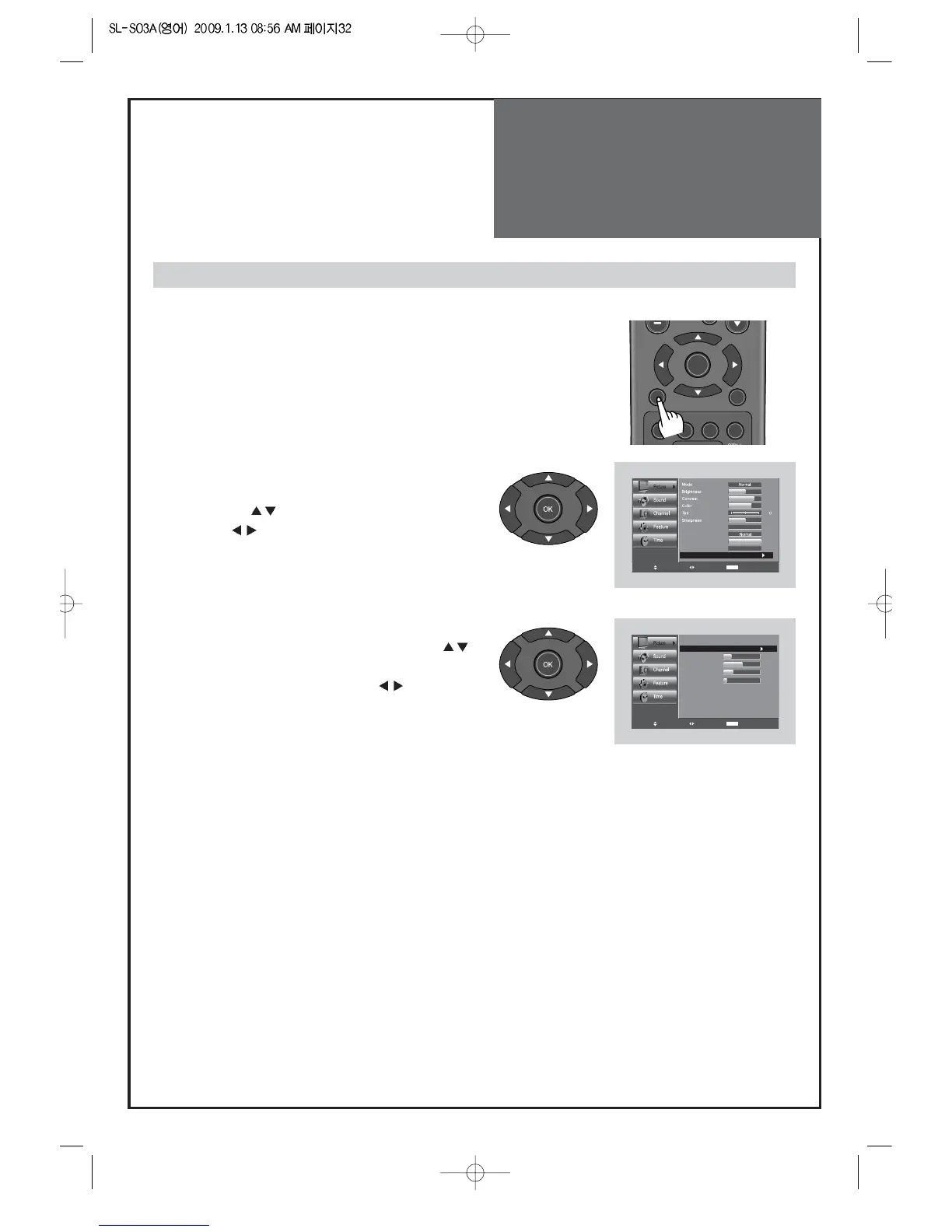
Adjustment of the screen in the PC mode
1. Select Picture by pressing the "Menu" button.
• The menu screen appears as follows.
2. Select PC Screen Mode
• Move to PC Screen Mode in the Picture menu by
pressing the ”
” buttons.
• Press the ”
” button.
3. Select and adjust each items.
• Move to item what you want by pressing the ”
”
button.
• Adjust each items by pressing the ”
” button.



 To Next Page