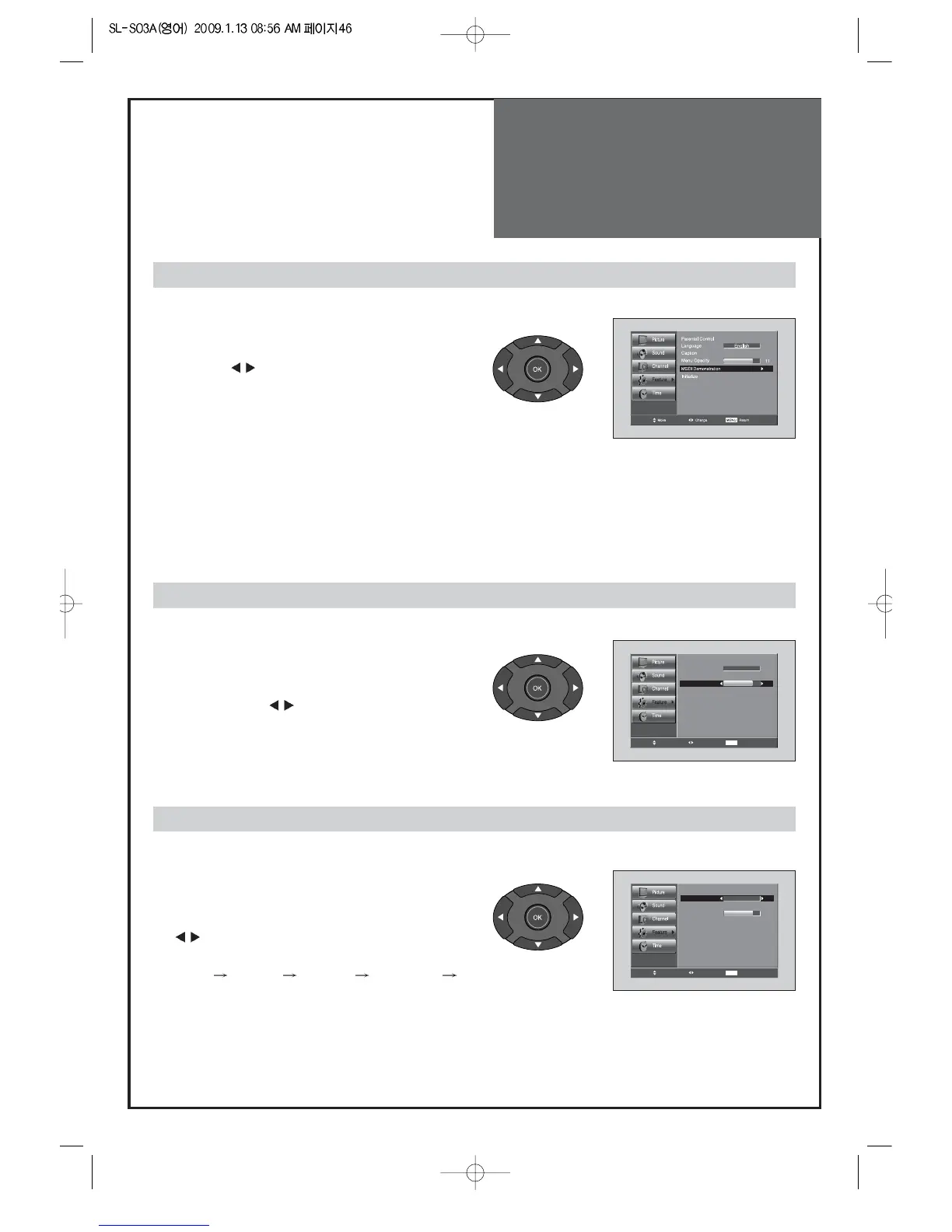
1. Setup of MGDi Demonstration
• Move to MGDi Demonstration in the Features menu.
• Press the ”
” buttons. In this demo version of
MGDi you can only see the functional difference of
ON/OFF, not the difference of quality of picture.
1. Setup of Menu Opacity
• Move to Menu Opacity in the Features menu.
• Adjust the translucent level of OSD background
by pressing the ”
” buttons.
Note:
• New technology, MGDi Plus, brings viewers more detailed, clearer and
more natural image with picture compensation algorithm.
When viewing how MGDi improves the picture.
Selection of Language
1. Select Language
• Move to Language in the Features menu.
• Select your desired language by pressing the
”
” buttons. Then it will be setting automatically.
• The language change as the followed:
English
Español Français Portuguese English
When adjusting the transparency of the menu screen



 To Next Page