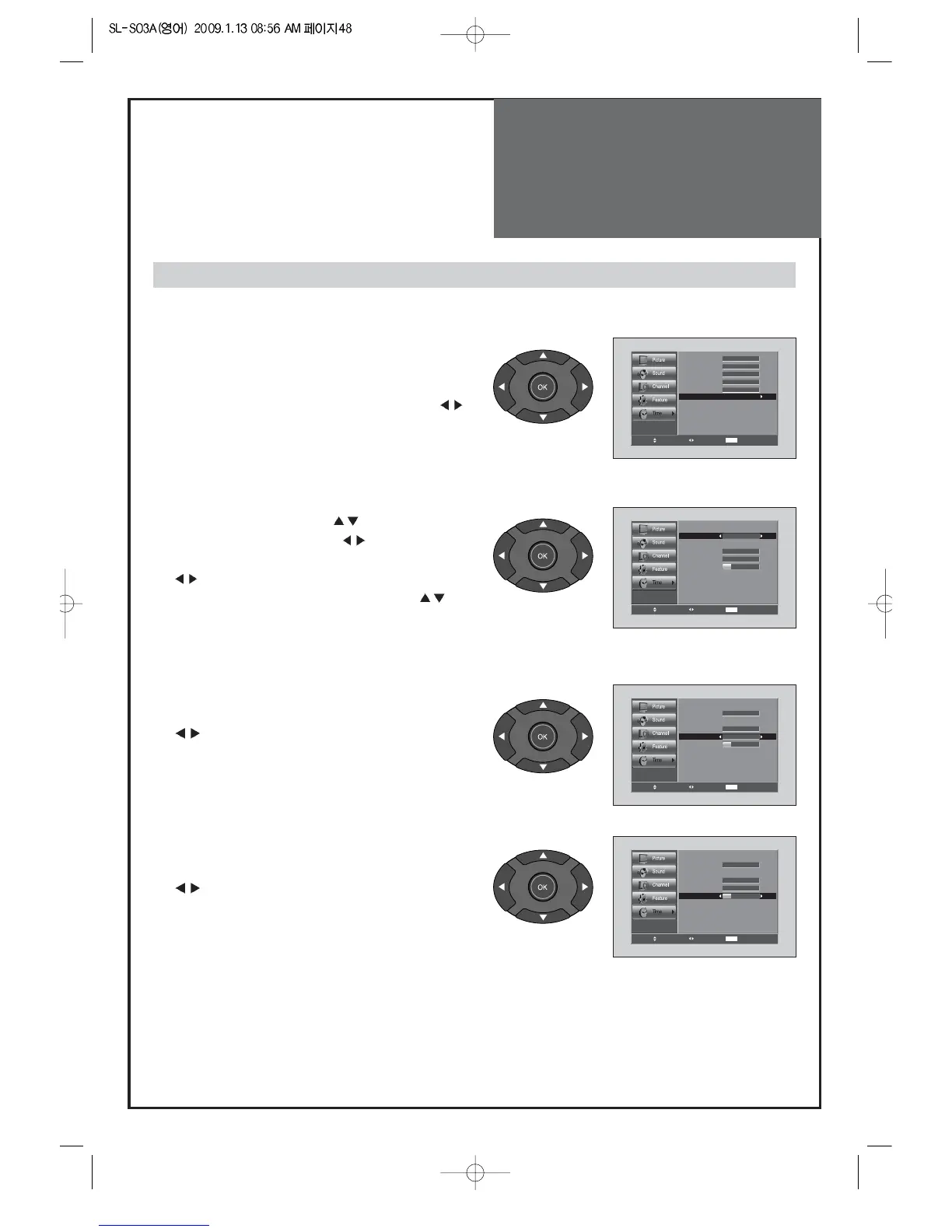
4. Setting the On Timer / On Time / On CH / On
Volume
• Move to On Timer in the Time menu.
• Select the On Timer to "On" by pressing the
” ”
button.
• Move to On Time with the ”
” buttons.
• To go to On Time, press the
”
”
buttons.
• Place the cursor to AM/PM / Hour / Min. with the
” ”
buttons.
• Set the AM / PM / Hour / Min. with the ”
”
buttons and then press the “OK” and then press
“MENU” buttons.
• Move to On CH. in the Time menu.
• Select the On CH. to desirable Channelby pressing the
”
” buttons.
• Move to On Vol. in the Time menu.
• Select the On Vol. to desirable Volume by pressing the
”
” buttons.
Note:
• Confirm the Current Time is set. The On Timer is only available when the Current Time is set.
• The set will be turned on at selected time.
•
If adjusted once, the On Timer continues to operate everyday unless canceling setup or turn the AC power off.
Adjustment of Time



 To Next Page