Note.
• The Closed Caption feature doesn’t work in Component, HDMI and PC modes
• Closed Caption: The availability of captions depends on the program being broadcast
CC1 : The Primary Synchronous Caption Service. These are captions in the primary language that
must be in sync with the sound, preferably matched to a specific frame.
CC2 : The Special Non-Synchronous Use Captions.
This channel carries data that is intended to augment information carried in the program.
CC3 : Secondary Synchronous Caption Service.
Alternate program-related caption data, typically second language captions.
CC4 : Special Non-Synchronous Use Captions. Similar to CC2.
• The Closed Caption feature doesn’t work in PIP/POP mode.
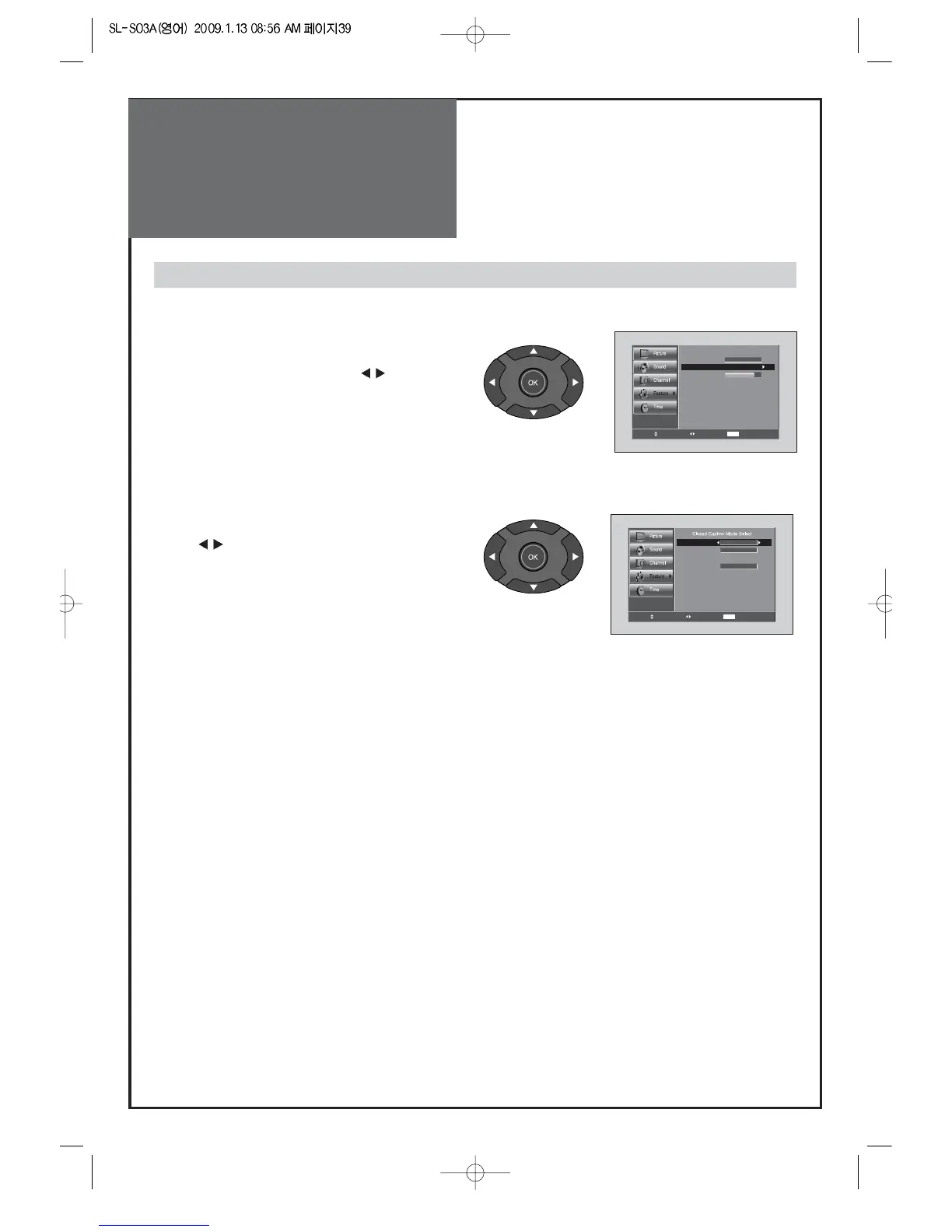
Viewing Closed Caption (On-Screen Text Messages) - Analog
1. Caption mode selects what you want.
• Move to Caption in the Features menu.
• Select Caption by pressing the ”
” buttons.
• Select desirable Analog CC by pressing
the ”
” buttons.
• The Analog CC changes as followed:
CC1 => CC2 => CC3 => CC4 => TEXT1 => TEXT2 => TEXT3 => TEXT4
=> SERVICE1 => SERVICE2 => SERVICE3 => SERVICE4 => SERVICE5
=> SERVICE6



 To Next Page