Sound Adjustment
38
Choosing a Multi-Channel Sound (MTS) in analog
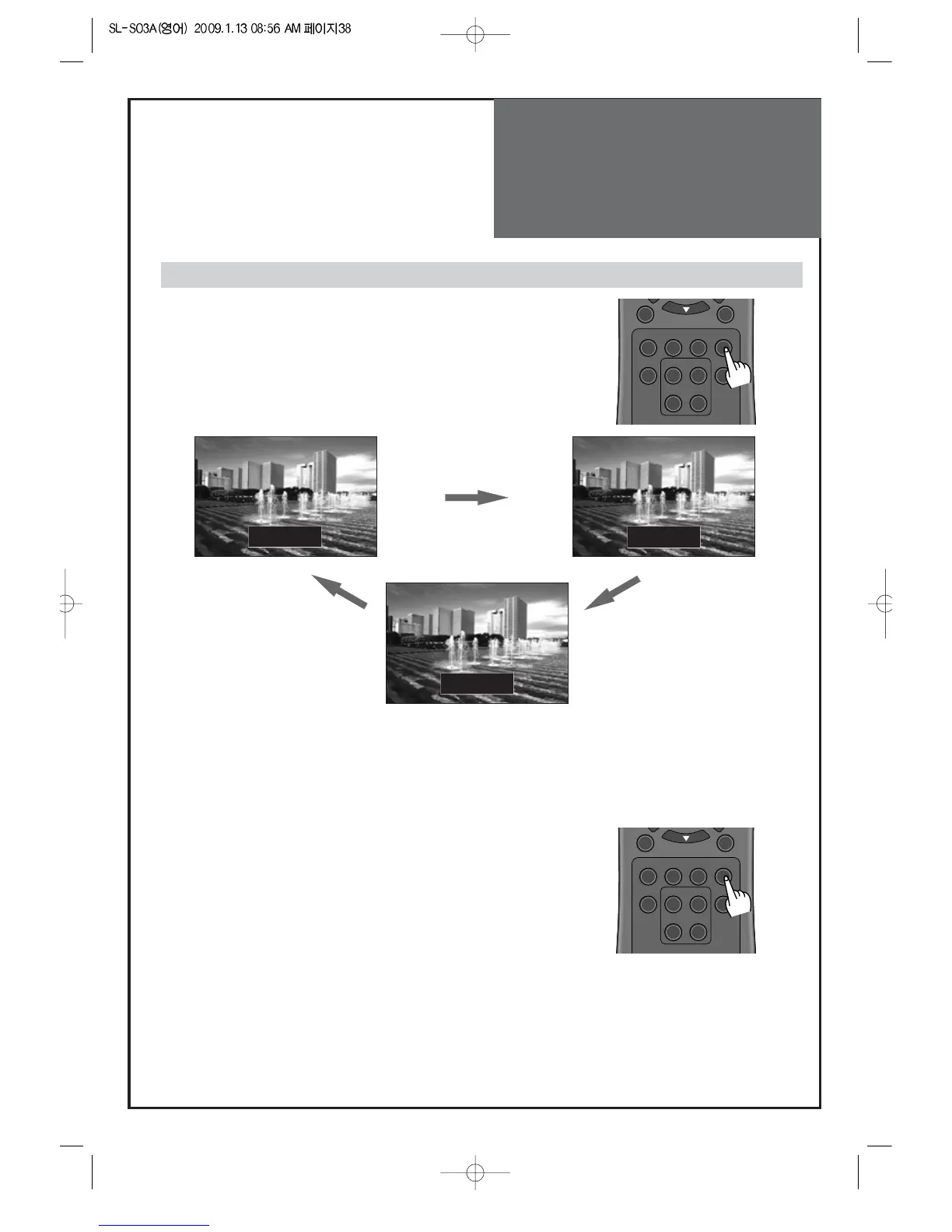
1. Mono Sound Selection (Mono/Stereo/SAP) – Analog TV Mode
• If the Stereo reception is weak, you can switch to MONO by pressing
the “MTS” button. Then the OSD character will be change to “Mono”.
In Mono reception the depth of sound is improved.
• To switch back to stereo, press the “MTS” button again.
Note: The availability of these additional audio tracks depends on the program.
• In DTV broadcasting, you can select audio tracks
(simultaneous translations of the program into foreign
languages) by pressing the “MTS” button.
Note: The availability of these additional audio tracks depends on the program.
2. Audio track Selection – Digital TV Mode



 To Next Page