Sound Adjustment
37
When adjusting sound to taste
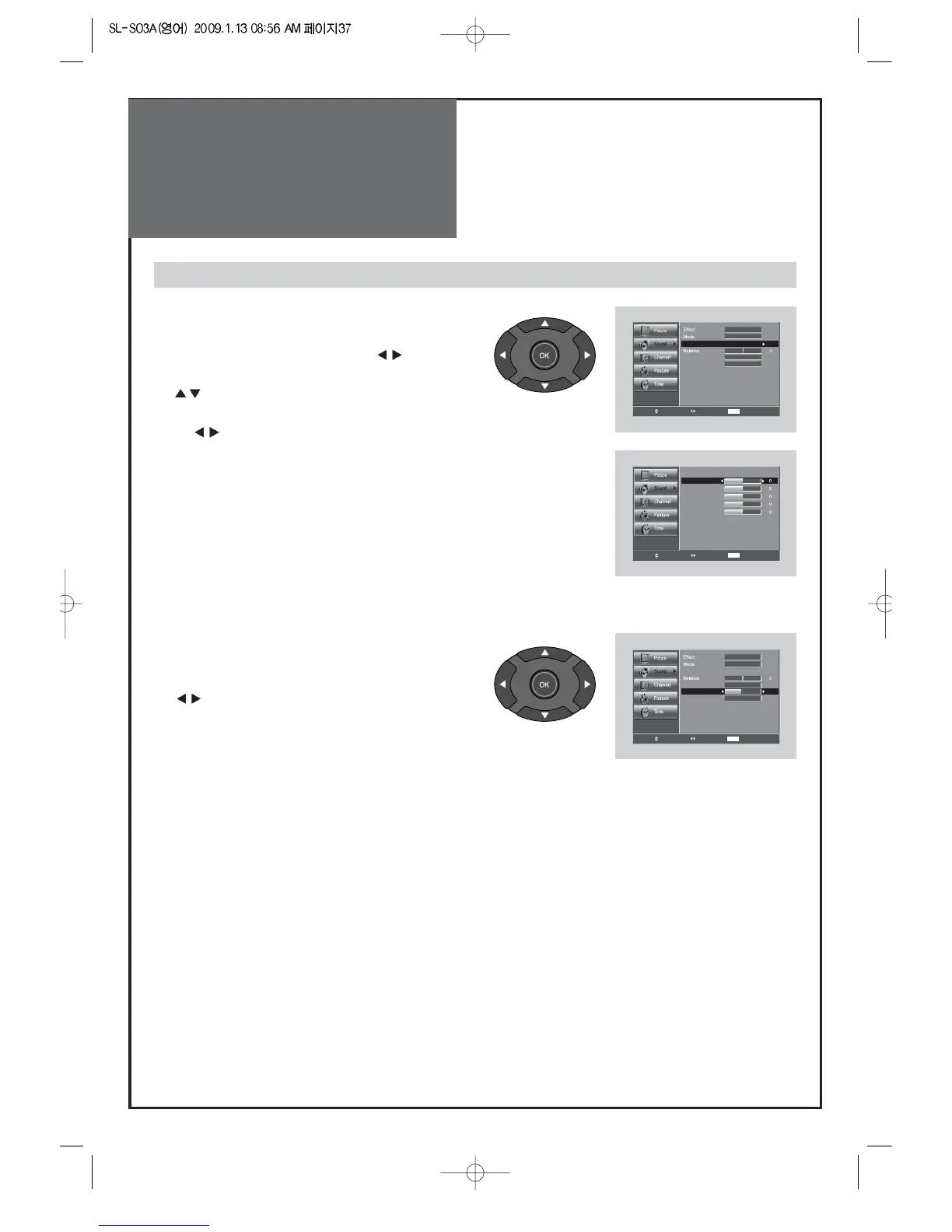
4. Adjust the audio Equalizer
• Move to Mode in the Sound menu.
• Select User mode by pressing the ”
” buttons.
• Select and use the relevant frequency by pressing the
” ”
buttons.
• You can adjust the degree of the frequency
by pressing
the
” ”
buttons.
Note:
• Equalizer adjustment is available in User mode.
• Equalizer: High quality sound range adjustment method used
for audio product.
10 kHZ: High sound range
1/3.3 kHz: Middle sound range
100/330 Hz: Low sound range
5. Adjust the Digital Volume (Digital TV mode only)
• Move to Digital volume in the Sound menu.
• Adjust the Digital volume level by pressing the
”
” buttons.
Note:
• Digital volume is available in DTV mode.



 To Next Page