Setting Up TV
Stations
25
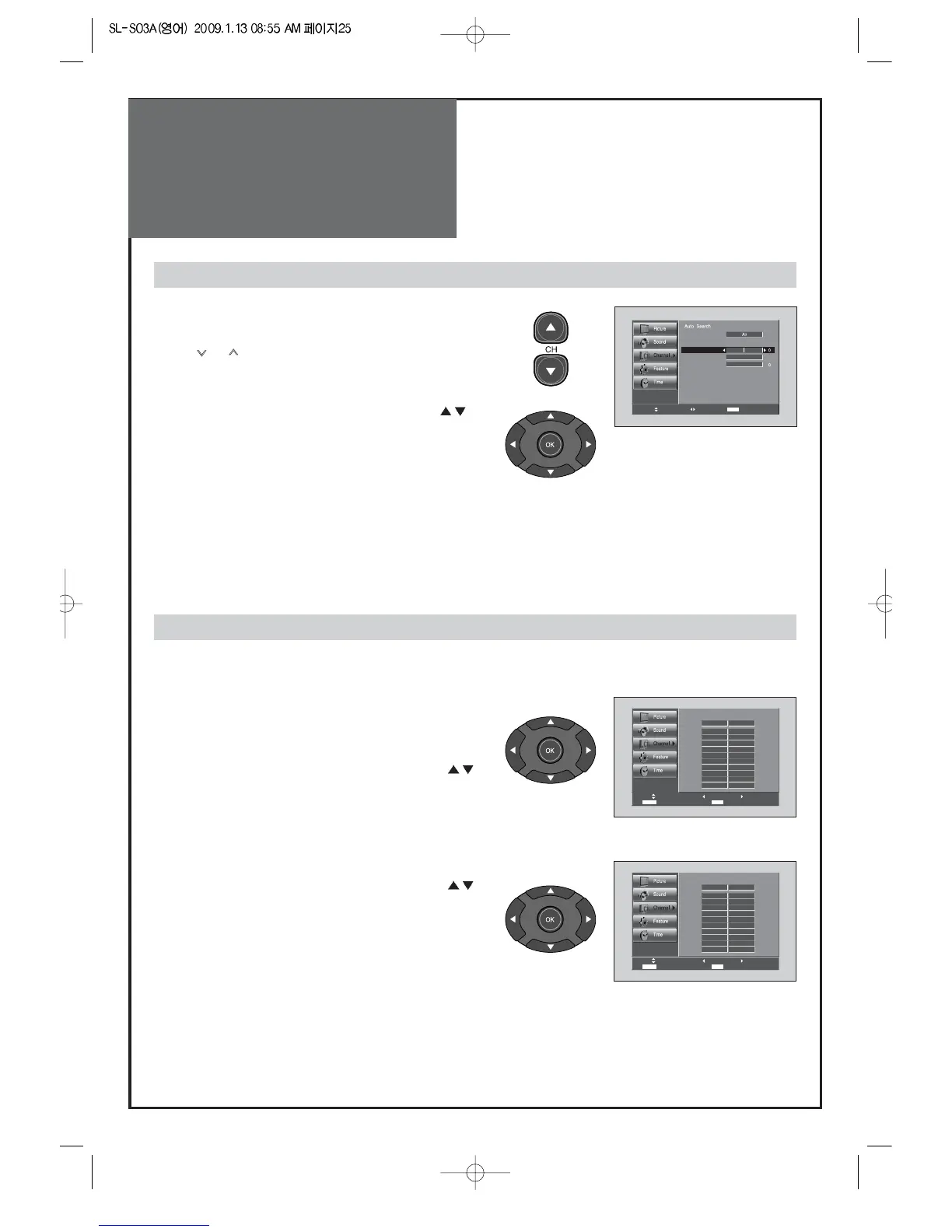
1. Searching for channel finely
• Select a Channel number you want to tune finely with
the “CH”buttons.
• Press the “MENU” button and move to the Channel
menu.
• Move the selection bar to the Fine tune with ”
”
buttons.
• Press the “CB“ buttons to adjust the fine tuning.
Fine tune
Edit Channel
Note:
• If you are unable to get a good picture or Sound because of a poor broadcasting signal,
adjustment of Frequency might improve it.
1. Adding the Channel
• Select a Channel number you want to add with the
“NUMBER” buttons.
•
Press MENU Button. Select Channel by pressing “ “.
• Move to Edit Channel. Then select “ADD/DEL” by
pressing
“CB“.
2. Deleting the Channel
•
Press MENU Button. Select Channel by pressing “ “.
• Move to Edit Channel. Then select “ADD/DEL” by
pressing
“CB“.



 To Next Page