Adjustment of Parental Control
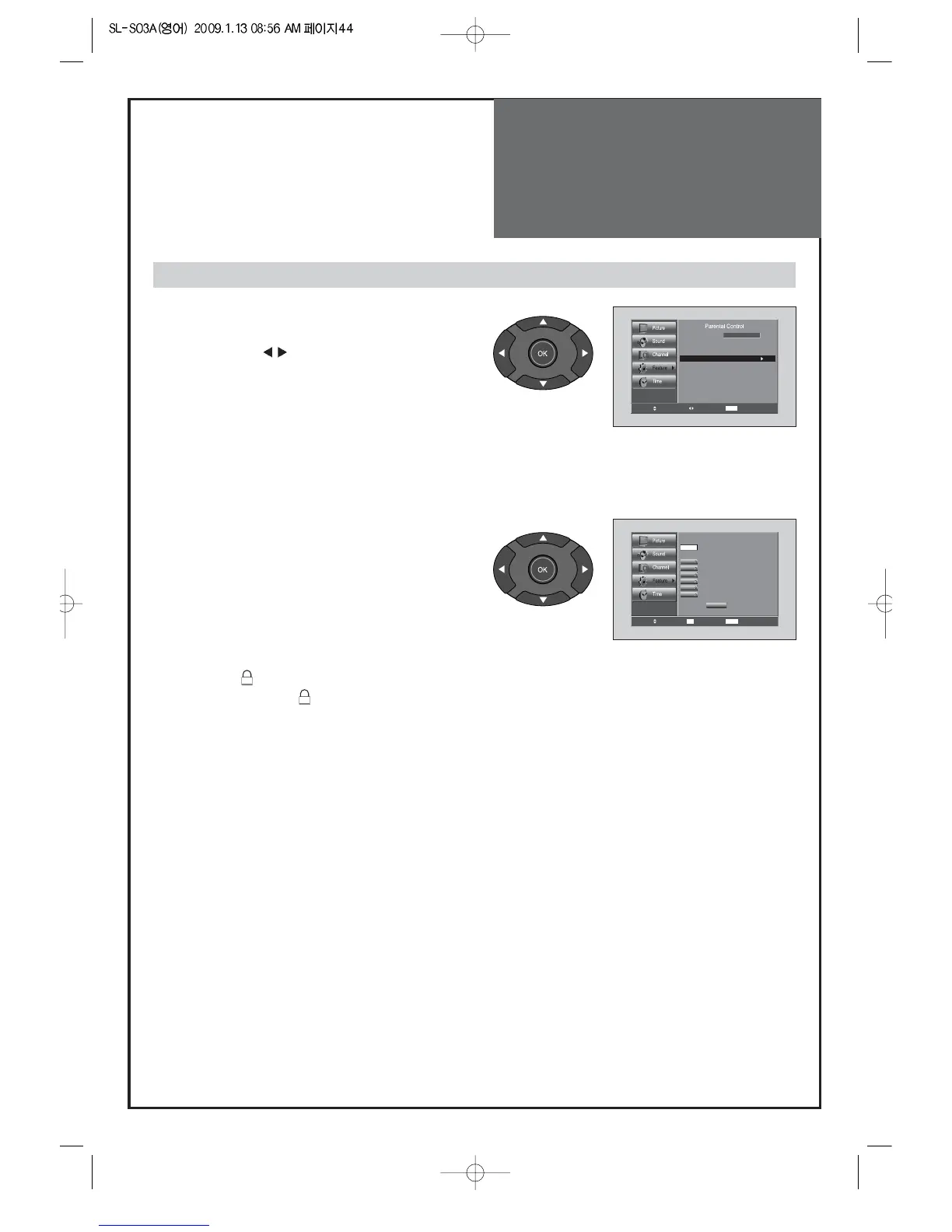
5. Can. English Rating :
• Move to Can. English Rating in the Parental Control
and press the “
“ buttons.
• The Can. English Rating screen will appear.
Press the “VOL” buttons to select the Can. English
Rating categories: Press the EXIT button to exit.
C: Programming intended for children under age 8.
C8+: Programming generally considered
acceptable for children 8 years and over to
watch on their own.
G: General programming, suitable for all
audiences.
PG: Parental Guidance.
14+: Programming contains themes or content
which may not be suitable for viewers under
the age of 14.
18+: Adult programming.
• Press the “OK” button. Depending on your existing
setup, the “ “ symbol will be selected.
(blank = unblocked “ “ = Blocked)
Note:
The Parental Control will automatically block any
category that are “more restrictive” For example, if
you block G category, then PG, 14+ and 18+ will
automatically be blocked also.



 To Next Page