User’s Manual
156
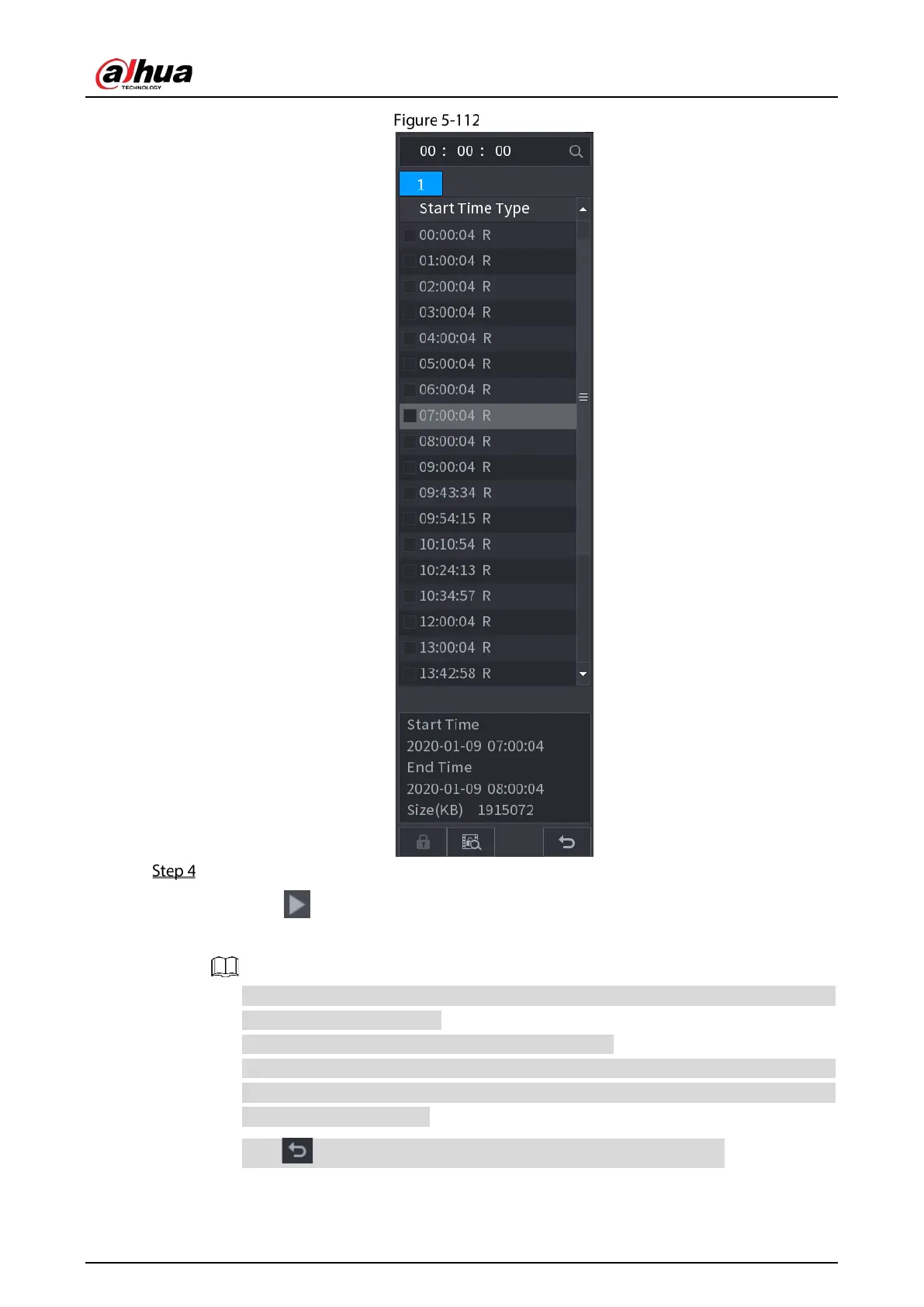
File list
Start playback.
Click , the playback starts from the first file by default.
Click any file, the system plays back this file.
In the time box on the top of the file list interface, you can enter the specific time to search
the file that you want to view.
In the File List area, there are 128 files can be displayed.
File type: R indicates general recorded video; A indicates recorded video with external
alarms; M indicates recorded video with motion detection events; I indicates recorded
video with intelligent vents.
Click to return to the interface with calendar and CAM NAME list.


 To Next Page
 Loading...
