User’s Manual
344
Earth cable
For L (live cable)
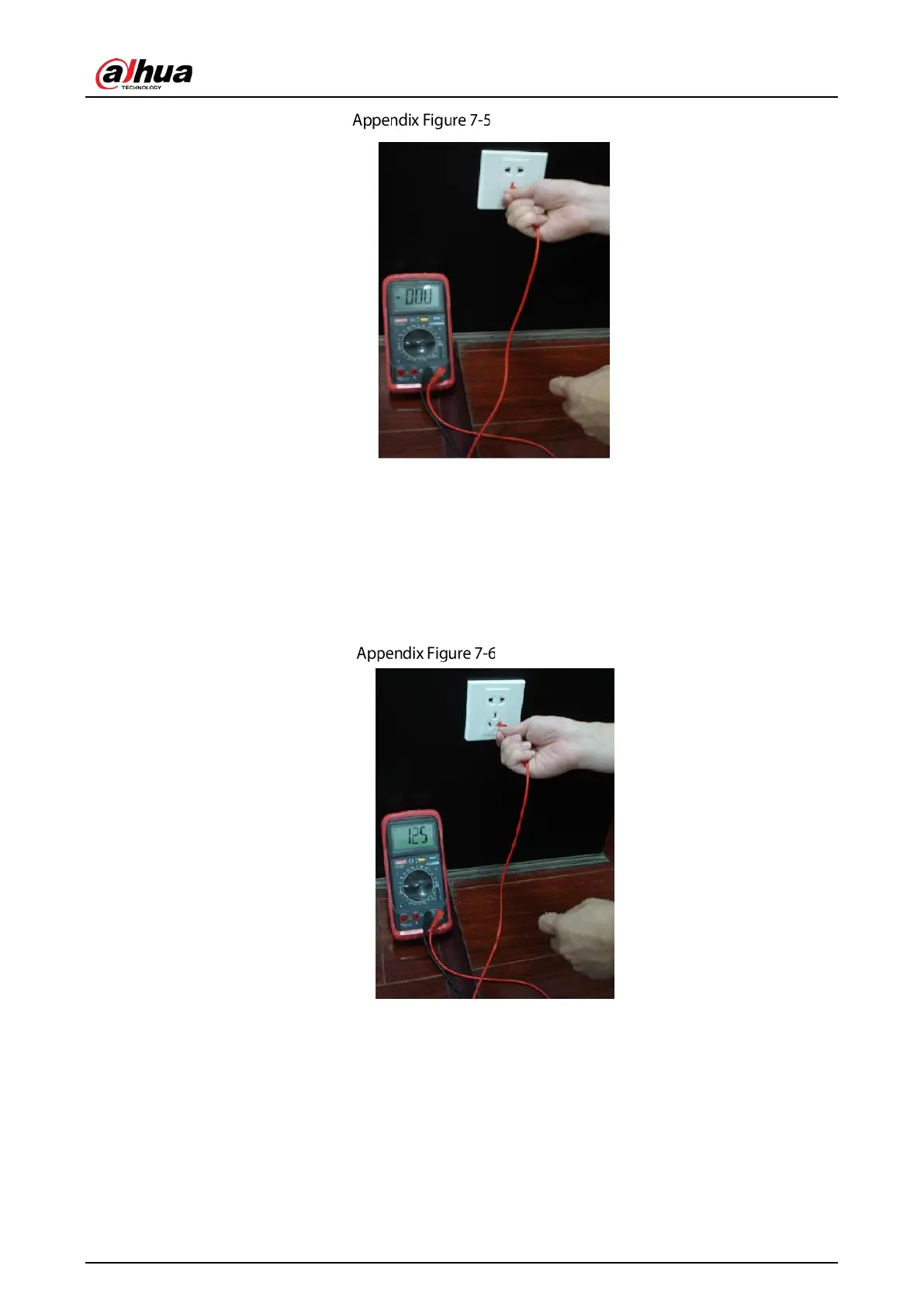
Turn the digital multimeter to 750 VAC, use your one hand to hold the metal end, and then use the
other hand to insert the pen to the L port of the socket. See the following figure. If the multimeter
shows 125, then you can see current live cable connection is standard. If the value is less than 60, then
you can know current live cable connection is not proper or it is not the live cable at all.
Live cable
For N (Neutral cable)
Turn the digital multimeter to 750 VAC, use your one hand to hold the metal end, and then use the
other hand to insert the pen to the N port of the socket. See the following figure. If the multimeter
shows 0, then you can see current N cable connection is standard. If the value is more than 10, then
you can see there is inductive current and the neutral cable connection is not proper. If the value is
120, then you can know that you have misconnected the neutral cable to the live cable.


 To Next Page
 Loading...
