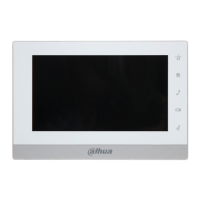
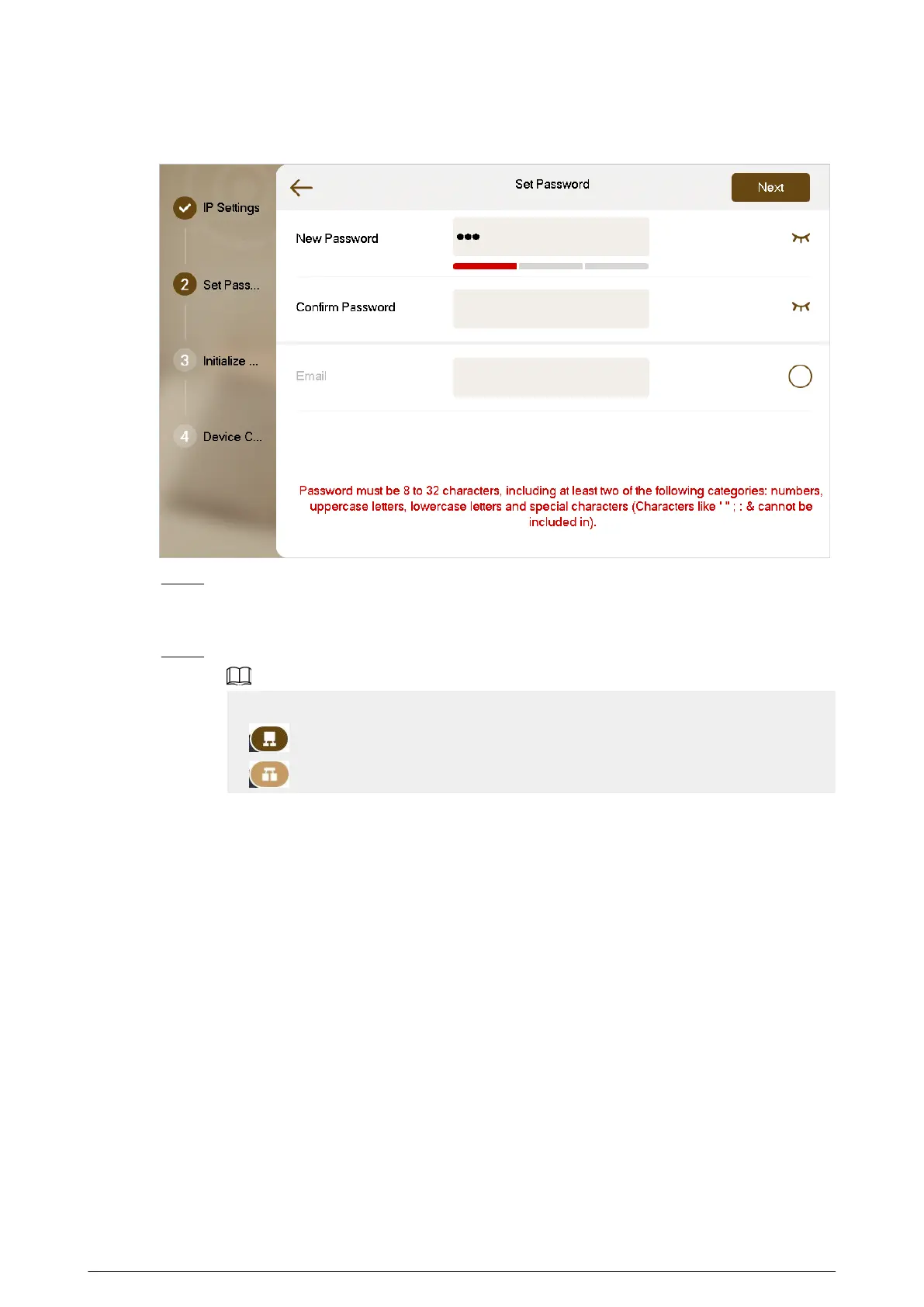
Figure 2-6 Password setting
Step 7 Tap Uninitialized to initialize a single device, and then tap Next.
Initialize All : If there are many devices, tap to initialize all devices that are displayed in
the list.
Step 8 After initialization, tap Edit to congure the detailed information of the device.
●
The device you are using cannot be edited.
●
: Indicates that the device is the main device.
●
: Indicates that the device is the sub device.
30


 To Next Page
 Loading...