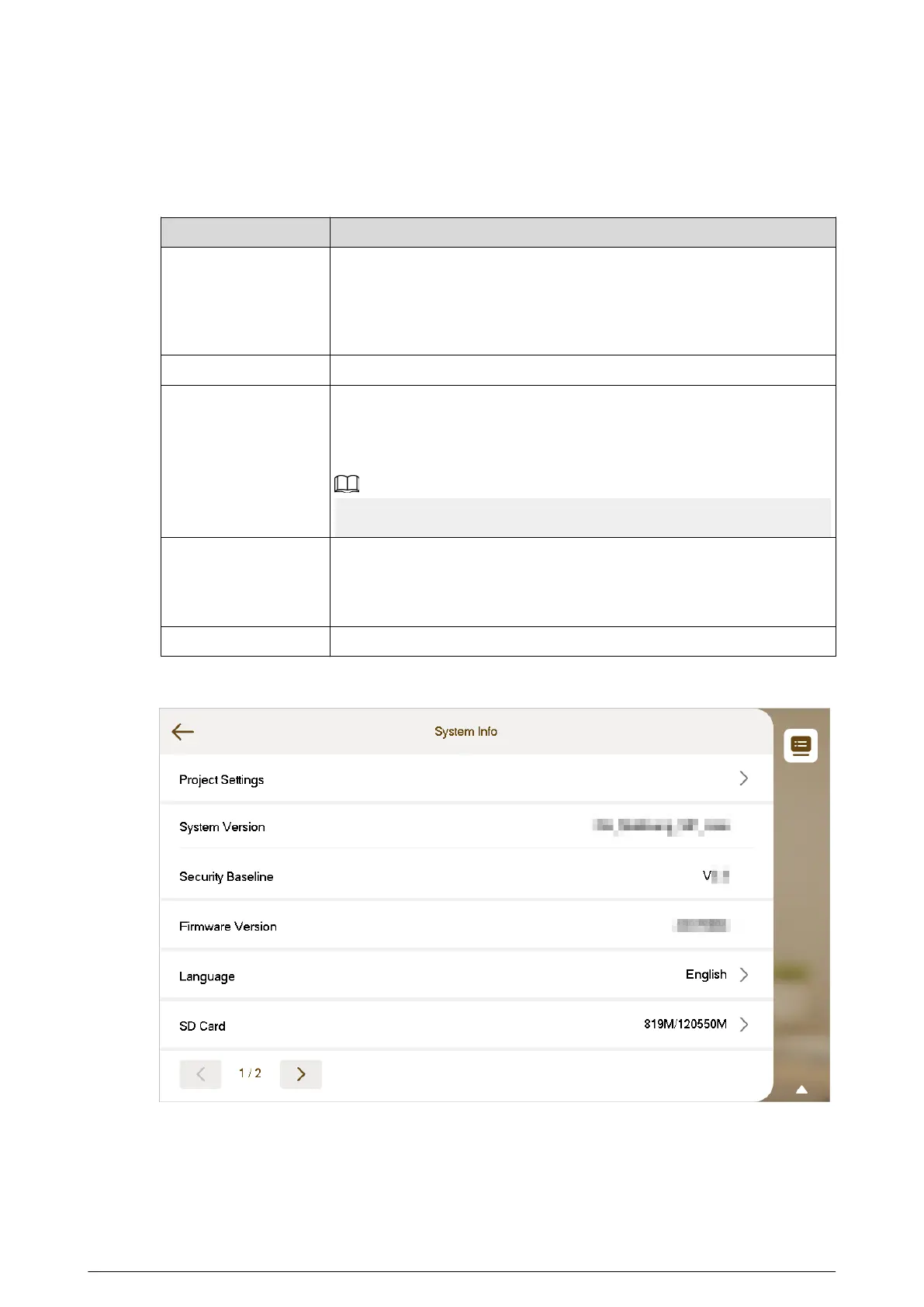
View the version of system, security baseline and the rmware. Congure the parameters as
needed.
Table 3-12 Description of system information parameters
Parameter Description
Project Settings
Enter the password that you congure during the initialization.
Congure the network parameters, SIP server parameters and other
information.
For details, see "3.7 Project Settings".
Language Select the language of the device.
SD Card
View the SD card status, including the used capacity and the total
capacity.
You can eject the SD card or format the SD card.
The SD card is available on select models.
Cloud Upgrade
View the current device version and you can enable the cloud update
function.
For details, see "3.12 Cloud Update".
Restart System Tap to restart the system.
Figure 3-46 System information (1)
75


 To Next Page
 Loading...