Installation Manual 3P581074-2D
DGE601A52
27English
3.1.3 Address setup and termination resistor
For each DGE601A52, a unique address needs to be set.
In case of connecting to the DGE601A51, set a number between “3” and “8”.
In case of connecting to the iTM, set a number between “2” and “8”.
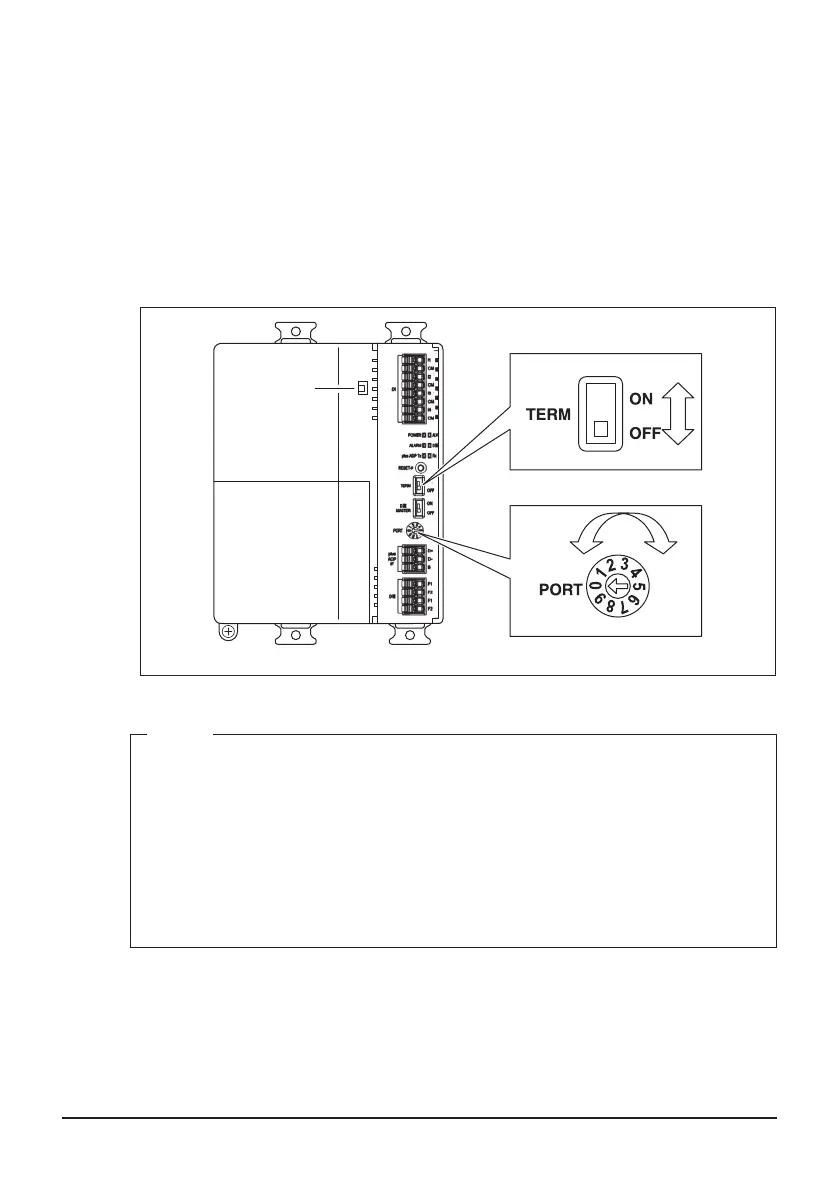
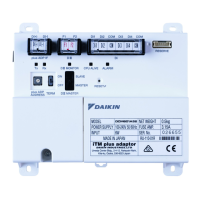
Use the [PORT] switch located on the front face of each DGE601A52 to set an address.
Moreover, the termination resistor needs to be set for the DGE601A52 which is the
furthest DGE601A52 from the DGE601A51 or iTM.
To set the termination resistor, change the position of the [TERM] switch located on the
front face of the DGE601A52 to the [ON] position.
<PORT(ADDRESS) and TERM>
NOTE
If both the [ALV] and [ALARM] LEDs are lit when powering on the unit after instal-
lation, then probably something went wrong with the PORT (address) assignment:
• You set an invalid PORT address (in case of DGE601A51, “0”, “1”, “2”, and “9”
are not allowed, and in case of iTM, “0”, “1”, and “9” are not allowed.)
• You used the same PORT (address) 2 times.
Check and correct the PORT (address), then power on the DGE601A52 again and
restart.
Check the status of the [ALV] and [ALARM] LEDs.
01_EN_3P581074-2D.indd 27 2021/06/25 14:12:11



 To Next Page