6 | Operation
User reference guide
29
CVXM20+FVXM25~50A2V1B
Split system air conditioners
4P625990-1A – 2020.10
Display Operation
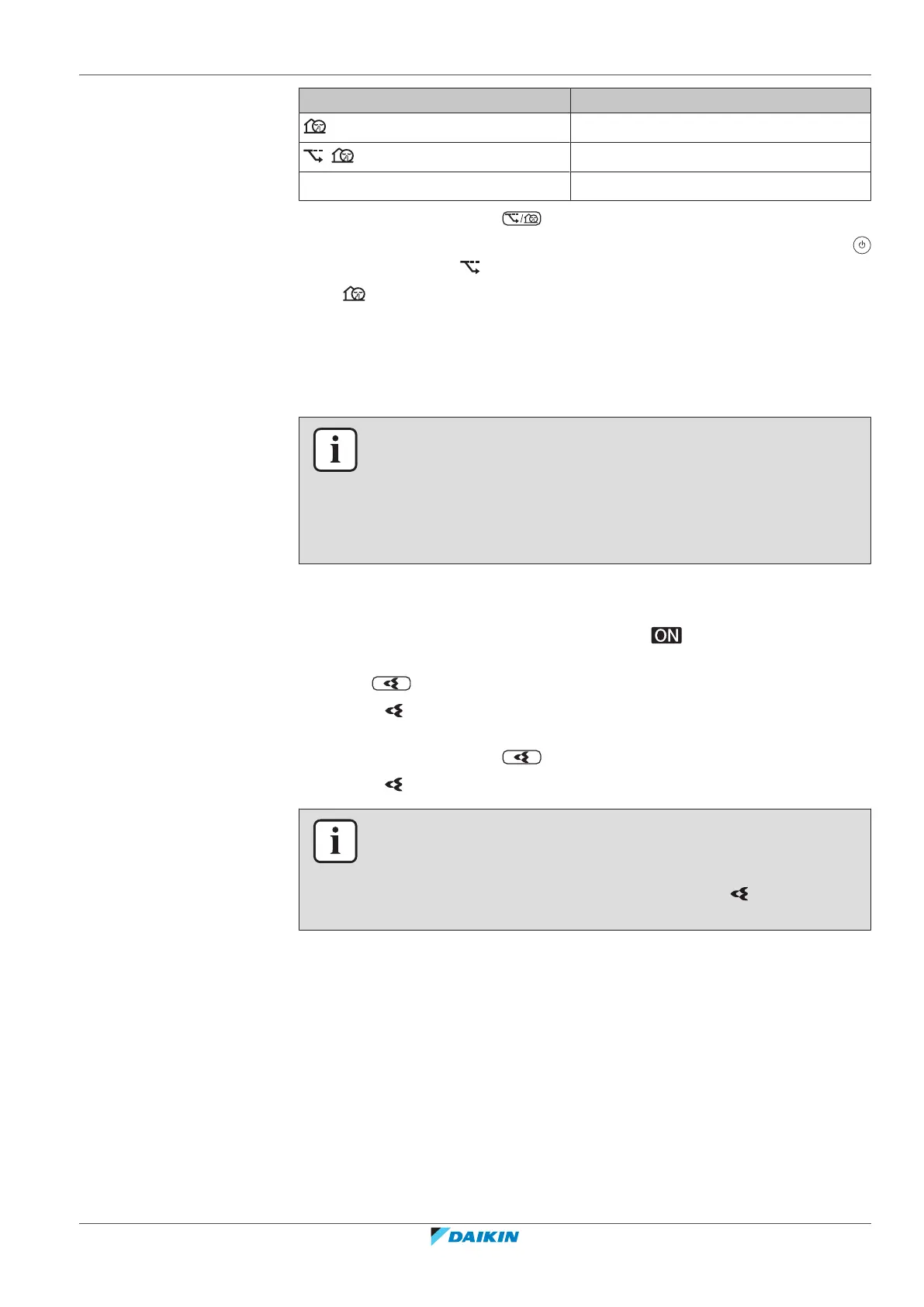
Outdoor unit quiet
+ Econo and Outdoor unit quiet
— Both deactivated
2 To stop operation, press until both symbols disappear from the LCD.
Note: Econo operation can be only set when the unit is running. Pressing
cancels the setting and disappears from the LCD.
Note: remains on the LCD, even if you turn off the unit using the user interface
or indoor unit ON/OFF switch.
6.10 Flash Streamer (air cleaning) operation
INFORMATION
▪ The high-speed electrons are generated and go away inside the unit to ensure
safe operation.
▪ The Streamer discharge may generate a fizzing sound.
▪ If the airflow becomes weak, the Streamer discharge may stop temporarily to
prevent ozone smell.
6.10.1 To start/stop Flash Streamer (air cleaning) operation
Prerequisite: Make sure the unit is operating ( is displayed on the user
interface LCD).
1 Press .
Result: is displayed on the LCD and the air in the room is cleaned when the
unit is operating.
2 To stop operation, press .
Result: disappears from the LCD and operation stops.
INFORMATION
▪ You can set the Flash Streamer operation when the unit is both ON or OFF, but
operation starts only when the unit is operating.
▪ When the setting is done when the unit is NOT operating, is displayed on the
user interface LCD, but operation does NOT start.
6.11 OFF/ON timer operation
Timer functions are useful for automatically switching the air conditioner off/on at
night or in the morning. You can also use OFF timer and ON timer in combination.
There are two types of OFF/ON timer setting:
▪ 24 hour clock OFF/ON timer (default). The unit will stop/start operating at the
set time. Example: The ON timer is set to 13:30, the unit will start operating at
13:30.





 To Next Page