6 | Operation
User reference guide
40
CVXM20+FVXM25~50A2V1B
Split system air conditioners
4P625990-1A – 2020.10
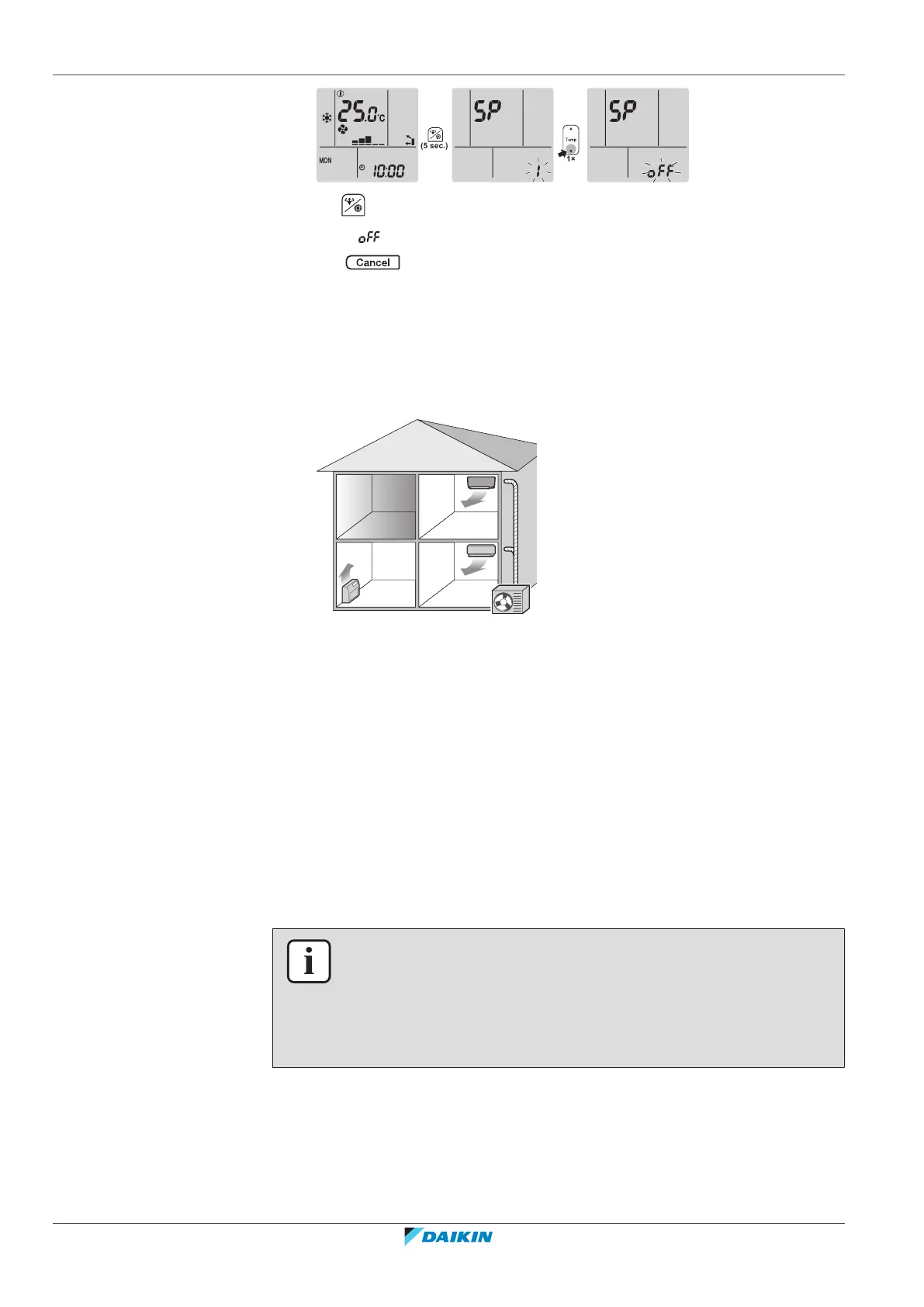
3 Hold for at least 2seconds to confirm the selection.
Result: is blinking. Communication is OFF.
4 Press to exit the menu.
Result: The display will return to the home screen.
6.14 About Multi system
In Multi system, 1 outdoor unit is connected to multiple indoor units. Example:
6.14.1 Priority room setting
Priority room setting requires initial programming during installation. Please
consult your authorized dealer for assistance.
When priority room setting is inactive or not present
When more than 1 indoor unit is operating, priority is given to the first unit that
was turned on. Set other units to the same operation mode. Otherwise, they will
enter the standby mode, and the Daikin eye will flash (does NOT indicate
malfunction).
Exceptions: If the first unit that was turned on is set to fan only, and then in the
other room heating mode is set, priority will be given to the unit set to the heating
mode. The first unit will go in standby and the Daikin eye will flash.
INFORMATION
▪ The cooling, drying, and fan only operation modes may be used at the same time.
▪ The automatic operation mode automatically selects cooling or heating,
depending on the room temperature and the temperature setting. If the
automatic operation mode is selected for all units, all units will operate in the
mode of the first unit that was turned on.
Priority when using Outdoor unit quiet operation
Refer to "Outdoor unit quiet operation"[428].
1 Set Outdoor unit quiet operation in all rooms using the user interfaces of the
units.





 To Next Page