6 | Operation
User reference guide
37
CVXM20+FVXM25~50A2V1B
Split system air conditioners
4P625990-1A – 2020.10
6.13.2 To install the Daikin Residential Controller application
1 Open:
▪ Google Play for appliances using Android.
▪ App Store for appliances using iOS.
2 Search for Daikin Residential Controller.
3 Follow the directions on the screen to install.
6.13.3 To set the wireless connection
There are two options to connect the wireless adapter with your smart device.
▪ Connect the wireless LAN to your smart device directly.
▪ Connect the wireless LAN to your home network. The wireless LAN will
communicate with your smart device in your home network using a modem,
router or a similar device.
For more information and FAQ refer to:
http://www.onlinecontroller.daikineurope.com/.
1 Stop operation before setting the wireless connection.
2 Use the user interface to select the wireless LAN setting menu.
Note: Always aim the user interface at the signal receiver on the unit when
operating the user interface.
Menu Description
Connection status check
WPS connection setting
AP mode/RUN mode (SSID + KEY) connection setting
Reset to factory default
Wireless LAN OFF
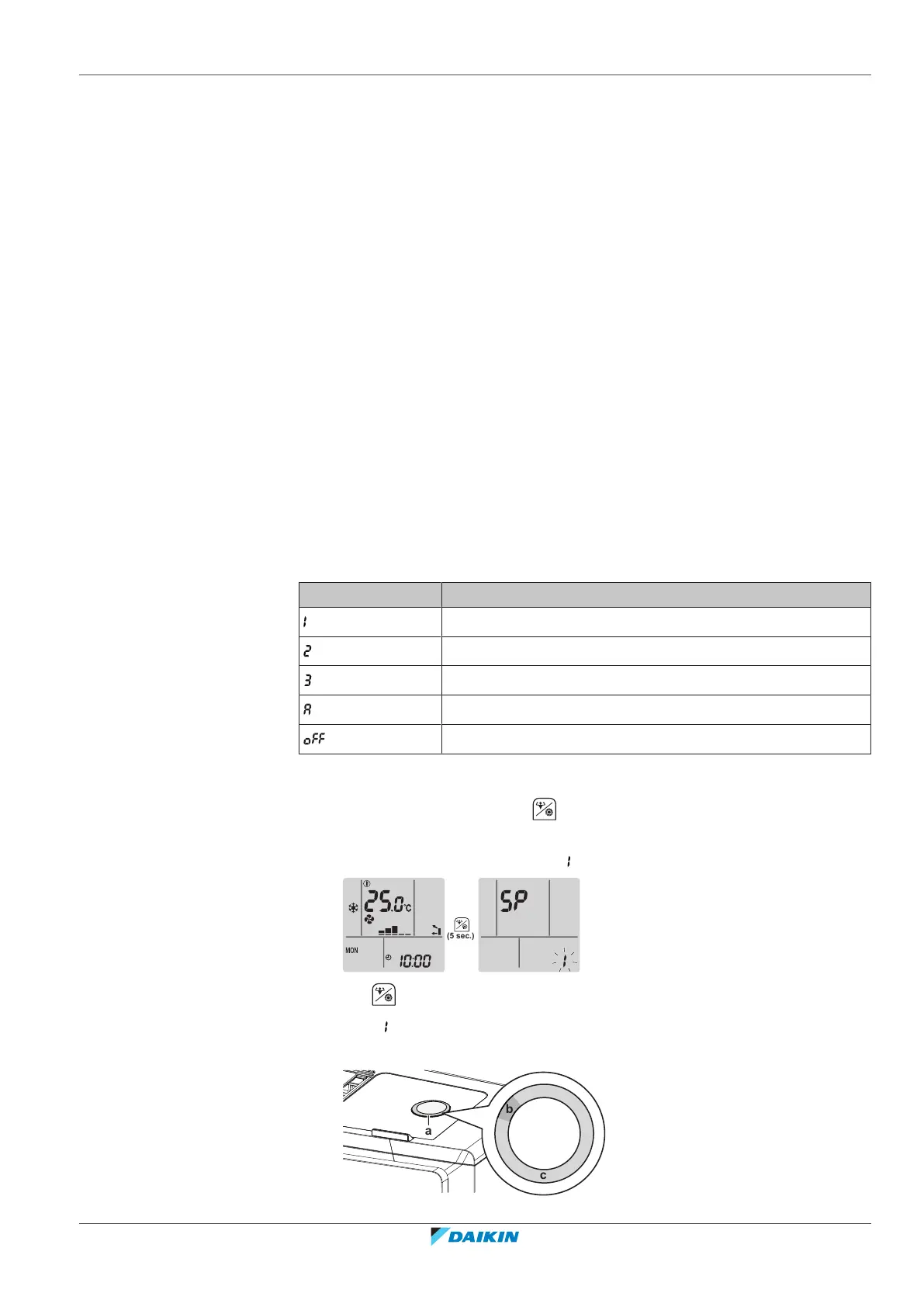
To confirm the wireless LAN connection status
1 On the home screen, press for at least 5 seconds while the unit is not
operating.
Result: SP appears on the display. is blinking.
2 Press to confirm the selection.
Result: is blinking.
3 Check the Daikin eye.





 To Next Page