VII. Abnormalities and Troubleshooting
74 Dakewe (Shenzhen) Medical Equipment Co., Ltd.
www.dakewemedical.com
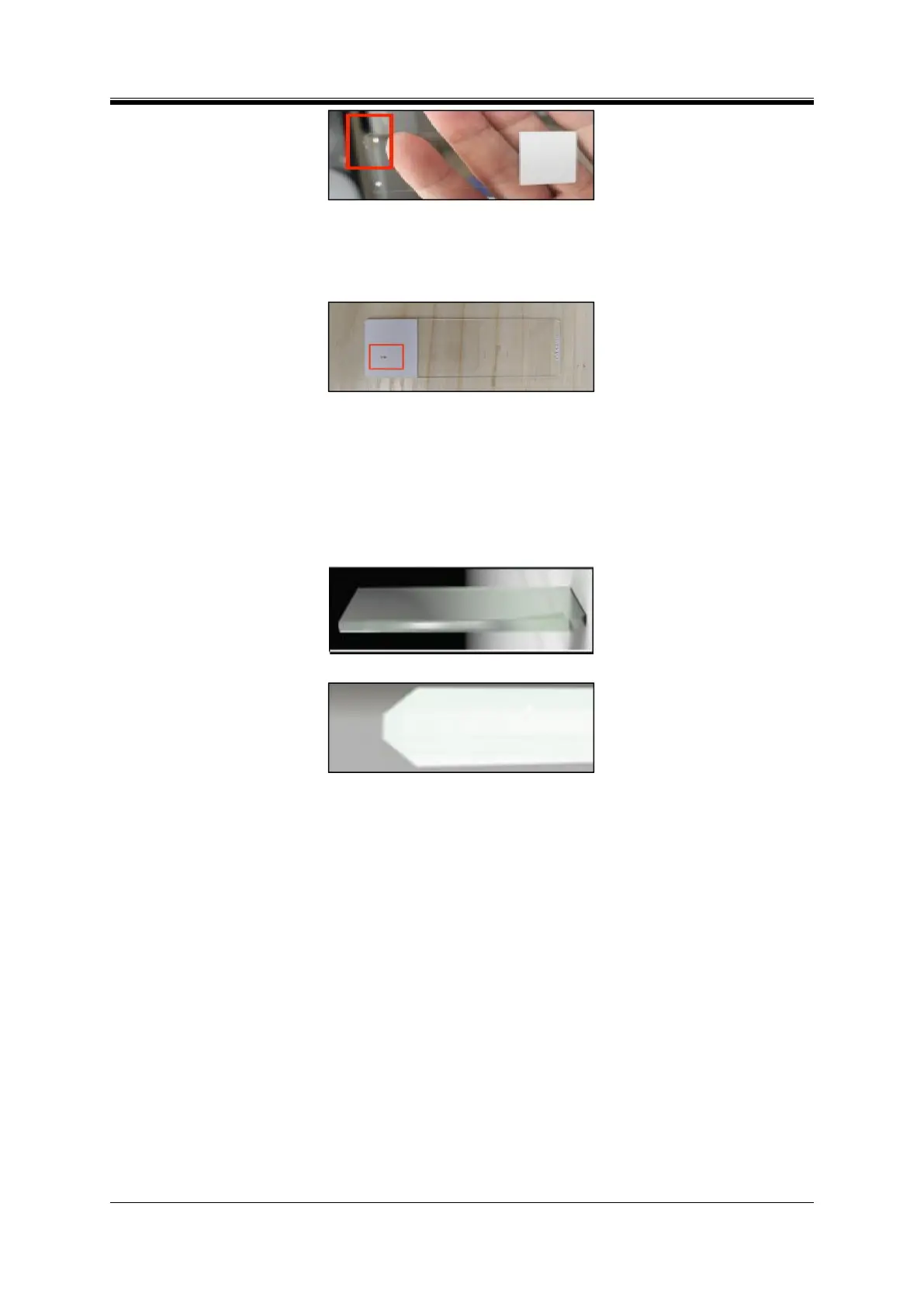
Figure 7- 13 Irregularly shaped slides
(4) Check whether the paint surface of the slide is damaged; if so, remove the damaged slides (Figure
7-14);
Figure 7- 14 Slide with damaged paint surface
(5) Check whether the paint surface of the slide faces upwards; if the paint surface faces downwards,
adjust their facing direction;
(6) Check whether the bevelled slides are used (Figure 7-15); this instrument is not compatible with
such slides, if so, change the type of the slide used;
Figure 7- 15 Eight-sided chamfered slide
Figure 7- 16 Side edge of the eight-sided chamfered slide
(7) Check whether there is glass debris between the slides in the input hopper; if so, clean up the
debris.
6. Open the maintenance door, and check whether there is glass debris on the print platform (Figure
7-17); if so, clean up the debris.
7. Remove the input hoppers, and check whether there is glass debris on the input hopper holder on
both sides (Figure 7-18); if so, clean up the debris.
8. If blocking is observed after opening the maintenance door due to the stacking of slides at the
on-demand output port, it may be caused by an abnormal detection sensor of the on-demand output;
Temporary resolution: Pause the use of the on-demand mode and auto mode; if they must be used, remove
the slide as soon as it is present in the on-demand output to avoid problems; Fundamental resolution:
Contact the engineer to troubleshoot the detection sensor of the on-demand output.



 To Next Page