How the user interface works
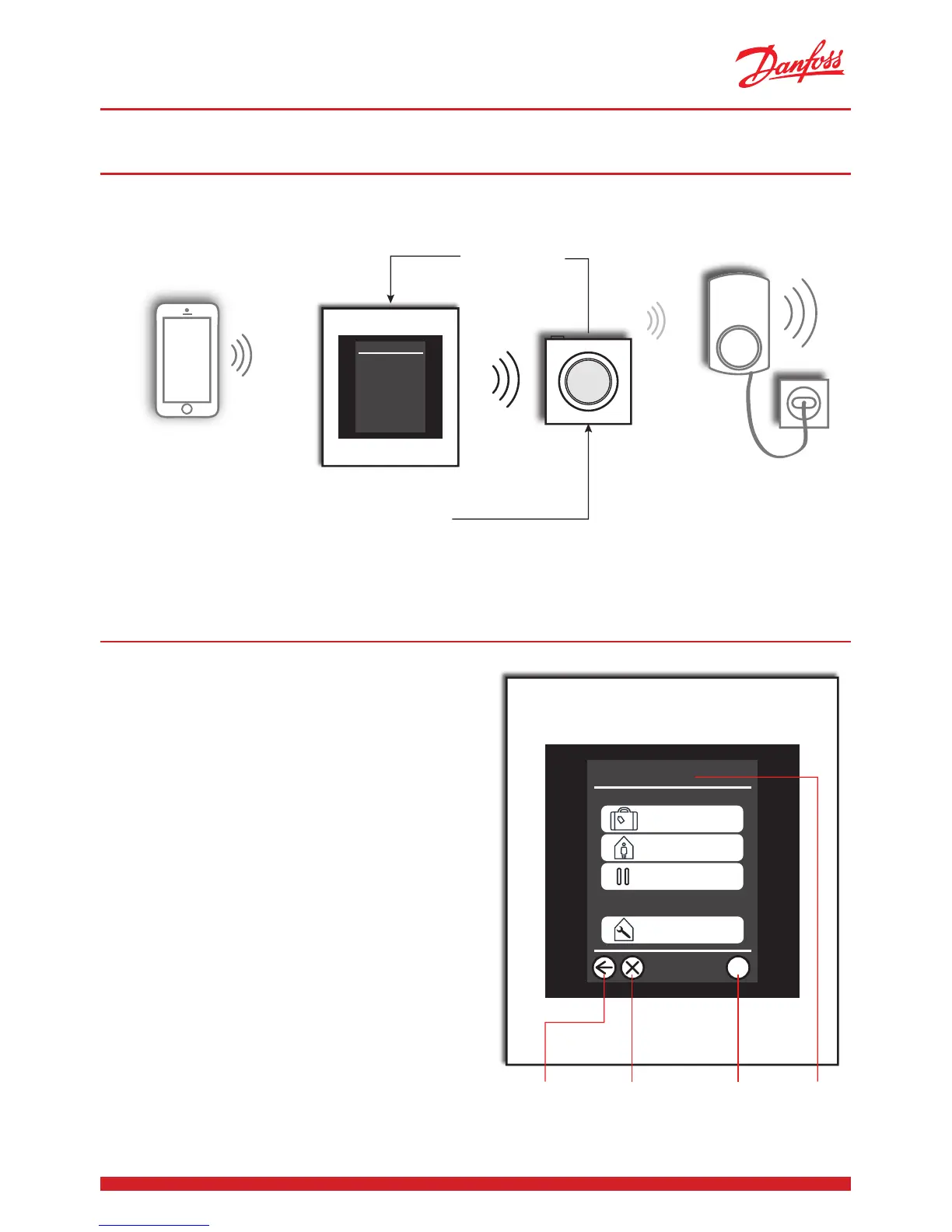
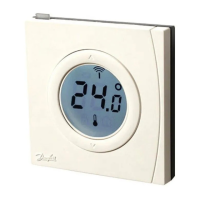
“Room 1 here
- I am now set
to 21.5 °C”
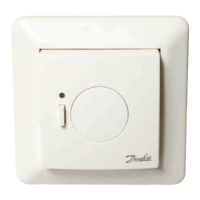
“I set the agenda and
coordinate every-
thing. Room 1 - give
me 21.5 °C”
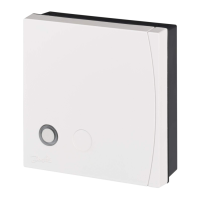
“I am a repeater unit and must
always be turned on. I help the
other units that are located
farthest from the Danfoss
Link™ CC panel to communi-
cat e .”
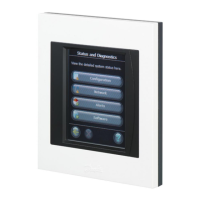
The Danfoss Link system is operated via a user-
friendly touchscreen.
One common characteristic of the user inter-
face is that you are always made aware where
you are in the menu structure, at the top of the
display.
The “Help” key is located in the bottom right-
hand corner. You can use this to obtain ad-
ditional information about the current given
screen display.
The “Back” key is located in the bottom left-
hand corner, and you can use this to go one
step back in the menu.
By pressing the “X” key, you can undo an
erroneous setting. That’s all it takes, it’s as easy
as that.
We encourage you to explore the system’s set-
tings and screen displays in order to become
familiar with the available options.
?
Start
Vacation
Start a special mode
Heating Control and Settings
At Home
House control
“Back” “Undo” “Help” “You are here”
“I can communicate
to the Danfoss Link™
CC panel from a
remote location”
Pause



 To Next Page