DC-2300 User Manual v1.0
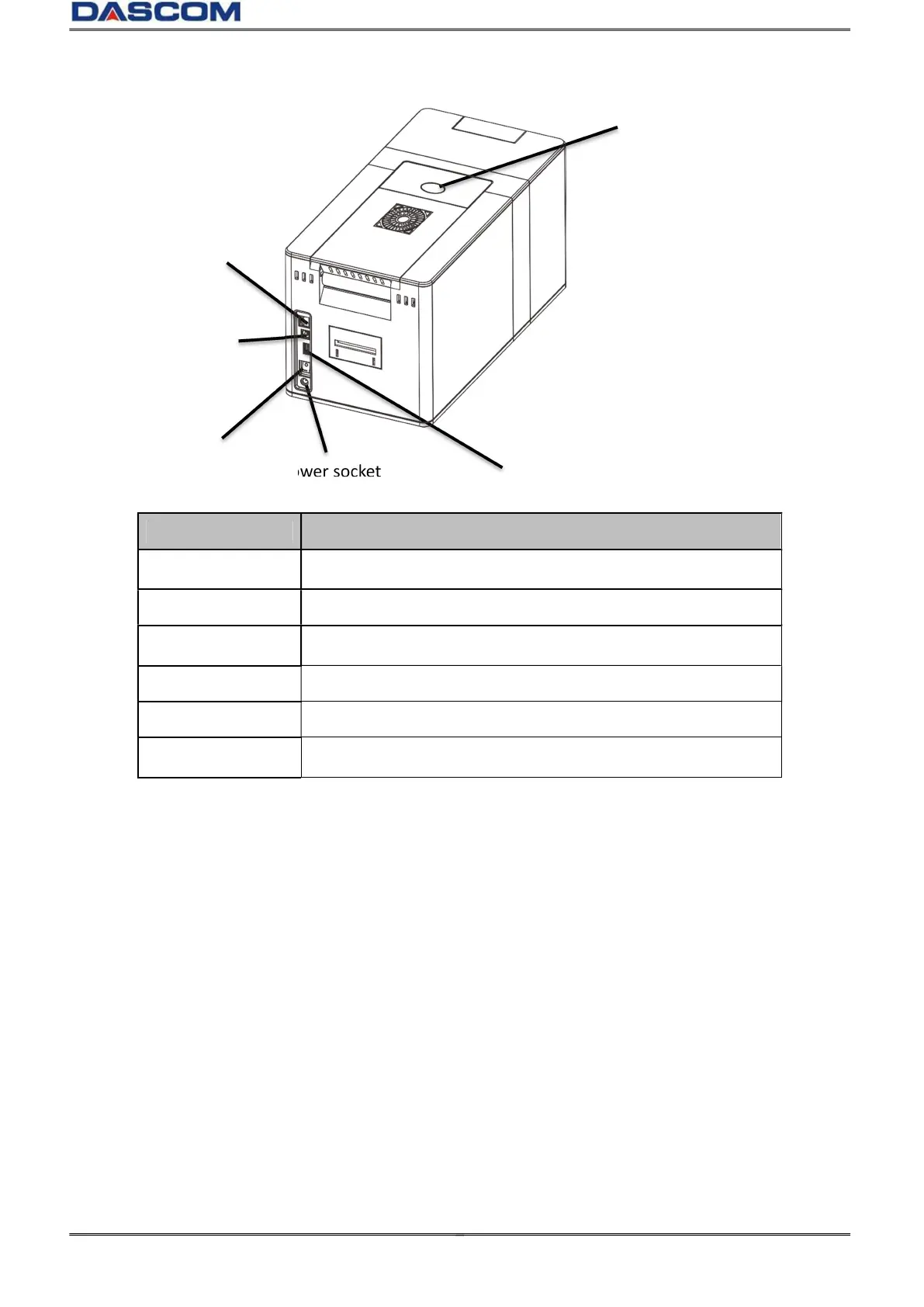
Part name Function
Cover open button
Pull the button up to open the top cover.
Power socket Used to connect Power Cable.
Power switch Turns power on and off.
USB Hub port Connect to the printer via USB Hub port.
USB port Connect to the printer via USB port.
Ethernet port Connect to the printer via Ethernet port.
Power socket



 To Next Page