DC-2300 User Manual v1.0
30
2.4.2 Using settings
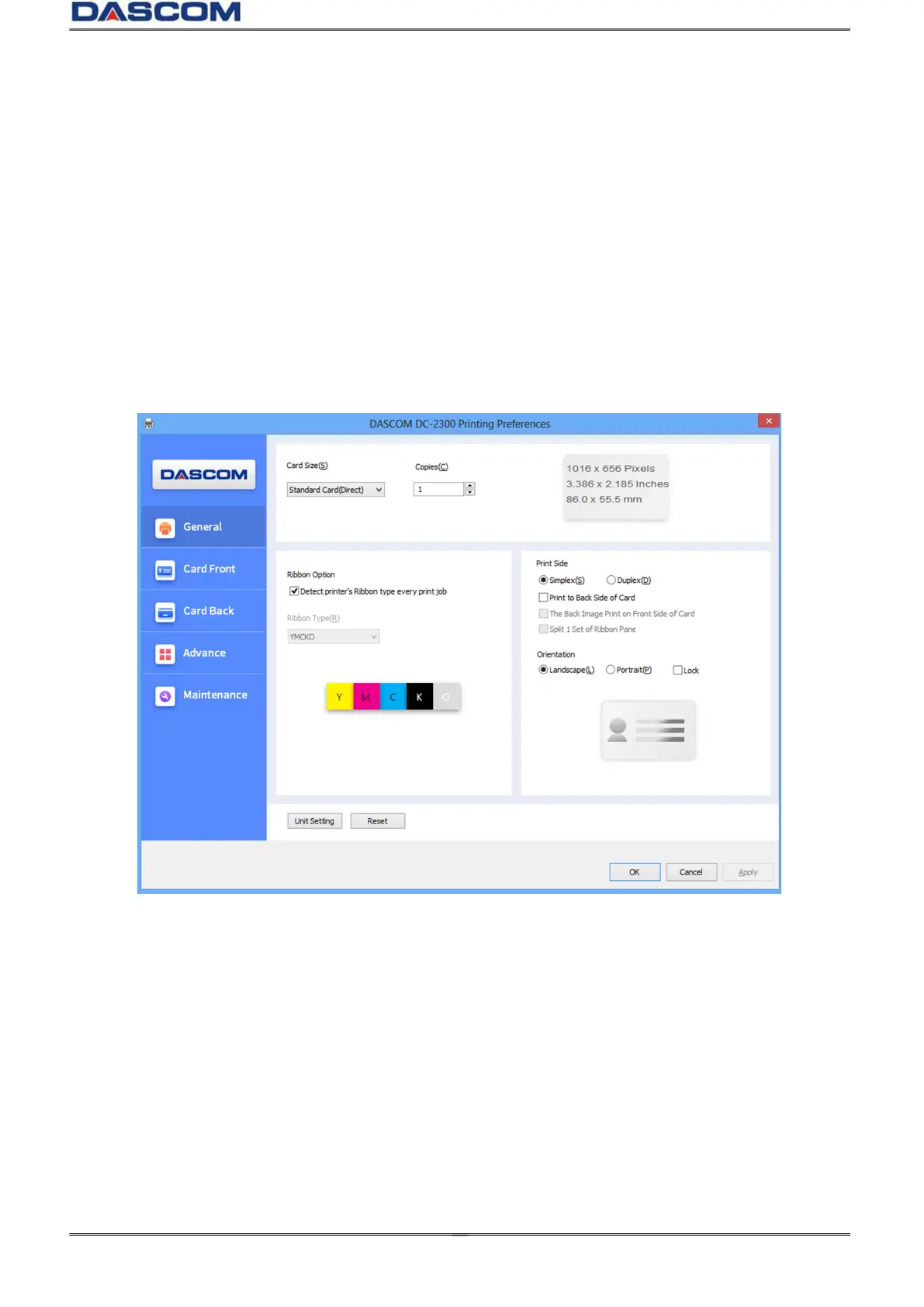
The main selections of the Printer Driver are “General”, ”Card front”, ”Card back” , ”Advance”
and “Maintenance”.
“Gerneral” Tab
Card Size
Copies (Print Quantity)
Ribbon Option (Automatic Ribbon Detection)
Print Side (select Single or Dual-sided printing, front/reverse side printing, Splitting of
YMCK for Color(YMC) on Front and Black on Back side.)
Card Orientation (Portrait or Landscape)



 To Next Page