DC-2300 User Manual v1.0
31
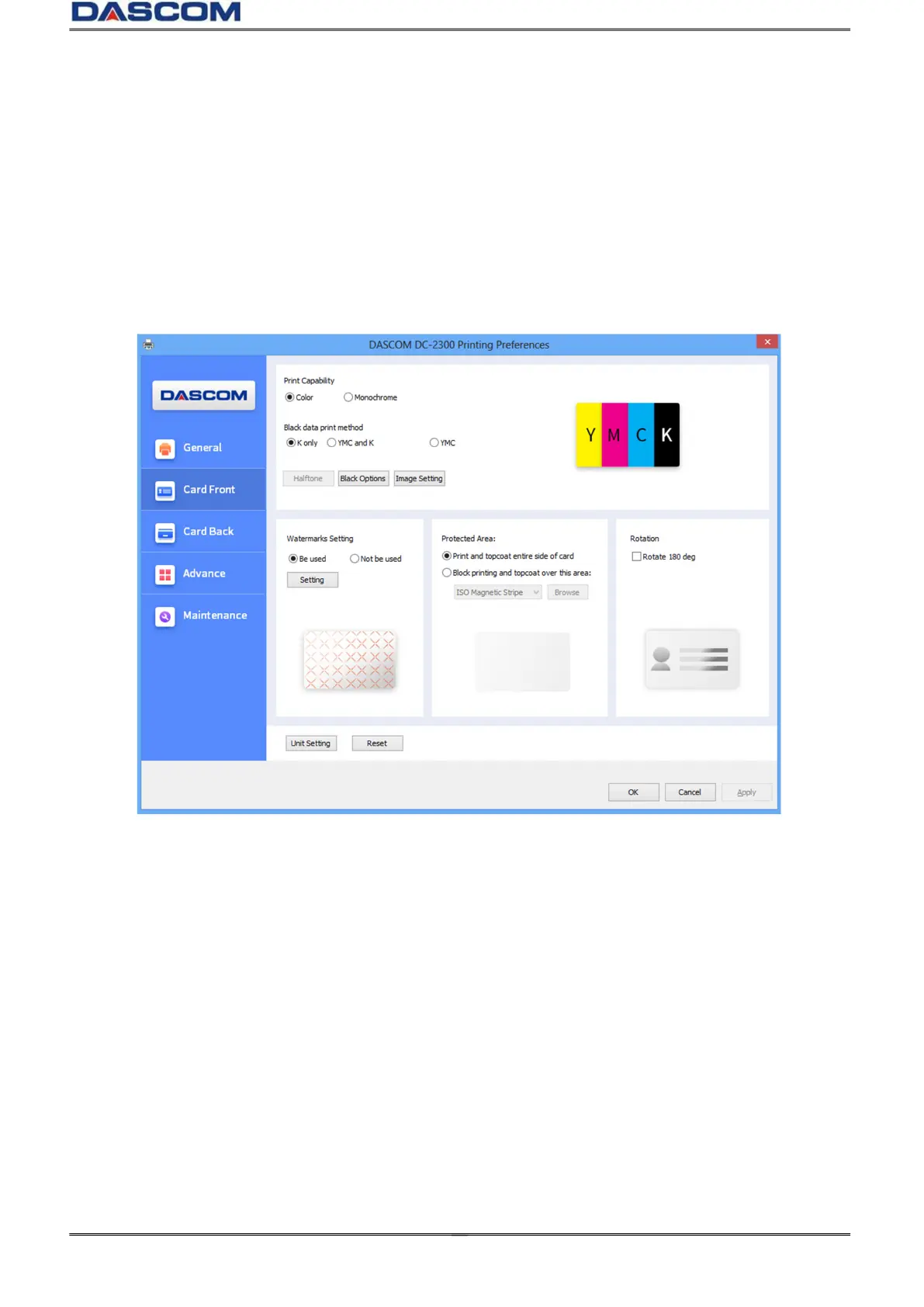
“Card front” Tab
Printing Capability (selects printing in Color or Black only)
Black data print method (User can print black via print K color or YMC secondary colors and K color
or YMC colors. As well as, user can choose monochrome printing, color printing)
Image setting (The default sharpen contrast is 3, the adjustable range is 0-10.)
Protection Area (non-printing zone setting)
Rotation (Rotate the image 180° on the front side)



 To Next Page