DC-2300 User Manual v1.0
14
1.7.2 Installing Windows Driver via Ethernet
Connect the Ethernet cord from the Printer to an available port on a Ethernet Switch or Router. Turn
On the Printer, put the CD-ROM into the computer and choose the Drivers Install program.
The Install program will guide you through the necessary steps to finish the whole installation.
Ensure the printer and the computer are on the same LAN before
installation. Switch on the printer. Please follow the installer carefully.
Some Windows versions require users to have administrator privileges to
install the driver.
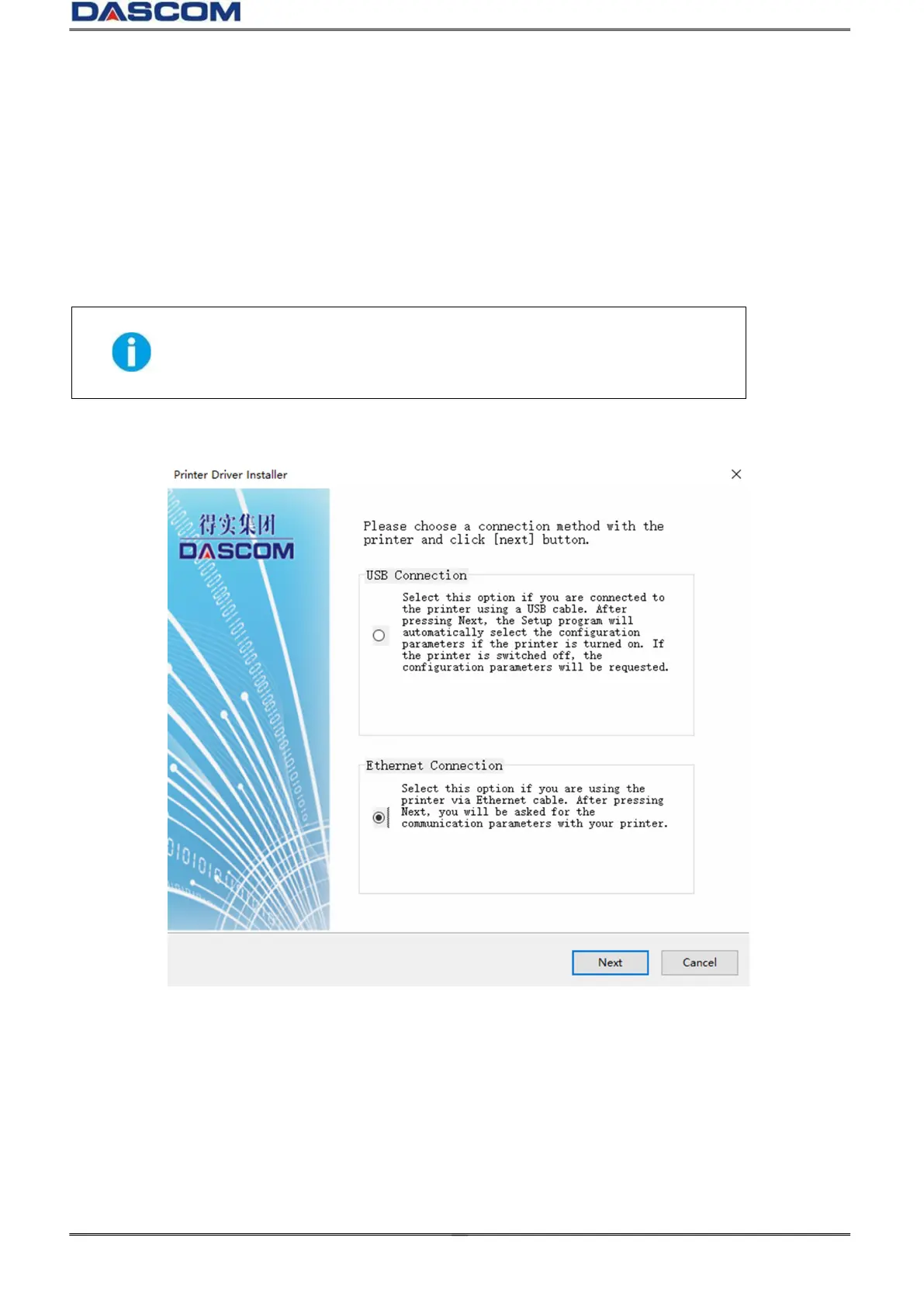
(1) Select Ethernet connection. Click “Next”.



 To Next Page