DC-2300 User Manual v1.0
41
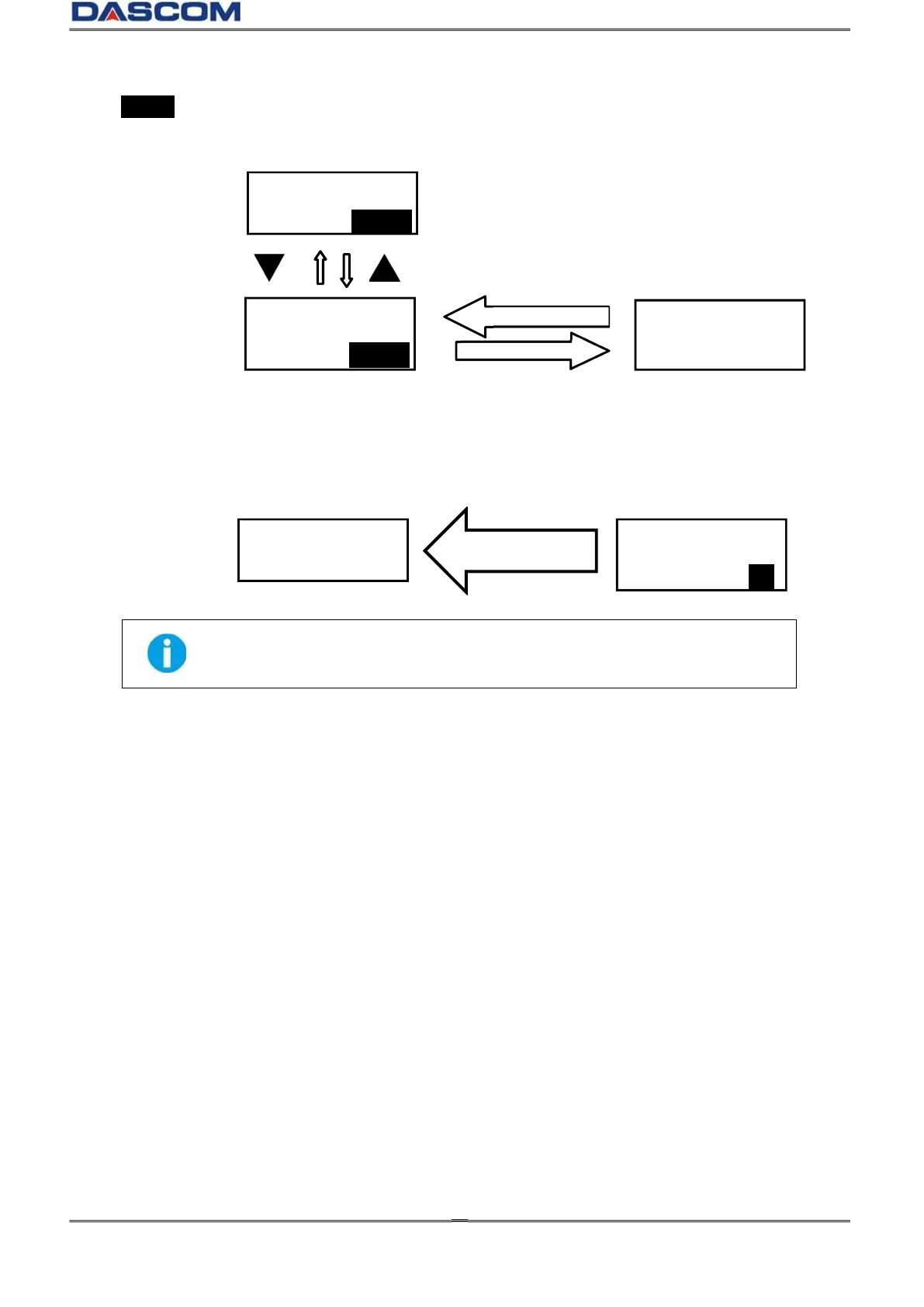
When SET: >> appears on the second line of the menu, pressing SET button enters
available sub-menus. Below, the right menu is the sub-menu of the left one.
Consecutively press Menu/Exit Key until the OLED shows [Quit the Menu]. Then press SET
button to return to Normal Mode:
SET button must be pressed to save the newly changed value.
Pressing Menu/Exit Key or switching off the printer will not save any newly
changed value(s).
Printer Info
Menu/Exit button
Head Info
SET: >>
Printing times
1.0.10.0
Quit the Menu?
Yes
Ready



 To Next Page