USE AND FUNCTIONING
3. Select or clear the “Enable Bluetooth Radio” check box.
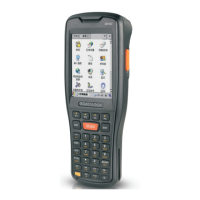
If you’re going to be attaching a serial device (i.e. a scanner) to the Falcon
X3, use the Port control to select a virtual COM port to use for the connection.
5. Tap ‘Find Me’ if you want to make the FalconX3 discoverable to other
Bluetooth® devices for 60 seconds, allowing them to set up a connection.
By default, Bluetooth® is turned off. If you turn it on, and then turn off
your device, Bluetooth® also turns off. When you turn on your device
again, Bluetooth® turns on automatically.





 To Next Page
