Programming Guide 7
If You Make a Mistake...
If, during a programming session, you find that you are unsure of the scanner's
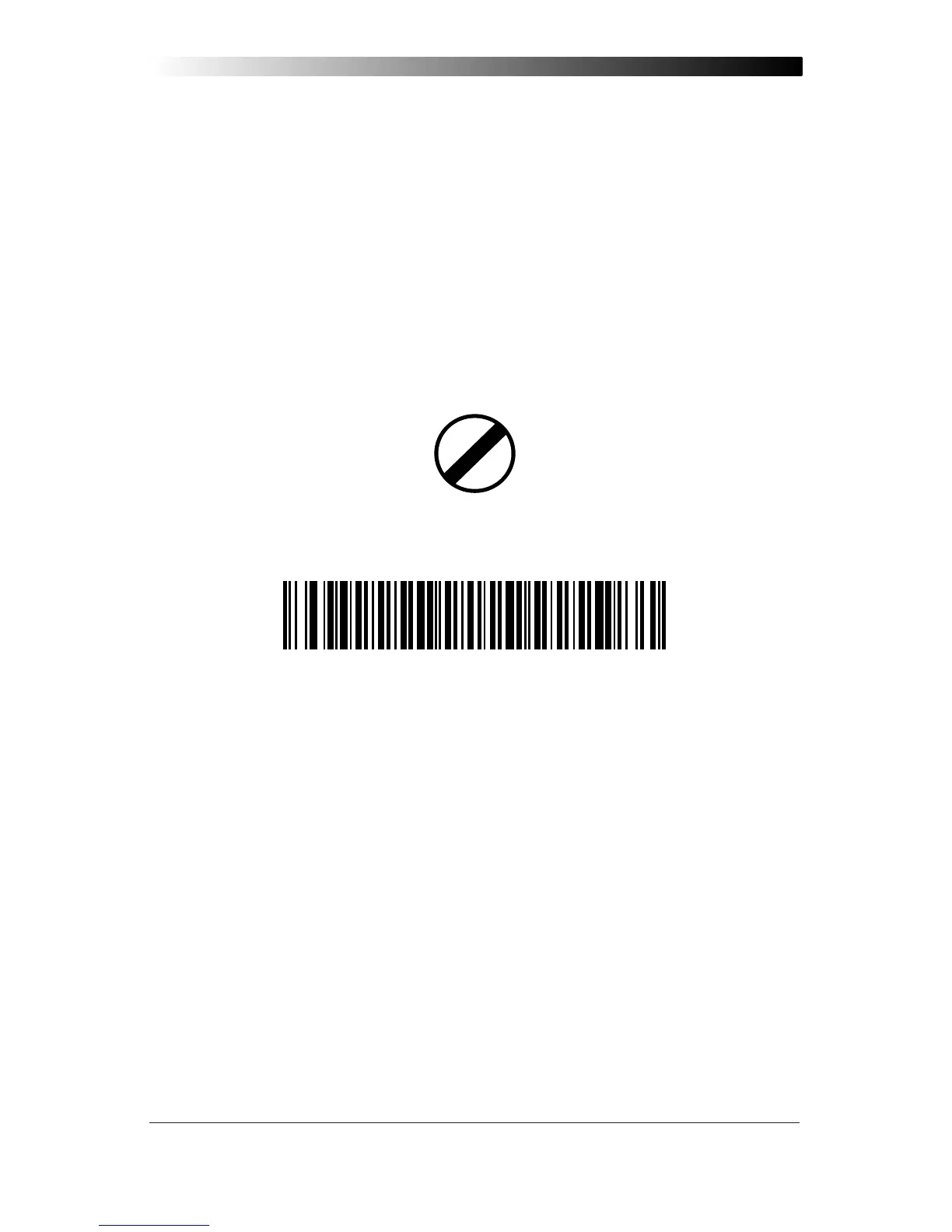
settings or wish to reset the scanner's configuration, use the Return to Factory
Settings label on this page to return the scanner's configuration to the factory settings.
Scanning this label will also reset any changes made during previous programming
sessions.
Return to Factory Settings
Scan this label to return the scanner to the default settings configured at the factory for
your scanner’s original interface specifications. This label is typically used to return the
scanner to a “known” operating state when the present programming status is not
known, faulty, or suspect.
WARNING
Use this label with caution, since it will disable ALL features that
may have been programmed since the scanner’s installation.
If you don't have a record of your site/system's original configuration, you may need
to call your nearest service depot for assistance to return the scanner to normal
function. Please be prepared to provide information about the store/chain, location,
POS system and other pertinent information about the scanner being repaired.












 To Next Page