60
QuickScan 6000/6000 Plus
Code 39 (continued)
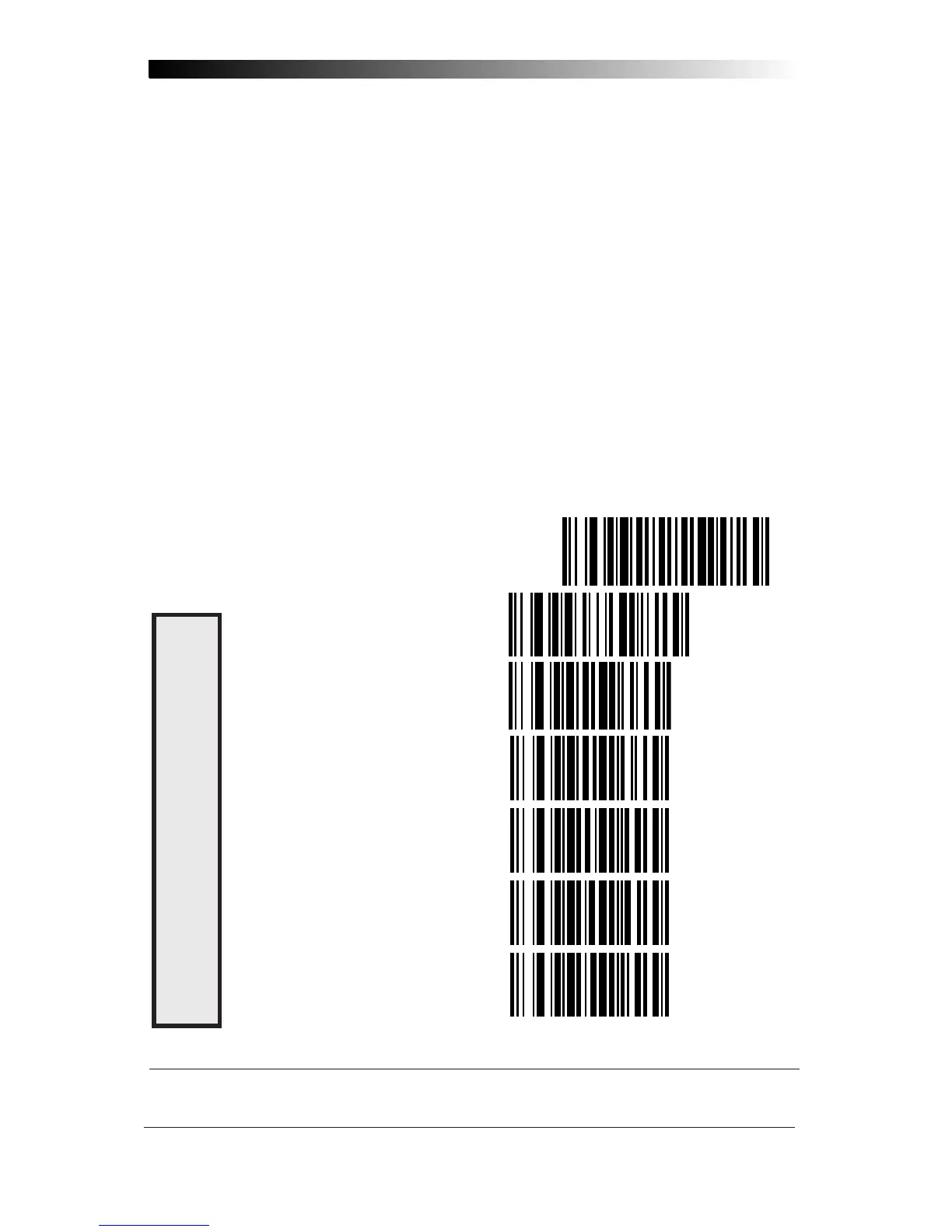
Follow these steps to set Code 39 Minimum Label Length:
1. Identify the minimum length setting you want to make. The
selectable range is 00 to 48
*
characters.
2. Scan the SET label.
3. Scan the SET CODE 39 MINIMUM LABEL LENGTH bar code.
Setting Lengths
If you are setting a length less than ten, you must scan a zero first and
then the length digit ( 04, 06, 08).
4. Set the minimum label length by scanning the correct digits
from below and the next page.
5. Scan the END label.
SET ----------------------------------------------
SET MINIMUM LABEL LENGTH ------
0 ------------------------------------
1 ------------------------------------
2 ------------------------------------
3 ------------------------------------
4 ------------------------------------
C
ODE
39 M
INIMUM
L
ABEL
L
ENGTH
* The IBM POS Interface is limited to 32 character labels.










 To Next Page