68
QuickScan 6000/6000 Plus
• Set Second Fixed Length — use this label to instruct the
scanner that the next two programming labels you scan will
define the second fixed label length. Again, this setting can be
any number of digits between 01 and 50
*
digits.
• No Second Fixed Length — scan this label after setting the first
fixed length to instruct the scanner to recognize only the label
length chosen as the first fixed length.
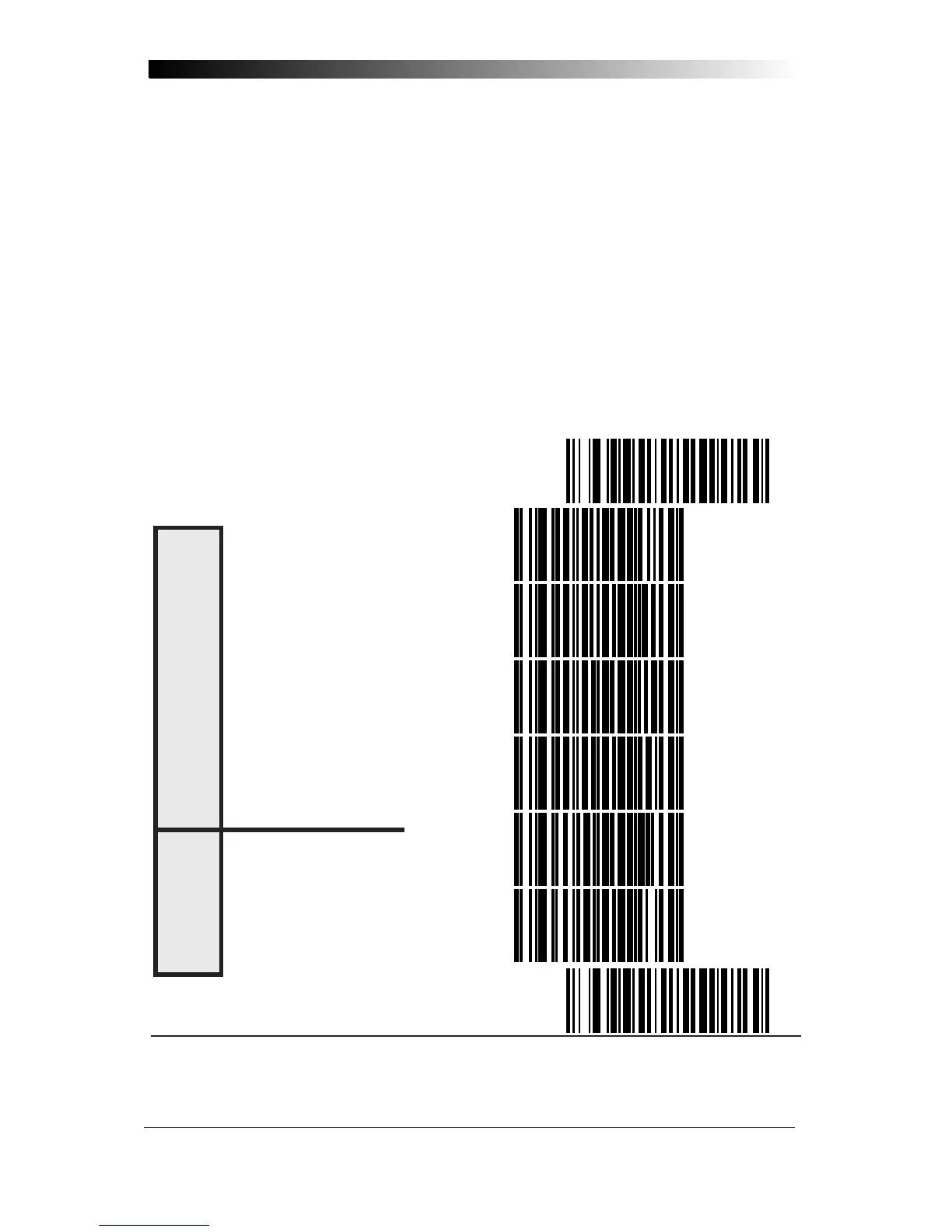
Check Digit and Variable Length Label Selections
These programming labels determine whether you compute and send the
check digit contents.
If you want to set the scanner to read only fixed length labels, follow the
procedures on the pages immediately following.
SET ----------------------------------------------
DON'T COMPUTE --------------------
COMPUTE ---------------------------
DON'T TRANSMIT --------------------
TRANSMIT ---------------------------
ENABLE -----------------------------
DISABLE -----------------------------
END ----------------------------------------------
* For variable length symbologies, the QS6000/6000 Plus will decode up to 50 characters, but
the actual length varies with label size and quality. The IBM POS interface is limited to 32
characters labels.
V
ARIBLE
L
ENGTH
L
ABELS
C
HECK
D
IGIT










 To Next Page