You will see all the channels that the TV has
m e m o r i z e d .
2 1
Watching TV
Basic Use
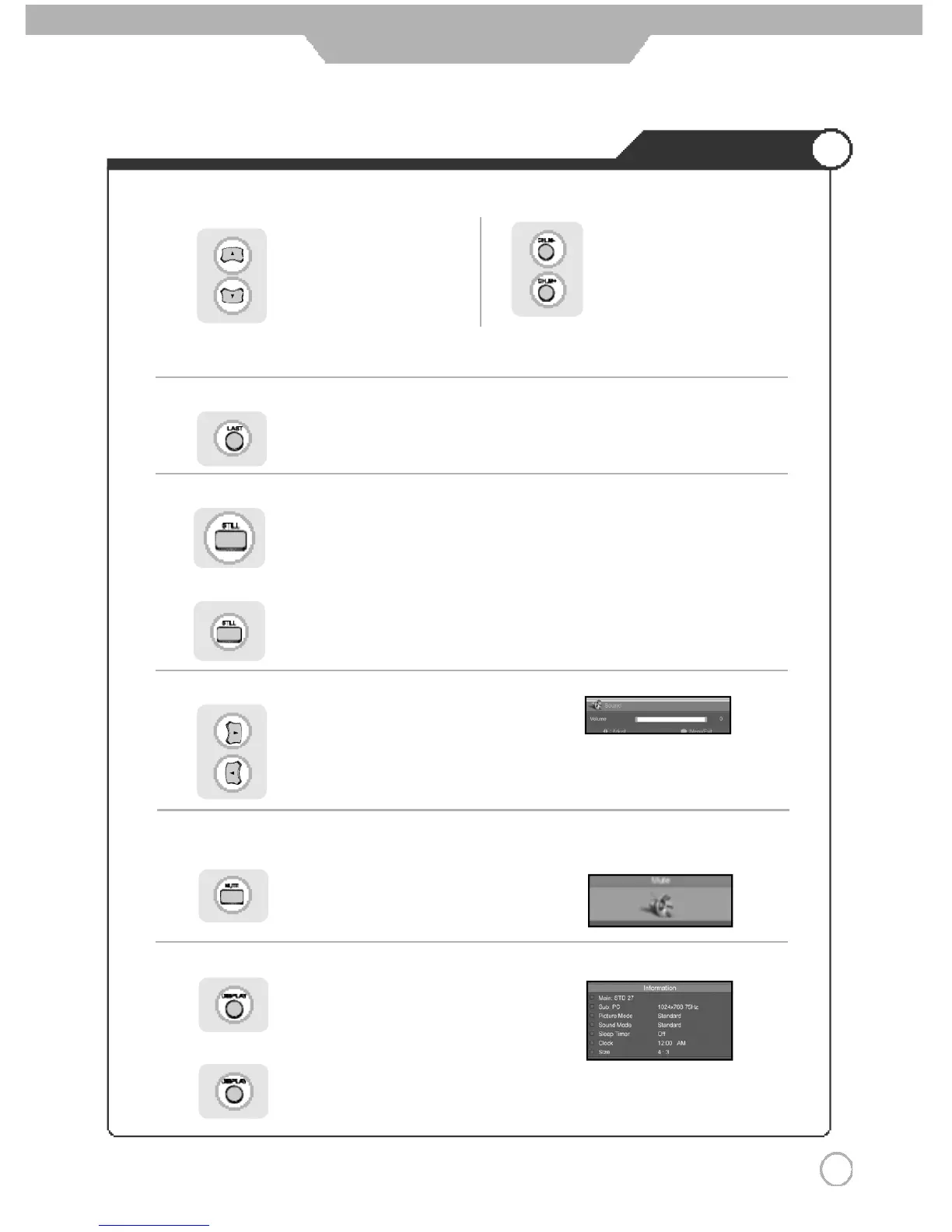
● To check the current state
● To turn off only sound
● Volume Control
● Channel Selection
Use the mute function to turn off the PDP TV sound for a while, when a phone or a bell rings.
Press to go back to the channel you were previously viewing.
increases the memory channel.
decreases the memory channel.
decreases by one channel.
increases by one channel.
Press button again to hear the sound again.
Press button on the remote control.
Press button or wait 10 seconds for the display to disappear.
Display shows user's setting and selections.
You will see channels that were either erased or not
m e m o r i z e d .
● To go back to the previous channel
● To View the still picture
increases the volume.
decreases the volume.
Press .
Picture will freeze, but sound will continue to be heard.
Press again to cancel.



 To Next Page