2 6
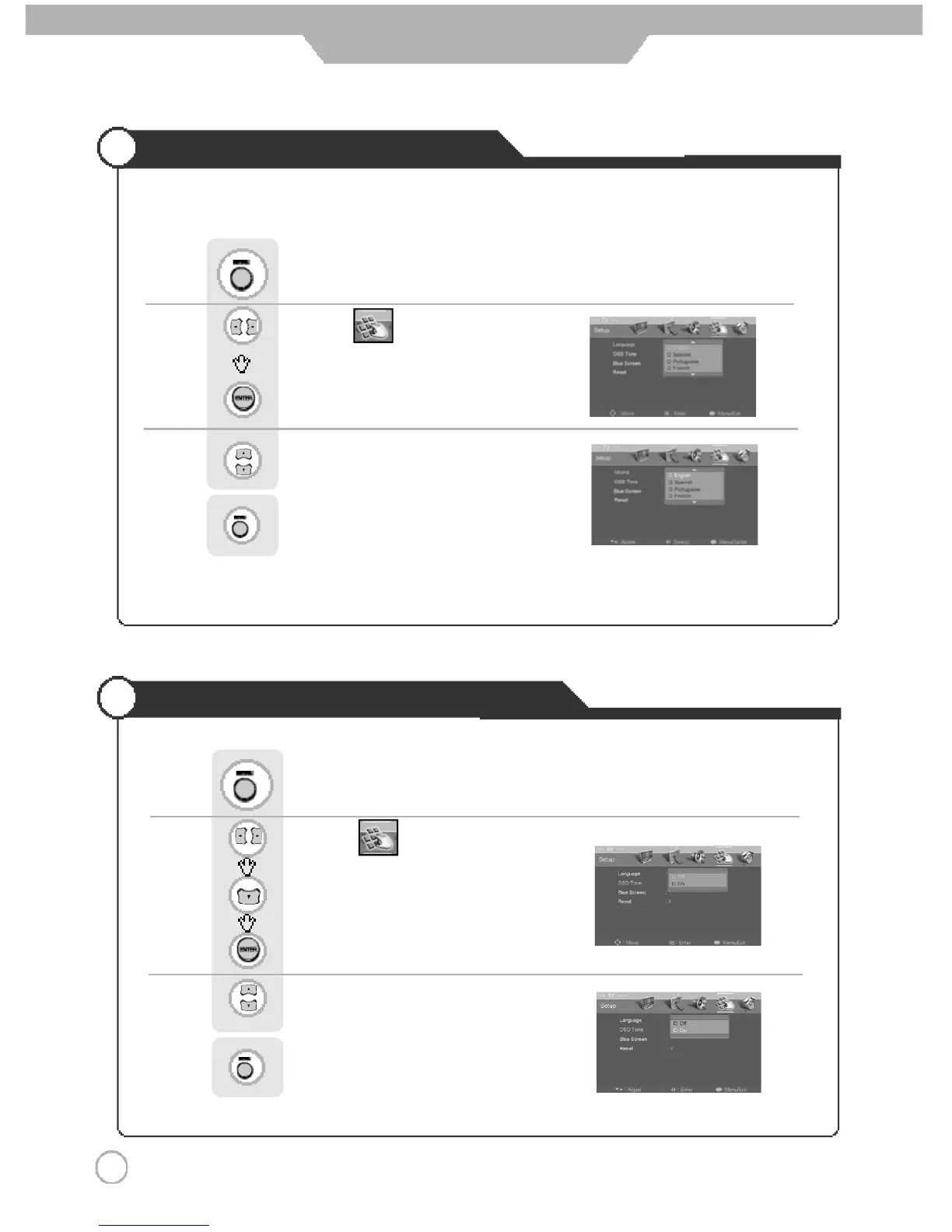
Selecting the Menu Language
Setting OSD Tone Menu Background
Basic Use
Menu screen can be viewed in the language preferred by the user.
Use to move to .
Press to select “Language”.
Press .
Use to select the desired language.
Press to go back to the previous menu.
Use to move to .
Press to move to "OSD Tone".
Press to select.
Press .
Use to select the "On".
Press to go back to the previous menu.



 To Next Page