3 5
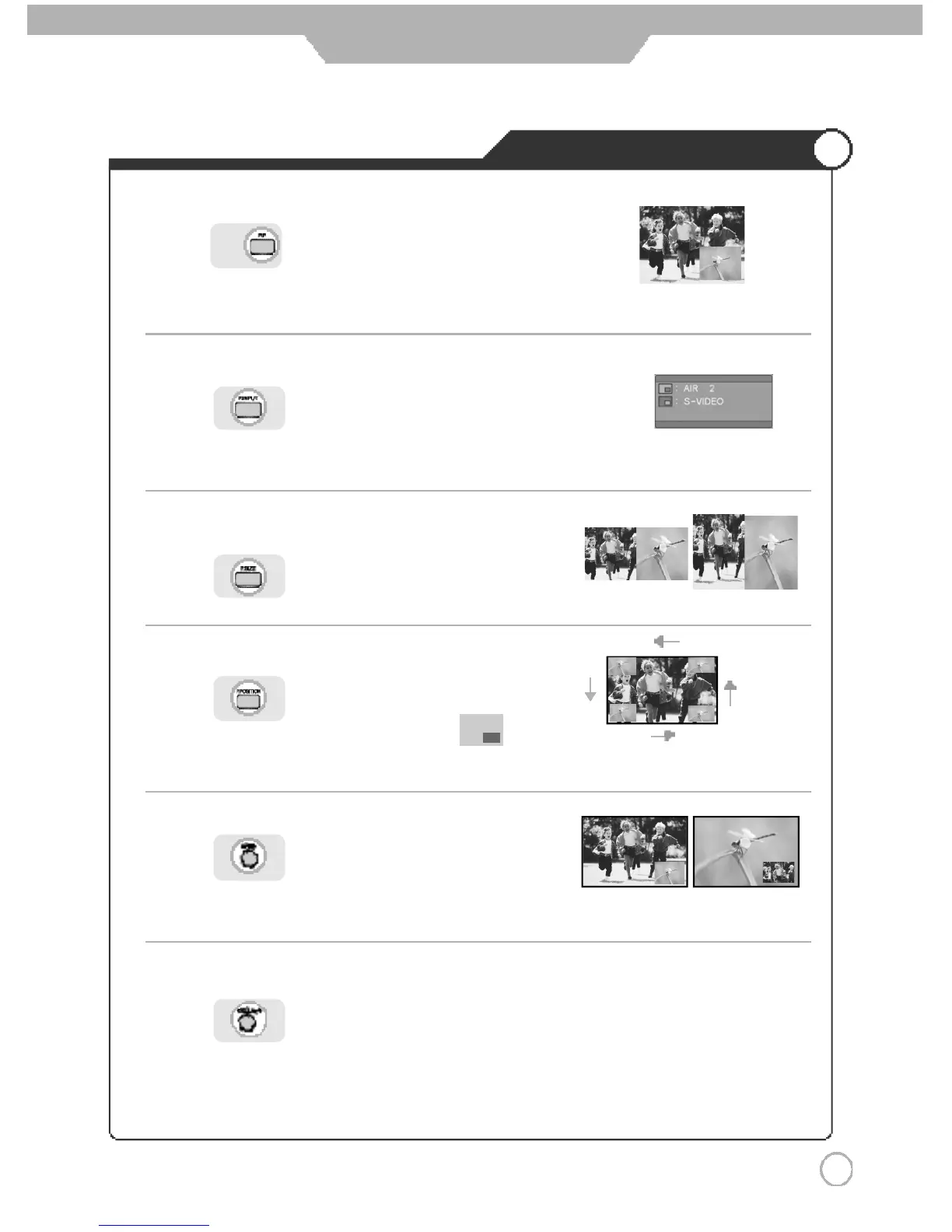
Viewing Picture in Picture
Application
press button on the remote control.
Sound from only one of the screens may be heard.
press
button on the remote control.
The sub-screen can be changed to display picture from the desired input source
.
press
button on the remote control.
Sub-screen position can be selected only from the .
press
button on the remote control.
The main screen and the sub screen will swap.
press button on the remote control.
You can select sound of "Main" screen or "sub" screen.
press
button on the remote control.
.
● TV/External Input
● Changing the Screen Size
●
Main Screen/Sub Screen Swap
● Selecting Position
● Selecting Sub Screen Sound



 To Next Page