3 4
Application
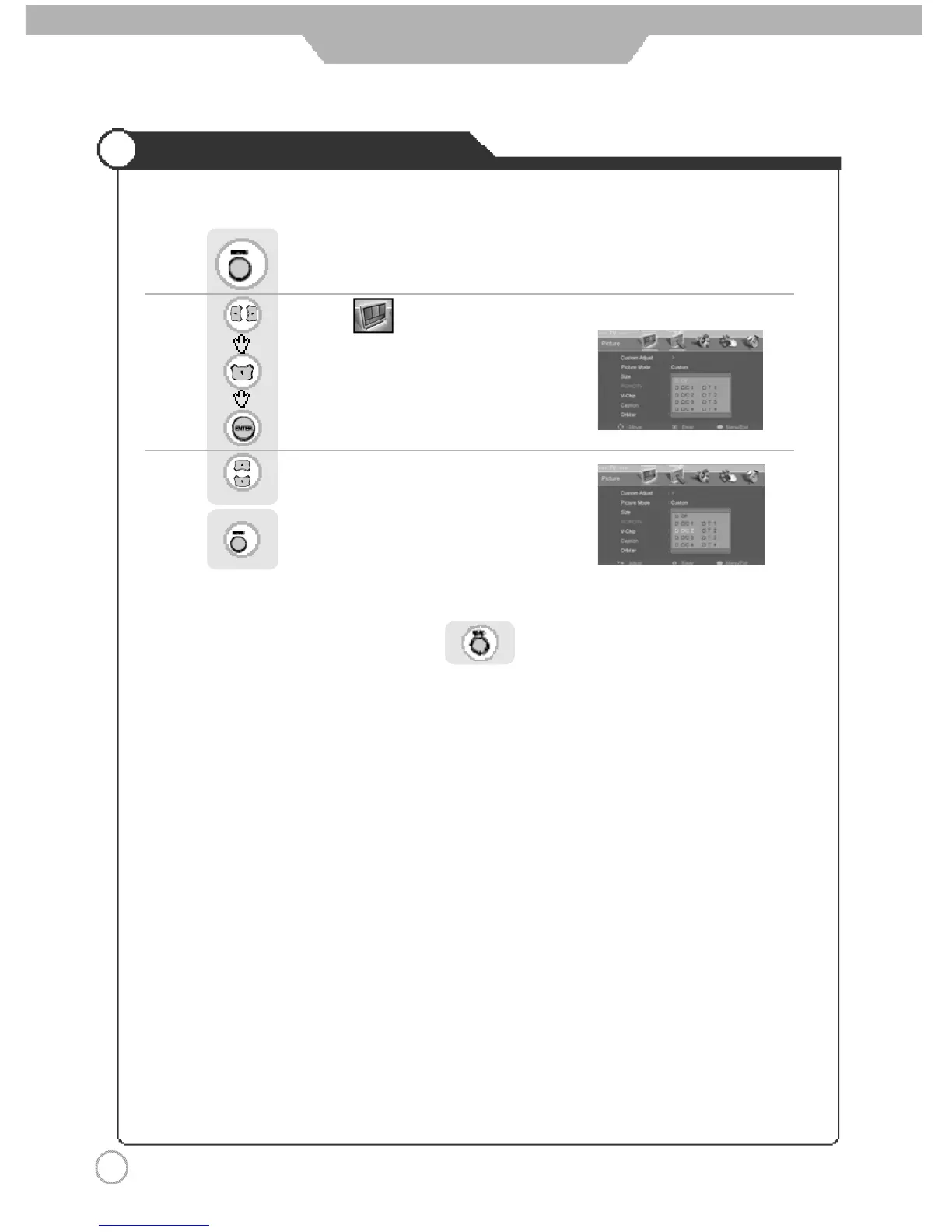
Viewing the Closed Captions
Use to move to .
Press to move to "Caption".
Press to select.
Press .
Use to set the closed captions.
Press to go back to the previous menu.
※ You can select these options in the following order.
※ You can get the same result by pressing the button on the remote control.



 To Next Page