3 7
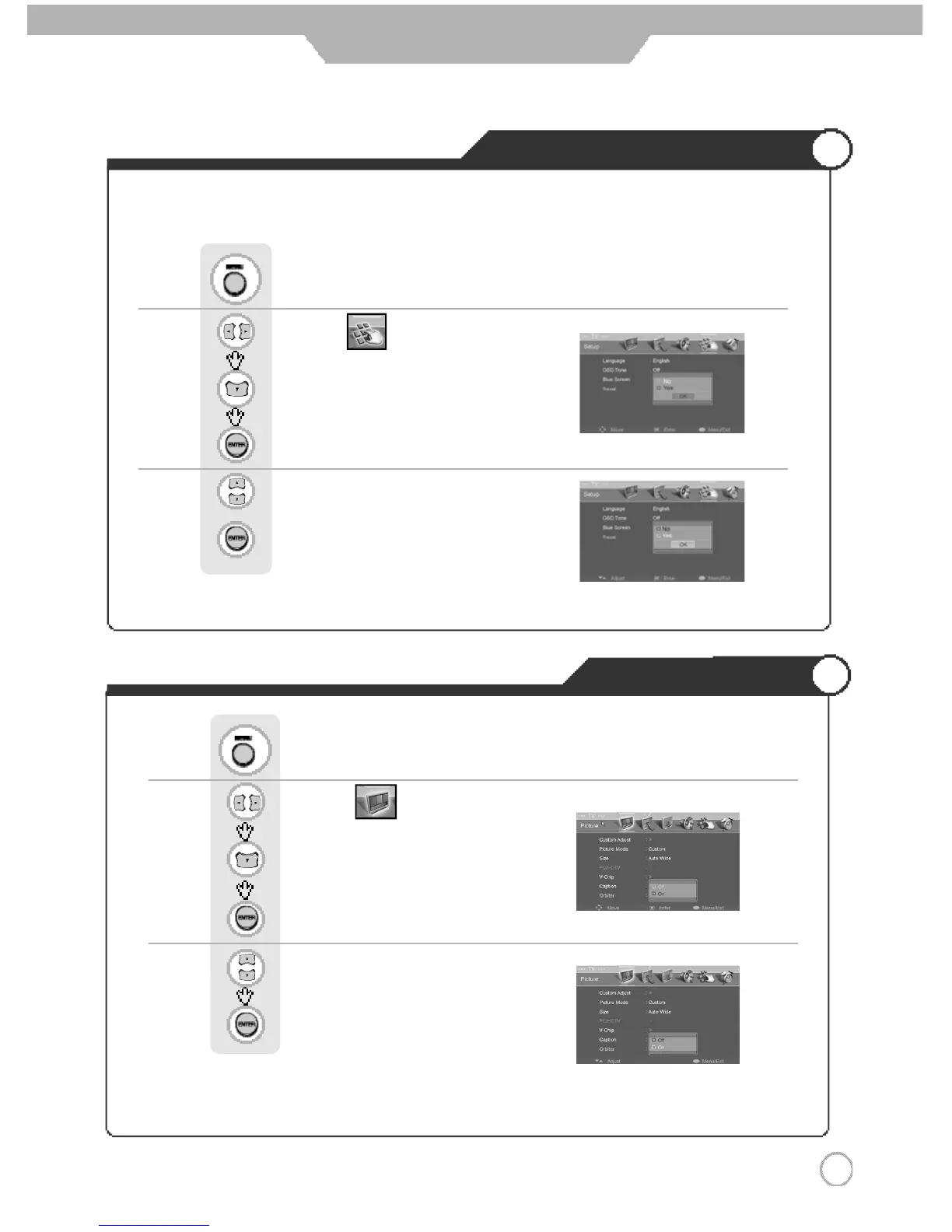
Resetting PDP TV Settings
3 7
Application
It resets all of the parameters to the factory default.
※
The PDP TV will turn off. The parameters will be set to factory default.
Use to move to .
Press to move to "Reset".
Press to select.
Press .
Use to select the "YES".
Press to select
Panel Protection
Use to move to .
Press to move to "Orbiter".
Press to select.
Use to select the "On".
Press to select.
Press .
ON : The screen will move every 30 seconds.
Down → Down → Right → Right → Up → Up →Left → Left
OFF : The screen will be in place the opposite way of orbiter On.



 To Next Page