Operating Functions
Section 3
DriveRack
™
PA
19
DriveRack™ PA User Manual
<PREV PG> - is used to navigate back through the various pages of any module block.
<NEXT PG> - is used to navigate forward through the various pages of any module block.
<EQ> - is used to move to the EQ modules. Successive presses will move you through the
EQ modules in the input section and through EQ modules located in the output section.
<SUBHARMONIC> - This button is used to move to the Subharmonic Synthesizer module.
<XOVER> - is used to move to the Crossover module.
<FEEDBACK> - is used to move to the feedback elimination module.
<COMP/LIMITER> - is used to move to the Compressor or Limiter modules.
<DELAY> - is used to move to the Delay module.
<PROGRAM> - is used to enter program mode when pressed.
<UTILITY> - is used to access the the Utility menu.
<STORE> - is used to store any program changes.
<WIZARD> - is used to enter the Wizard section which includes: SYSTEM SETUP, AUTO EQ
WIZARD and AFS WIZARD.
Once you have reached the module that you wish to edit, simply use the <PREV PG>
and <NEXT PG> buttons to move through the pages within the module. The
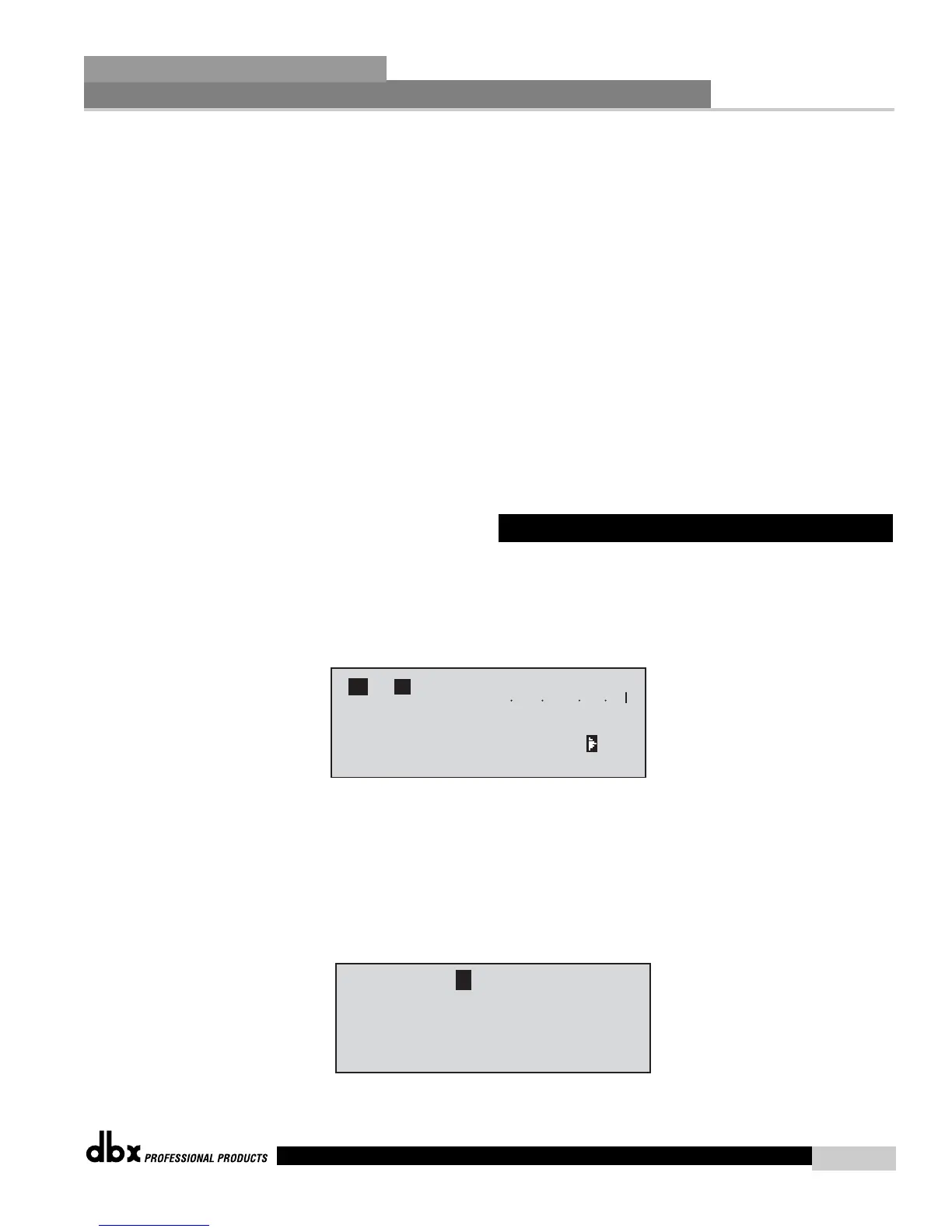
<DATA> wheel is used to edit parameter values. The following illustration shows an
example of the Comp module in edit mode:
Note that the arrow indicates the currently selected parameter for editing. To select
parameters to edit from the current page, simply press the <DATA> wheel until the
arrow is pointing to the parameter that you wish to edit.
Once you are satisfied with the changes that have been made to a factory or user pro-
gram, the DriveRack™ allows you to save these changes as a custom USER program by
pressing the <STORE> button, and the display will appear as follows:














 To Next Page