20
Section 3
DriveRack
™
PA
DriveRack™ PA User Manual
• Rotating the <DATA> wheel will change the icons on the currently selected position.
• Pressing the <DATA> wheel will toggle between upper and lowercase letters, numbers
or symbols.
• Use the <PREV PG> and <NEXT PG> button to move icon positions.
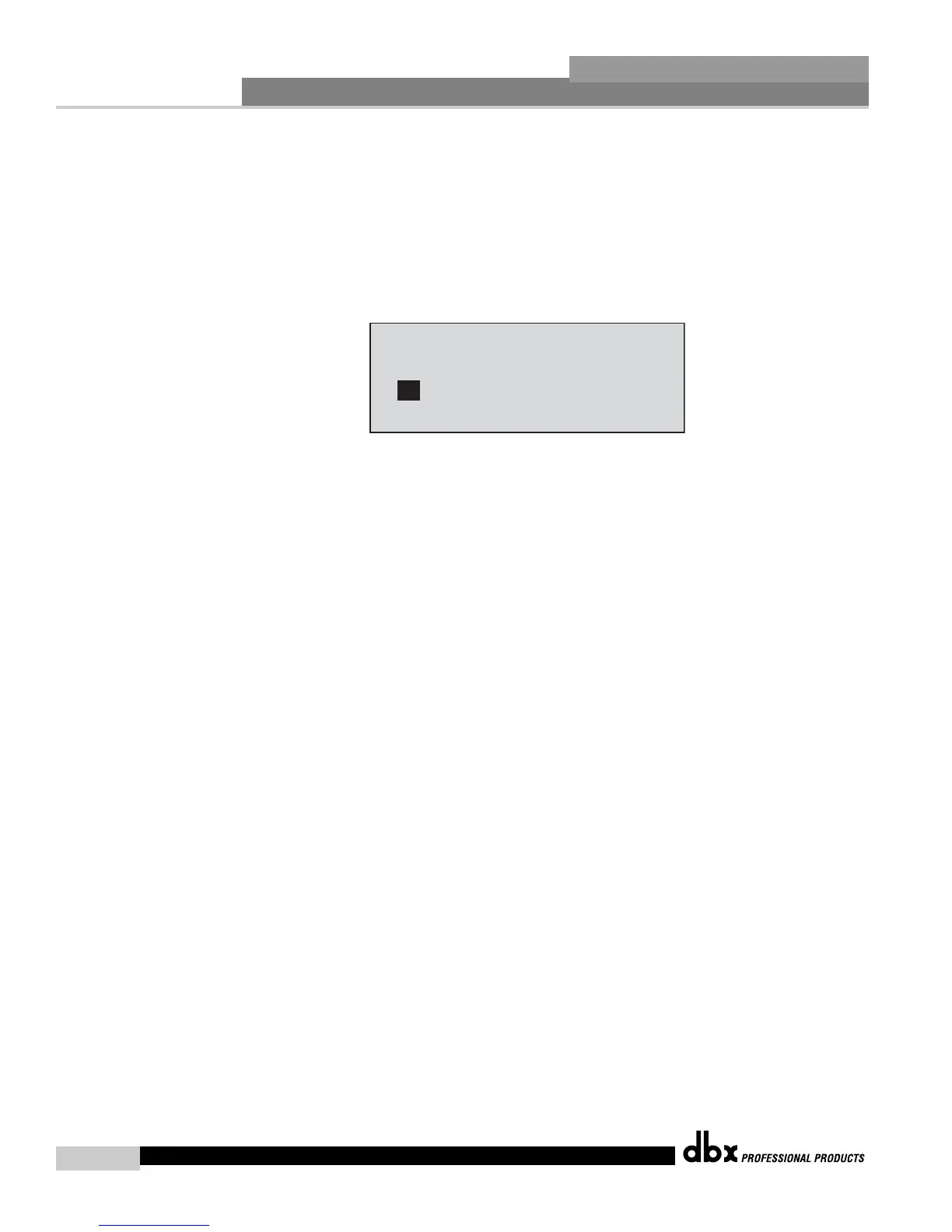
• Once the desired title has been written, press the <STORE> button again and the dis-
play will now appear something like this:
• Rotate the <DATA> wheel to select the program to be replaced and press the <STORE>
button and the existing program will be replaced with the new program.
The DriveRack™ PA will store 25 user programs in addition to the 25 factory programs.
Note: Factory programs cannot be over-written. When storing changes to a Factory pro-
gram, you must replace an existing User program.














 To Next Page