Settings
You can change settings in the menu on the unit, or using the Mosaic Control app.
►
For more information, see "dCSMosaic" on page26.
To change settings for the unit using the Mosaic Control app, select from the left of the
screen on your mobile device.
Navigating the menu
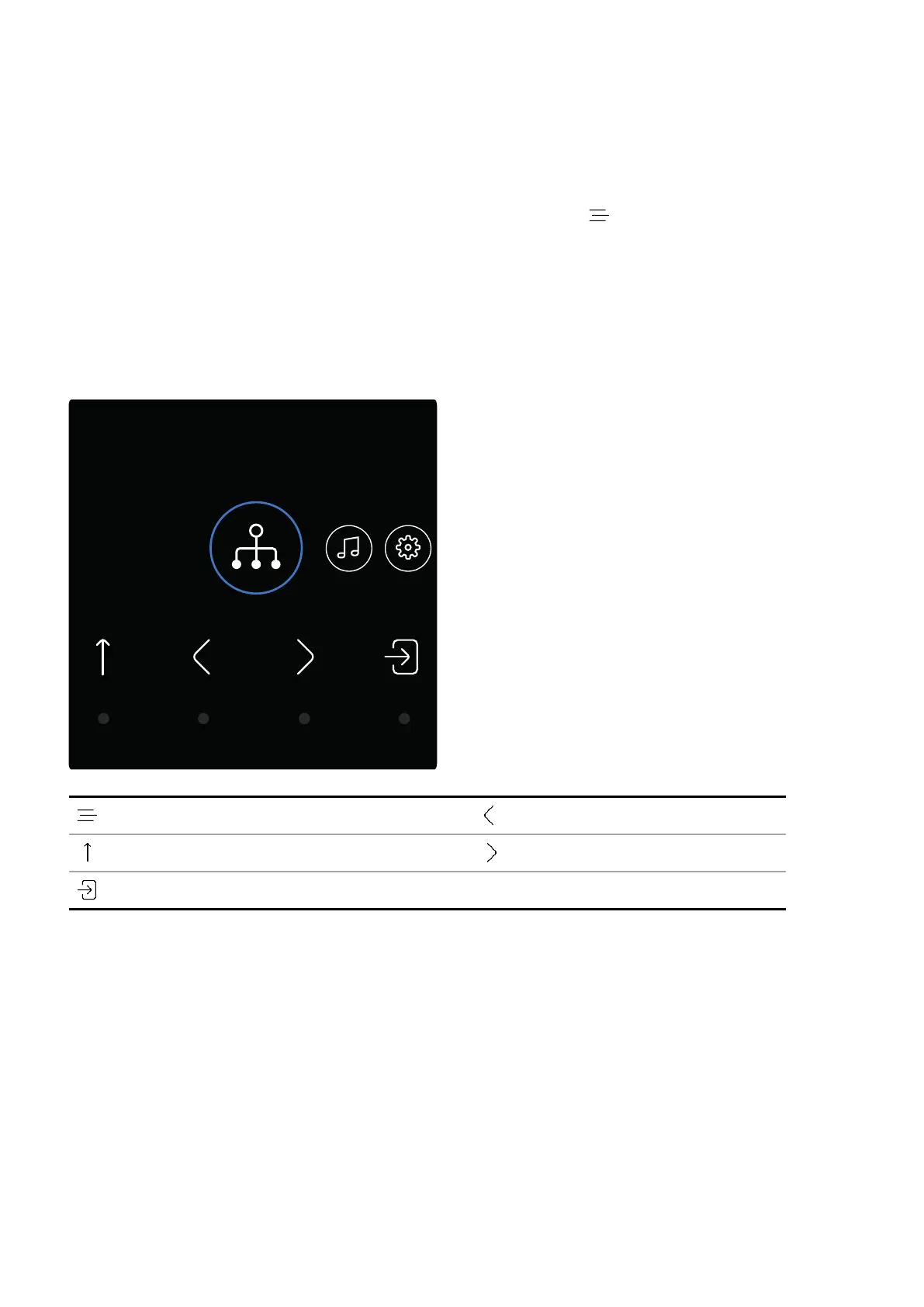
To navigate the menu on the unit, tap the buttons below the display.
Open the main menu Move to the previous item
Move up a level or exit the menu Move to the next item
Enter or select
Settings
LINA Network DAC User Guide
31



 To Next Page