36
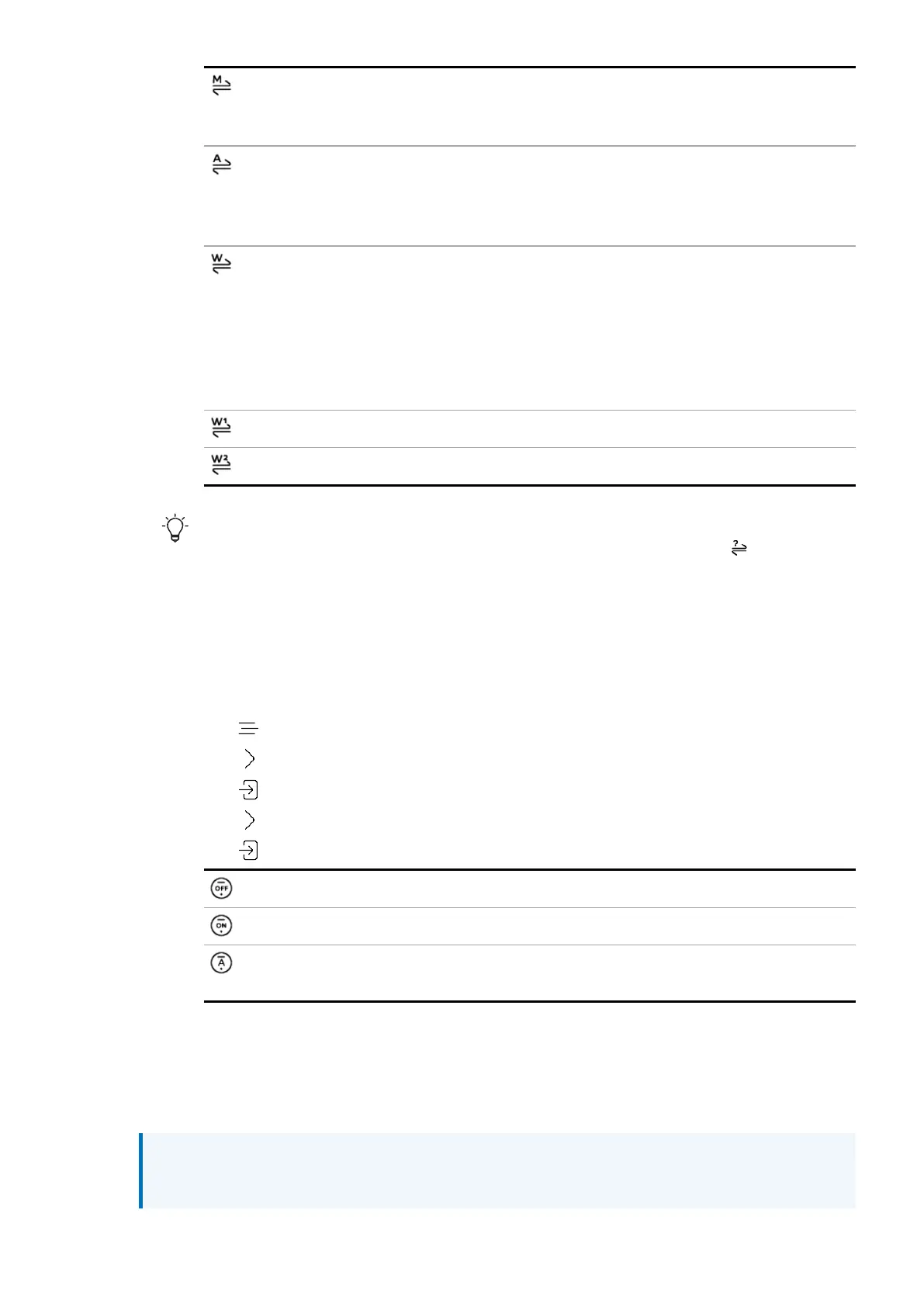
Master. The unit uses its internal clock to control data delivery from the network,
computer or flash drive. For network and USB inputs only. This is the normal mode for
these inputs when a Master Clock is not available.
Audio. The unit locks to the data stream from the source equipment. Recommended
for sources that do not have a suitable Word Clock input. For use with AES and SPDIF
only, with sources that do not have a word clock input that is locked to the Master
Clock.
Word Clock 1-2 Auto. The unit automatically locks to the appropriate clock connected
to the
WORDCLOCK
inputs. Recommended for systems with a Master Clock in a
computer audio system, as the data rate of the music may keep changing.
• Connect the
WORDCLOCK IN1
input to a Master Clock output set to 44.1, 88.2,
or 176.4kHz.
• Connect the
WORDCLOCK IN2
input to a Master Clock output set to 48, 96, or
192kHz.
Word Clock In 1. The unit locks to an external clock connected to
WORDCLOCK IN1
.
Word Clock In 2. The unit locks to an external clock connected to
WORDCLOCK IN2
.
If the unit can't find a word clock that is synchronous with the data on the current
AESor SPDIFinput, it defaults to audio sync. The incorrect clock icon is displayed.
Enabling and disabling Dual AES
You can set the AES inputs to be used together to accept PCM data at over 88.2 kS/s or DSD
in DoP format from a Dual AES source.
1. Tap .
2. Tap to select Device Settings.
3. Tap .
4. Tap to select Dual AES.
5. Tap to change the setting.
Off. Disables Dual AES. Each AES input accepts single AES data.
On. Enables manual selection between Single AES or DualAES.
Auto. This is the recommended setting. The unit detects the data format and
automatically selects Single or Dual AES.
Setting the USB audio class
The
USB1
socket supports two audio classes: Class 1 and Class 2.
NOTICE
Before changing the USB audio class, stop playback and close any relevant audio
applications on the connected computer.
Settings
LINA Network DAC User Guide



 To Next Page