rev1 – Dec 2013 www.digitalcomtech.com 7
LEDs
SYS
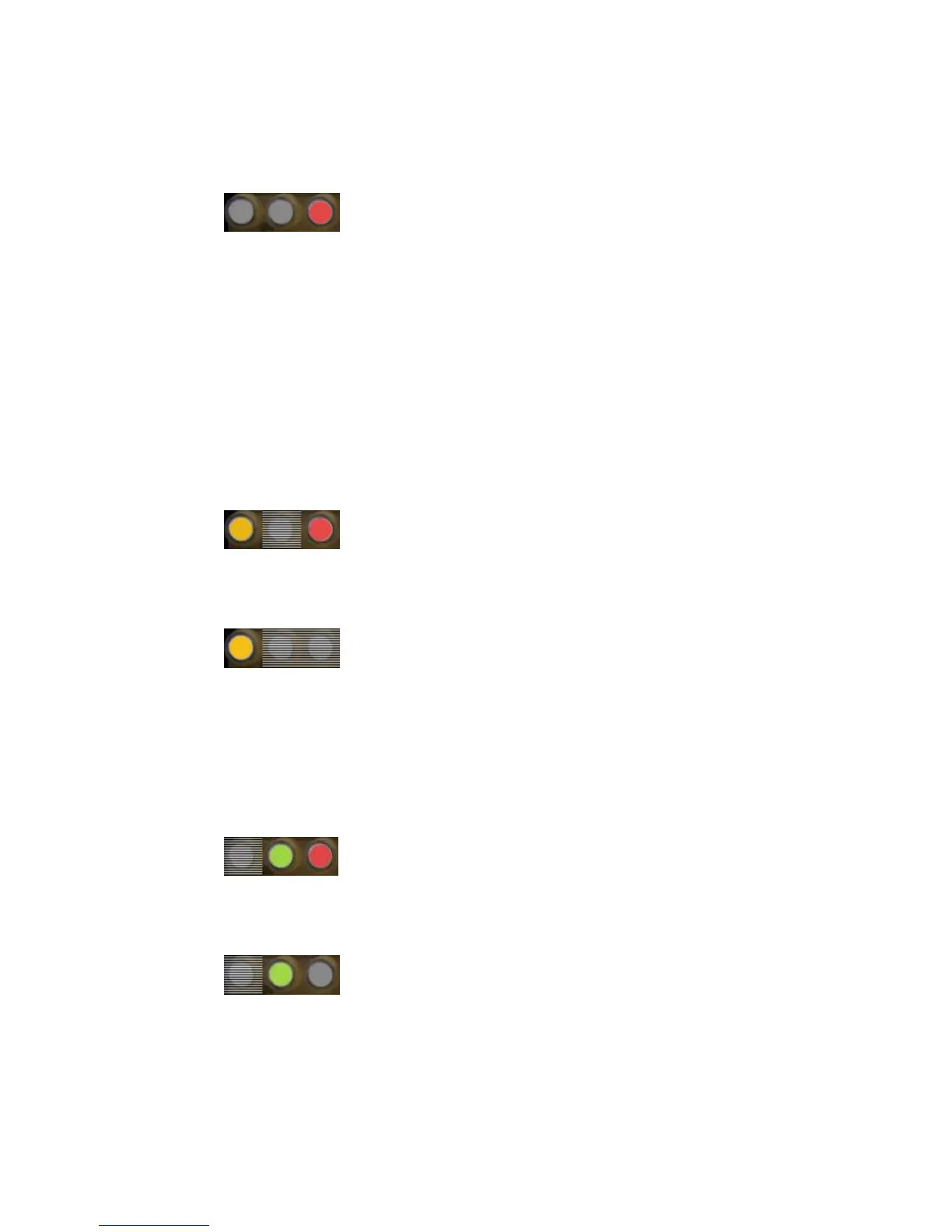
RED LED is not a power indicator; it is a system fault or system abnormal status indicator. Under
normal operation this LED is OFF, it will also flash once when the unit has successfully restarted
and initialized the Syrus application. To verify if the unit is ON, check the state of the GPS and NET
LEDs, which will always show some kind of activity.
- 2 seconds ON – 1 second OFF – (SYS Error) – general system error, lack of SIM or other
hardware related issue.
- Flashes twice rapidly (Airplane Mode) – indicates RF Module is Off, and no communication
via Syrus commands is available.
- Short 0.5 sec flash every 5 seconds (Power Saving Mode) – indicates the unit is sleeping or in
Power Saving Mode.
- On/Off repeatedly every 0.5 seconds (Jamming Detected) – communication jamming was
detected (this could be from an external jammer)
GPS
When both the Red and Yellow LEDs flash in unison, it indicates a GPS Error.
External GPS Antenna in short circuit or internal hardware fault.
YELLOW LED is a GPS Signal indicator.
3 states that indicate GPS Signal Quality (We refer to the adquisicion of GPS Coordinates, latitude and
longitude, as the GPS Fix – fixing its position).
- No GPS Fix – the LED does not flash at all and is always off.
- Low GPS Quality – Show flash every 1 second – indicates low GPS quality
- High GPS Quality – Shows 2 rapid flashes every 1 second
NET
Network Error: indicates a GSM Registration Error. Possible causes:
- No SIM Card inserted, PIN error, or network rejects the SIM card registration
4 States:
On 0.5 seconds / Off 0.5 seconds – Not registered to either GSM or GPRS
On 0.5 seconds / Off 3 seconds – Registered to GSM network, but not GPRS network
Rapid flash twice – attached to the GPRS Network
Solid On – Voice call in progress


 To Next Page