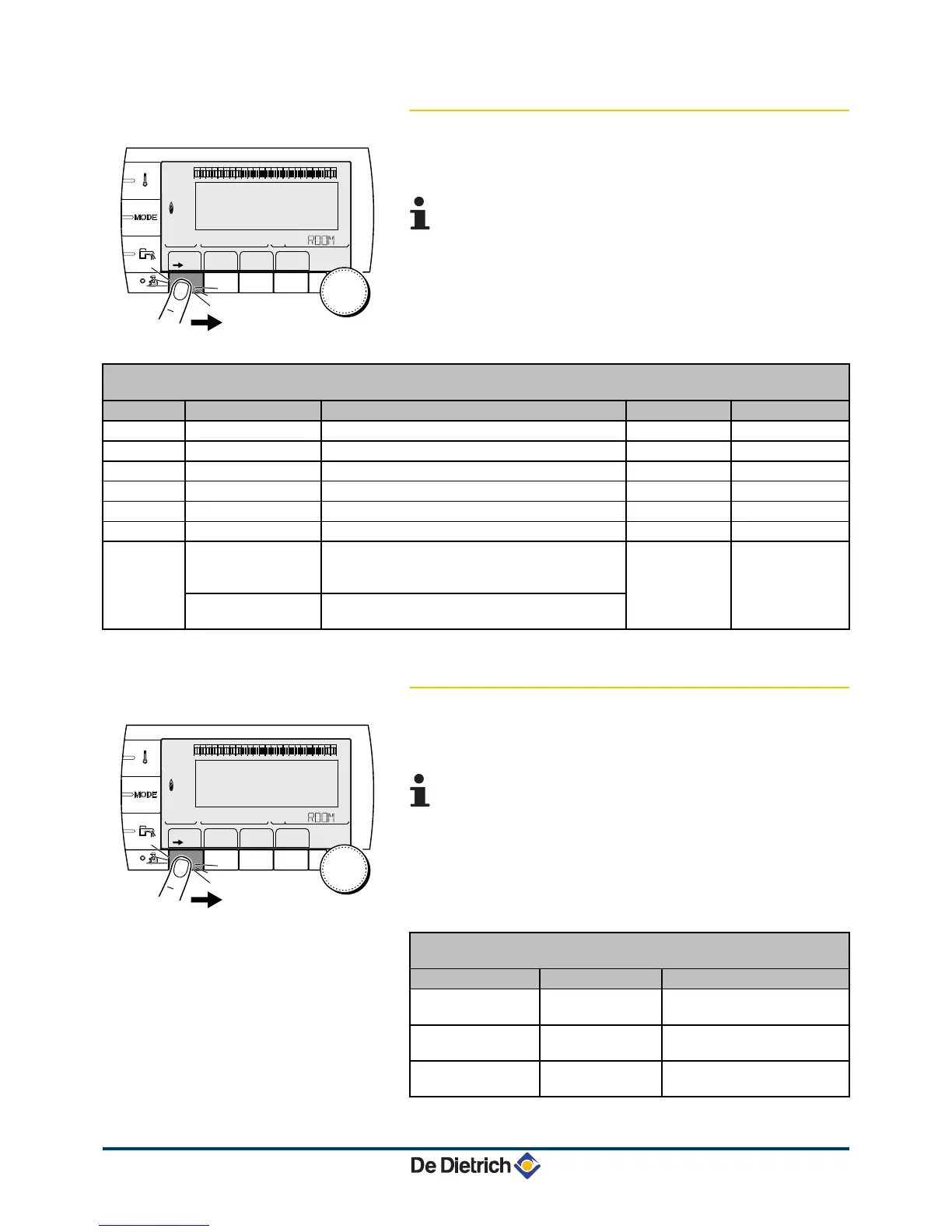
4.3.5. Setting the time and date
1. To access "user" level: Press the
>
key.
2. To select the #TIME .DAY menu.
4 Turn the rotary button to scroll through the menus or
modify a value.
4 Press the rotary button to access the menu selected
or confirm a value modification.
¼
For a detailed explanation of menu browsing, refer
to the chapter: "Browsing in the menus", page 13.
3. To set the following parameters:
"User" level - #TIME .DAY menu
Parameter Adjustment range Description Factory setting Customer setting
HOURS
0 to 23 Hours setting
MINUTE
0 to 59 Minutes setting
DAY
Monday to Sunday Setting the day of the week
DATE
1 to 31 Day setting
MONTH
January to December Month setting
YEAR
2008 to 2099 Year setting
SUM. TIME: AUTO
automatic switch to summer time on the last Sunday
in March and back to winter time on the last Sunday
in October.
AUTO
MANU
for countries where the time change is done on
other dates or is not in use.
4.3.6. Selecting a timer programme
1. To access "user" level: Press the
>
key.
2. To select the #CHOICE TIME PROG. menu.
4
Turn the rotary button to scroll through the menus or
modify a value.
4 Press the rotary button to access the menu selected
or confirm a value modification.
¼
For a detailed explanation of menu browsing, refer
to the chapter: "Browsing in the menus", page 13.
3. To select the desired parameter.
"User" level -
#CHOICE TIME PROG. menu
Parameter Adjustment range Description
CURRENT PROG.A
P1 / P2 / P3 / P4 Comfort programme activated
(Circuit A)
CURRENT PROG.B
P1 / P2 / P3 / P4 Comfort programme activated
(Circuit B)
CURRENT PROG.C
P1 / P2 / P3 / P4 Comfort programme activated
(Circuit C)




 To Next Page