"User" level - #TIME PROGRAM menu
Day Comfort periods / Filling enabled:
P1
_______________
P2 _______________ P3 _______________ P4 _______________
TIME PROG.AUX
Monday
Tuesday
Wednesday
Thursday
Friday
Saturday
Sunday
4.3.8. Setting an annual clock
The annual clock is used to programme up to 10 heating stop periods
over one year. The circuits selected for this stop are in Antifreeze
mode during the period chosen.
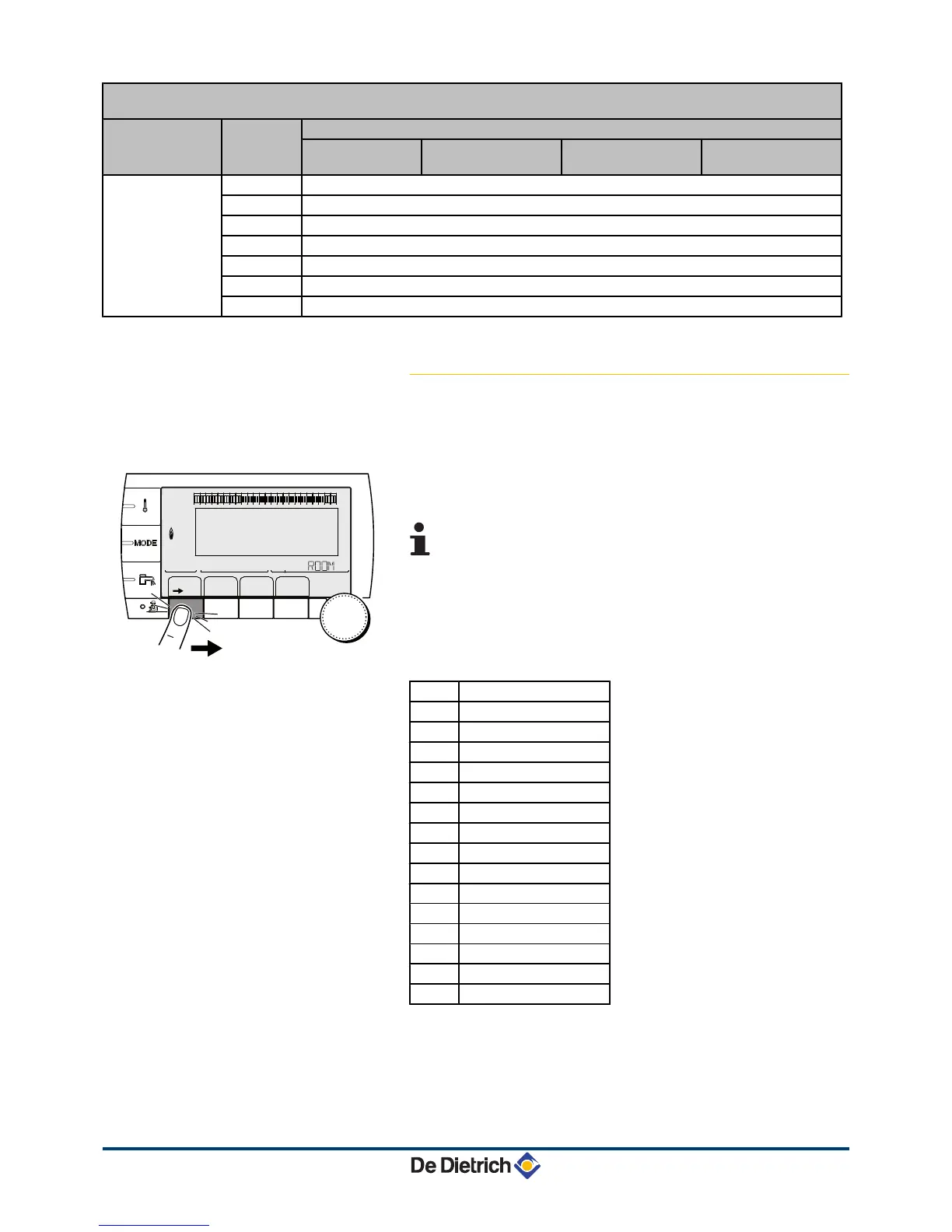
1. To access "user" level: Press the
>
key.
2. Select the menu #ANNUAL PROG.
4
Turn the rotary button to scroll through the menus or
modify a value.
4 Press the rotary button to access the menu selected
or confirm a value modification.
¼
For a detailed explanation of menu browsing, refer
to the chapter: "Browsing in the menus", page 13.
3. To select the desired parameter.
OFF
No stop
A
circuit A
B
circuit B
AB
circuit A, B
C
circuit C
AC
circuit A, C
BC
circuit B, C
ABC
circuit A, B, C
SU
DHW circuit
A+E
circuit A and DHW
B+E
circuit B and DHW
AB+E
circuit A, B and DHW
C+E
circuit C and DHW
AC+W
circuit A, C and DHW
BC+W
circuit B, C and DHW
ALL
circuit A, B, C and DHW
4. Set the start date and the end date of the shutdown selected.
5. To deactivate a shutdown, select the shutdown and set to OFF.
6. To select another shutdown, press the
'
button.




 To Next Page