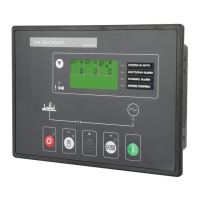
DSE Model 5320 Automatic Mains Failure & Instrumentation System Operators Manual
Part No. 057-014 5320 OPERATING MANUAL ISSUE 5.1 18/06/2007 ADM 27
5.2.4 CAN ERROR MESSAGES
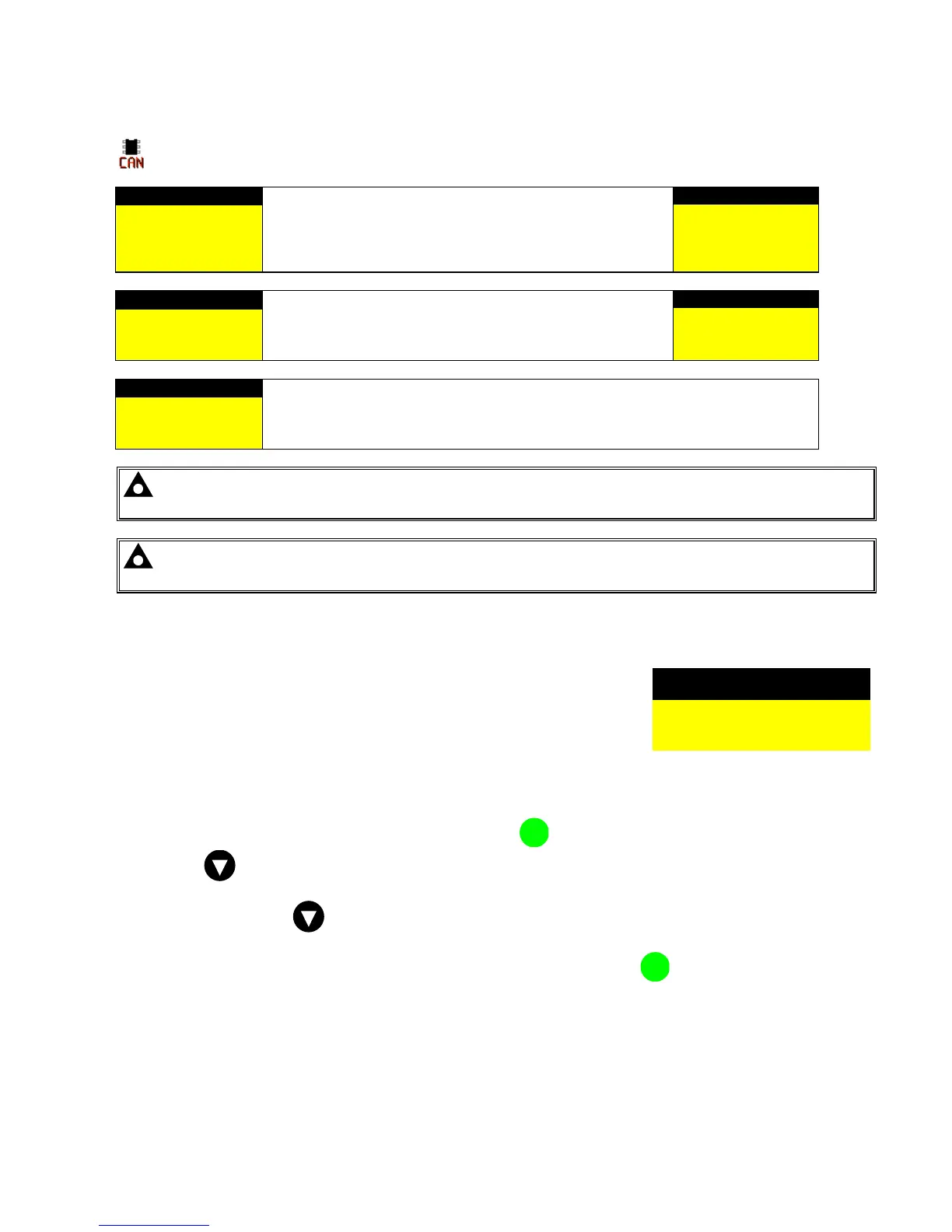
On CAN enabled 53xx controllers connected to a suitable CAN ECU, alarm status messages are transmitted
to the 53xx controller and displayed on the alarms page.
Alarm
Here the ECU code is interpreted by the module, which
displays the warning as text. An error is like a warning, and
does not shutdown the generator.
The display will alternate between the text display and the
manufacturers error codes
Alarm
CAN ECU error
Exhaust hi temp
CAN ECU error
SPNnnnnn
FMInnnnn
Alarm
A CAN ECU fail is a shutdown and the module stops the
generator.
The display will alternate between the text display and the
manufacturers error codes
Alarm
CAN ECU fail
Fuel pressure low
CAN ECU fail
SPNnnnnn
FMInnnnn
Alarm
Where the module does not recognise the ECU error / fail code the SPN and FMI
codes are displayed. These codes then have to be cross referenced with engine
manufactures literature to determine the exact problem.
CAN ECU error
SPNnnnnn
FMInnnnn
NOTE:- For details on these code meanings, refer to the ECU instructions provided by the engine
manufacturer, or contact the engine manufacturer for further assistance.
NOTE:- For further details on connection to electronic engines please refer to the CAN and DSE
wiring manual.
5.3 VIEWING THE EVENT LOG
The 53xx modules maintains a log of the last 30 shutdown alarms and mains
fail/returns to enable the operator or engineer to view the past alarms history.
Only shutdown and electrical trip alarms are logged; warning alarms are not
logged. Once the log is full (30 events, any subsequent shutdown alarms or
mains fail/returns will overwrite the oldest entry in the log. Hence the log will
always contain the 30 most recent shutdown alarms.
The alarm is logged, along with the date and time of the event in the format
shown in this example.
Event log 21:15:00
10th September 2005
Low oil pressure
Shutdown
To view the event log, repeatedly press the next page button
i
the LCD screen displays Event log.
Press down
to view the next most recent shutdown alarm:
Continuing to press down
will cycle through the past alarms until all 15 logged alarms have been viewed,
after which the most recent alarm will again be showed and the cycle will begin again.
To exit the event log and return to viewing the instruments, press the next page
i
button.


 To Next Page