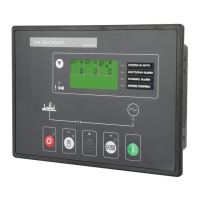
DSE Model 5320 Automatic Mains Failure & Instrumentation System Operators Manual
Part No. 057-014 5320 OPERATING MANUAL ISSUE 5.1 18/06/2007 ADM 31
6.2 EDITING A VALUE
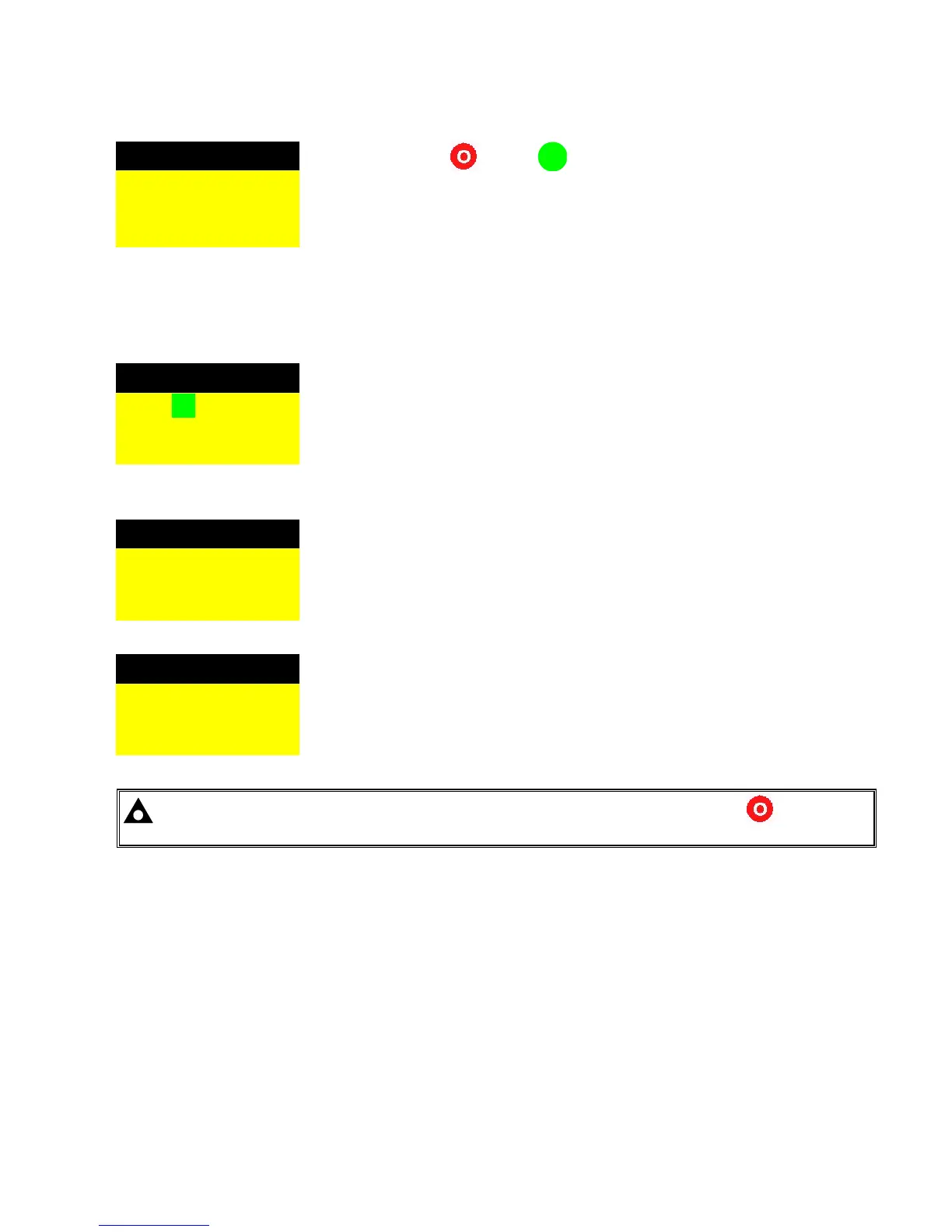
Oil pressure pre-alarm
Press the Stop/Reset and Info
i
buttons simultaneously.
If the module PIN number has been set, the PIN number request is then shown.
The configuration cannot be viewed or changed until the PIN number is correctly
entered. (see the section ACCESSING THE FRONT PANEL CONFIGURATION
EDITOR)
Press the + button until the desired page is shown. EG oil pressure pre-alarm.
2 Bar 30 PSI
200 kPa
Oil pressure pre-alarm
To edit the oil pressure pre-alarm, press the 9 button, the pressure will start to
flash. Pressing the
+ or – buttons will adjust the parameter to the desired value.
In this example, the 30 PSI will be adjusted, and the bar/kPA units will
automatically show their respective values.
2 Bar 30 PSI
200 kPa
Oil pressure pre-alarm
Press the 9 button to ‘save’ the value. The value will stop flashing to confirm
that it has been saved.
3 Bar 45 PSI
300 kPa
Oil pressure shutdown
To select another value to edit, press the + button.
1 Bar 15 PSI
100 kPa
NOTE:- To exit the front panel configuration editor at any time, press the Stop/Reset button.
Ensure you have saved any changes you have made by pressing the 9 button first.
Continuing to press the + or – buttons will cycle through the adjustable parameters in the order shown overleaf:


 To Next Page