EasyManua.ls Logo

Defender SN301-8CH - User Manual

Defender SN301-8CH
93 pages
Print Icon
To Next Page IconTo Next Page
Loading...
SN301-8CH
1
INSTRUCTION MANUAL V1.2
Model#: SN301-8CHwww.defender-usa.com
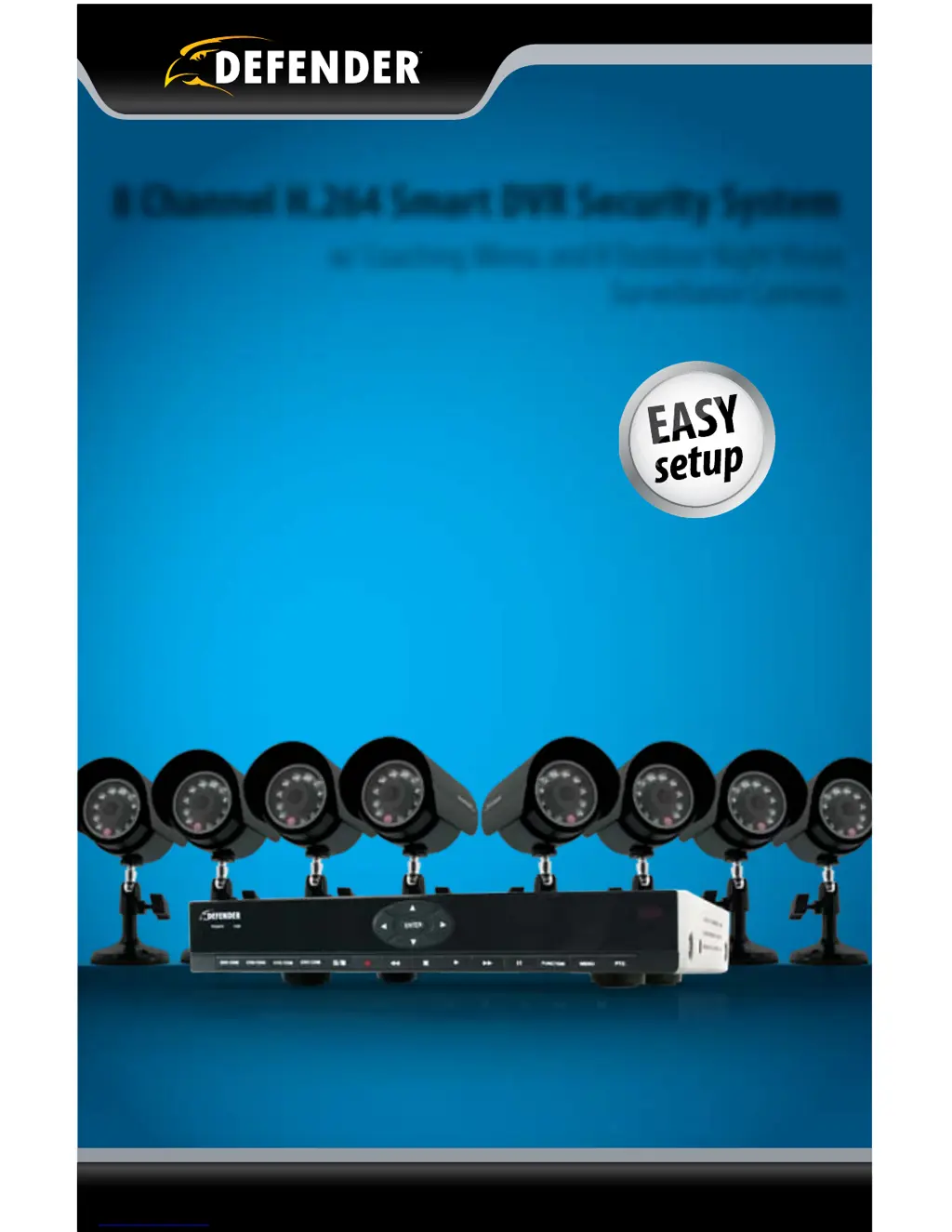
8 Channel H.264 Smart DVR Security System
w/ Coaching iMenu and 8 Outdoor Night Vision
Surveillance Cameras

Table of Contents

Questions and Answers

  • E
    Eric GonzalezSep 10, 2025
    How to fix network settings not showing information on Defender Security System DVR?
    • J
      Jennifer TuckerSep 10, 2025
      First, make sure the DVR is properly connected to the router. If it is properly connected and the IP Allocation is set to DHCP, power cycle the DVR.
  • H
    Holly GloverSep 12, 2025
    What to do if I cannot view the DVR through a remote Internet connection on Defender Security System?
    • D
      Dr. Jennifer LittleSep 12, 2025
      The external IP address of the DVR may have changed, or port forwarding may not be set up correctly. Try changing the HTTP port to 2000 and re-configure the port forwarding.
  • R
    Rebecca ParkerSep 14, 2025
    Why is the HDD light blinking on my Defender SN301-8CH Security System?
    • J
      Jennifer JonesSep 14, 2025
      This is completely normal.
  • T
    tonywalkerSep 16, 2025
    What to do if the mouse is not working when plugged into the USB port on Defender SN301-8CH?
    • K
      Kelly HebertSep 16, 2025
      Make sure the mouse is connected to the proper USB port.

Summary

Product Warranty Information

Comprehensive System Features

Remote Viewing and Connectivity

Explains how to view video footage remotely via computers and smartphones.

Basic Setup and Installation Procedures

Camera Wiring and Power Connections

Details the process of connecting cameras to the power supply and DVR.

Main Menu: Configuration and Settings

Camera Setup and Display Options

Configure camera names, positions, colors, and live view status.

Recording Setup and Scheduling

Configure recording quality, audio, file size, and custom record schedules.

Network Configuration and Online Access

Set up IP address, ports, and DNS for online DVR access.

Playback, File Lists, and Device Management

Search footage, view file lists, back up clips, and manage devices.

System Settings and Maintenance

Adjust date, time, video settings, security, and system maintenance.

Playback and Video Review Operations

Searching and Playing Recorded Footage

Search for recorded footage and play it back directly on the DVR.

Network Configuration for Remote Access

Finding IP Address and Computer Preparation

Locate the DVR's IP address and prepare the computer for viewing.

Port Forwarding and Testing Procedures

Configure port forwarding for remote access and test the connection.

Online Viewing Software Operation

Live View and Camera Controls

Access live video feeds and control cameras via the online software interface.

Mobile Viewing Setup and Compatibility

DVR Troubleshooting Guide

Common DVR Operational Problems

Addresses issues like camera sequencing, recording failures, and picture quality.

DVR Technical Specifications

Installation and Wiring Guide

Camera Specifications and Troubleshooting

Defender SN301-8CH Specifications

General IconGeneral
Channels8
Video Resolution1080p
Storage TypeHDD
ConnectivityEthernet
Power Supply12V DC
Video InputBNC
Video OutputHDMI, VGA
Recording Resolution1080p
Hard Drive CapacityUp to 6TB
CompressionH.264
Mobile AccessYes

Related product manuals