Rooster™ Sensor100 USER MANUAL
Rooster
TM
Sensor100 USER MANUAL 62320MN000-A04 17
entered to unlatch this alarm. If the latch alarm setting is set to “On”, simply tap the banner to
disable the alarm. Switching the latch state to “Off” disables this feature entirely.
Home>Settings>System>Alarms/Sound>Alarm Controls>Latch Alarm
Alarm Tone Settings
The user can configure alarms with different tones. Alarm tone settings are available for Low
Flow, Sensor, and Sash Alarms. At the time of tone selection, the tone plays for approximately 2
seconds to provide an understanding of tone type and volume level. Default alarm tone settings
are:
▪ Low Flow alarm - Tone 1
▪ Sensor alarm - Off
▪ Sash alarm - Tone 2
Alarm Tone Settings supersedes Minimum Volume settings.
Examples:
1. If the sensor becomes disconnected, and Sensor Alarm is set to Tone 1,
the audible alarm will play Tone 1, and the on-screen alert banner will indicate Sensor
Fault.
2. If the sensor becomes disconnected, and Sensor Alarm is set to Off,
there will be no audible alarm, and the on-screen alert banner will indicate Sensor Fault.
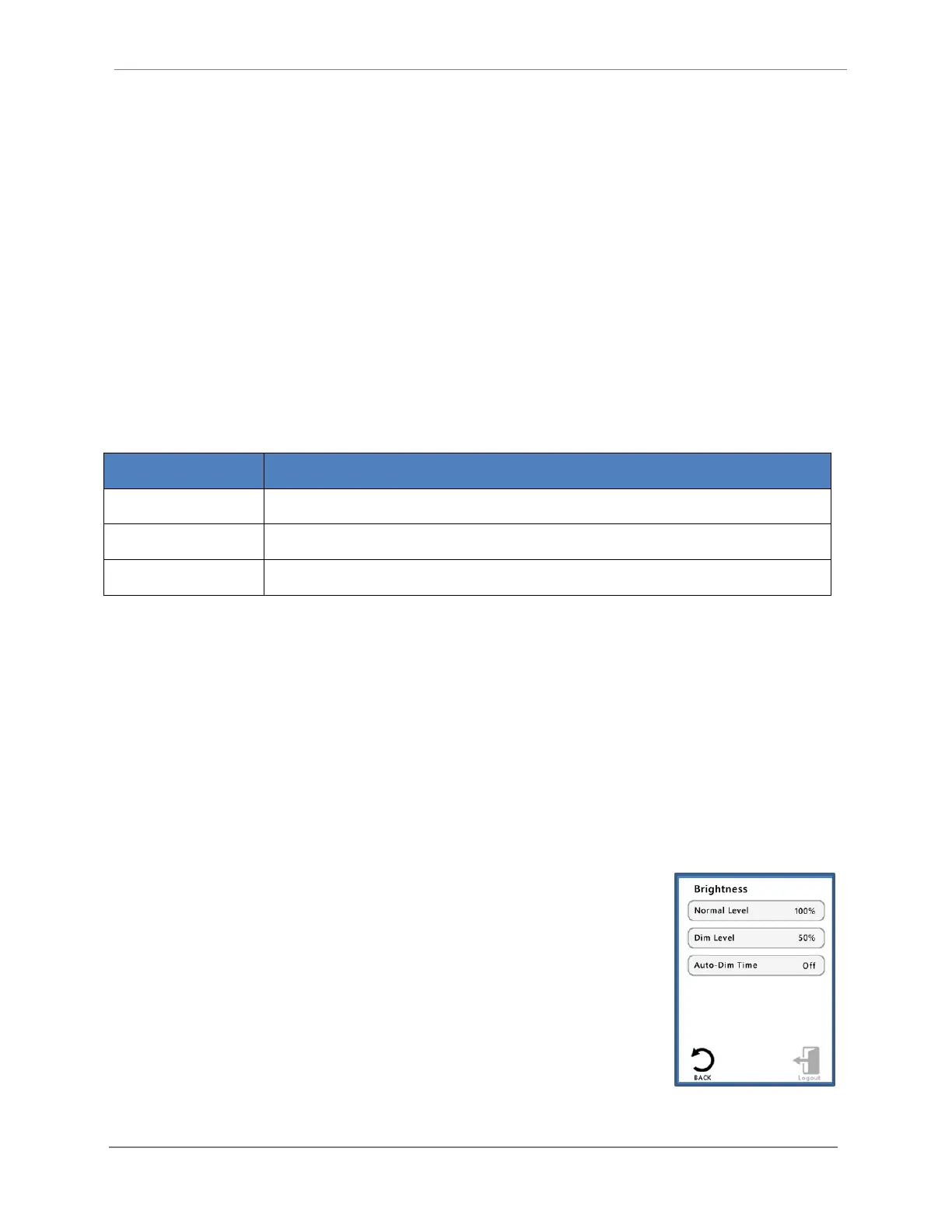
Backlight Dimming
Brightness is adjusted via left and right arrows. Actual screen brightness
adjusts immediately as the setting is changed. Pressing the Enter button
will save the brightness setting, and Cancel will leave the setting
unchanged.
A timer is reset each time the screen is pressed. Once the timer reaches
the “Auto-Dim Time” value, the screen will dim. When the screen is
pressed again, the screen will return to its original brightness setting.
The lowest dim level setting will not allow the screen to turn completely
dark, instead, it will be just bright enough to still be readable. Dim times
are 1, 5, 10, and 60 minutes, with an “Off” setting, and a default time of 10 minutes initially.
Home>Settings>System>Brightness


 To Next Page