Rooster™ Sensor100 USER MANUAL
Rooster
TM
Sensor100 USER MANUAL 62320MN000-A04 21
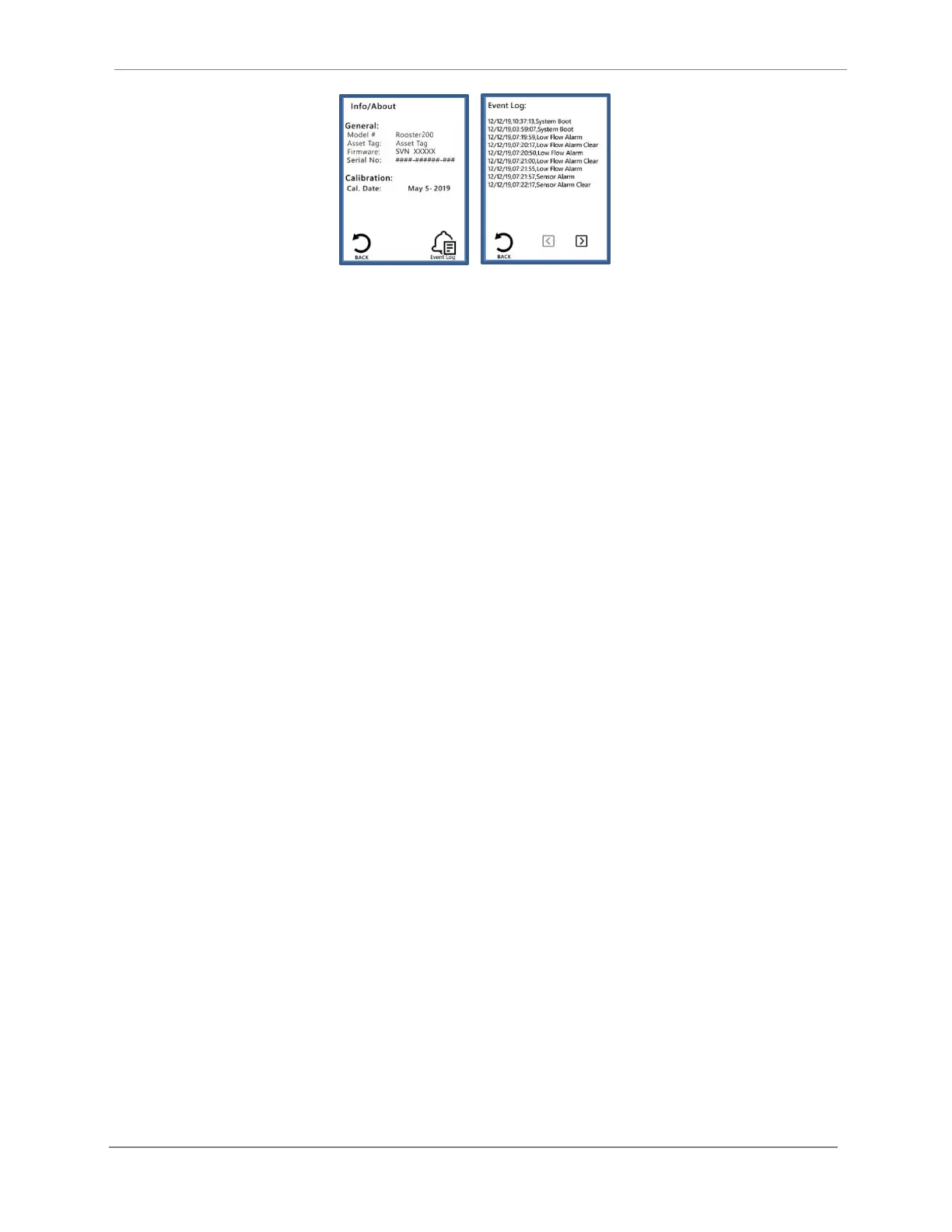
Figure 7 Event Log Viewable On Screen
USB Field Upgrade Procedure
Caution: A Rooster
TM
with firmware preceding version 1.06 may be upgraded to version
1.06 using the bootloader, however, existing calibration data will be lost, and all settings
will be reset to factory defaults. Thus, this update should only be done during annual
certification, where the certifier would be recalibrating anyway, OR, if the client approves
forcing a recalibration.
Degree Controls is continually improving Rooster™ products. The latest in Rooster™ technology
offers users a convenient soft reboot procedure for upgrading the operating system while
maintaining existing calibration data and user settings. This is available for a Rooster™ having
firmware version 1.06 and later.
A Rooster™ with firmware preceding version 1.06 may be upgraded, however, existing
calibration data will be lost, and all settings may be reset to factory defaults. Thus, the update
should only be done during annual certification, where the certifier would be recalibrating
anyway, OR, if the client approves forcing a recalibration.
The first step of the firmware upgrade process is to identify the current version of Rooster™
firmware. Next, use the table below to evaluate the effects of an upgrade, and determine the
best time to update your Rooster™.


 To Next Page