V0608, 2.1
2. Product programming
2.1. Program selection
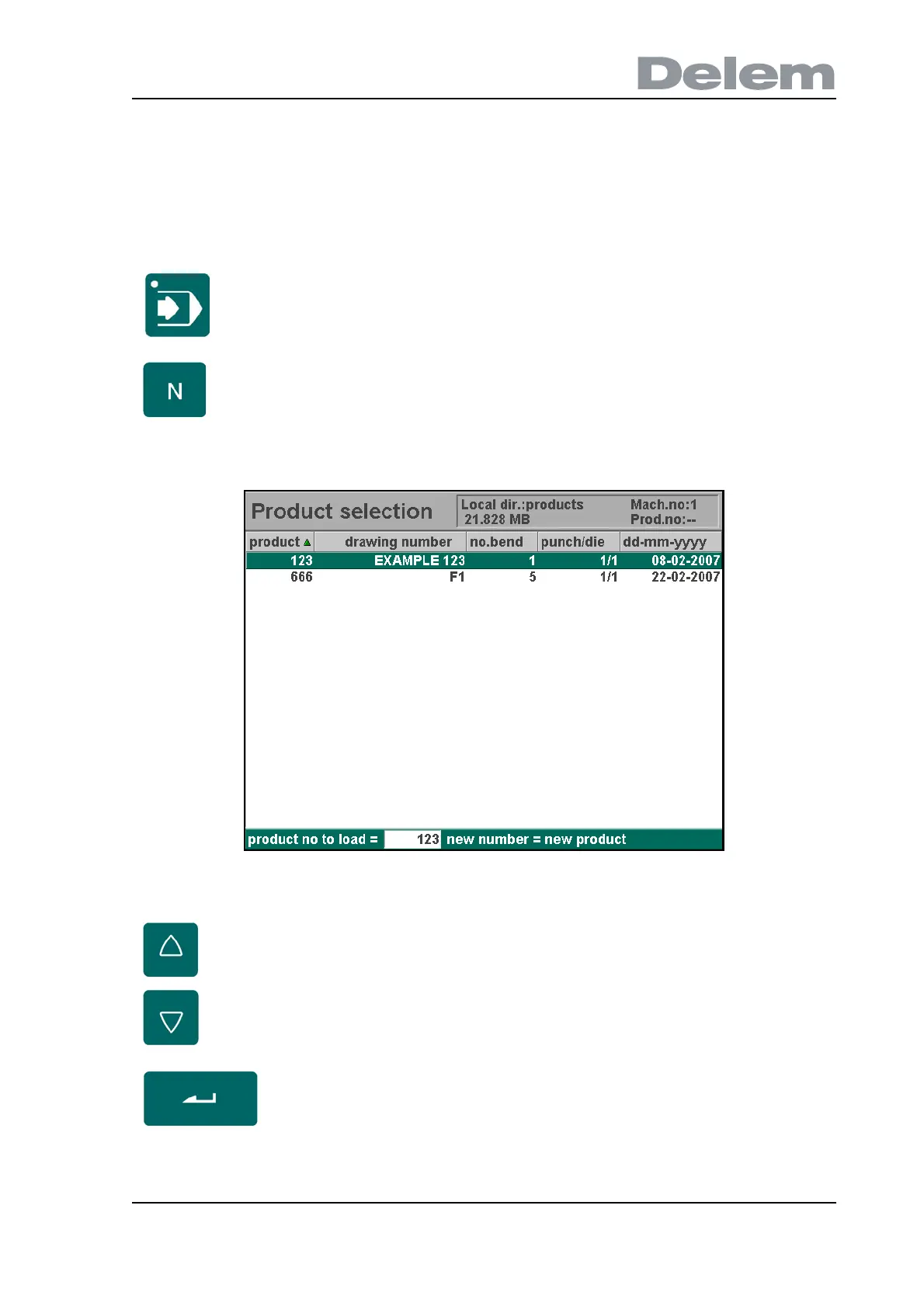
To edit or create a program, proceed as follows:
The program library screen appears.
2.a
Press this key to activate the automatic mode.
Press this key to open the program library.
Use the arrow keys to move to the desired program in the list.
Use the ‘enter’ key to select the highlighted program.



 To Next Page