DAC-310 Delem
V0504, 4
2.2. Display
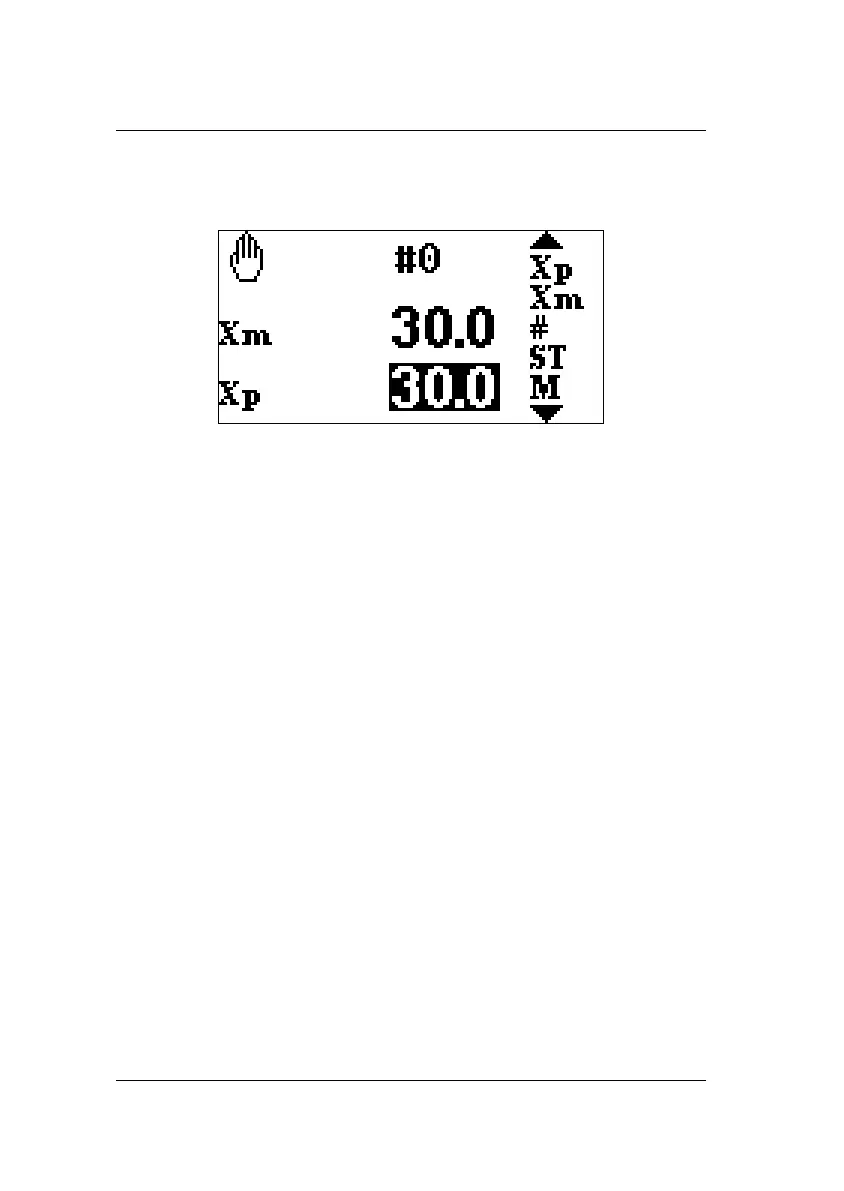
The DAC-310 has a monochrome LCD display, 128 x 64.
The screen shows the following information:
• on the left side, status information is showed, e.g. which step
is active and/or which parameter
• in the middle, values of parameters and position values re
shown
• on the right side, several parameter symbols are shown that
can be selected (Xm, Xp, #, ST and M).
2.3. Front panel
The keyboard contains the following keys:
• 10 numerical keys (0 - 9)
• decimal point
• plus/minus toggle
• clear key, to clear a parameter value
• enter key, to enter a typed value
• cursor keys up/down, to select the next parameter
• manual movement low speed up key (+)
• manual movement low speed down key (-)
• manual movement high speed key (X key in combination with
+ or - key)
• stop key (0) (incl. status LED)



 To Next Page