DAC-310 Delem
V0504, 8
When the start button is pressed the parameters Xm and Xp are
displayed, the programmed position and the actual position.
When the axis reached the programmed position, Xp is
highlighted and has the same value as Xm.
When the stop button is pressed the cursor moves back to the
selected parameter.
3.2. Manual mode
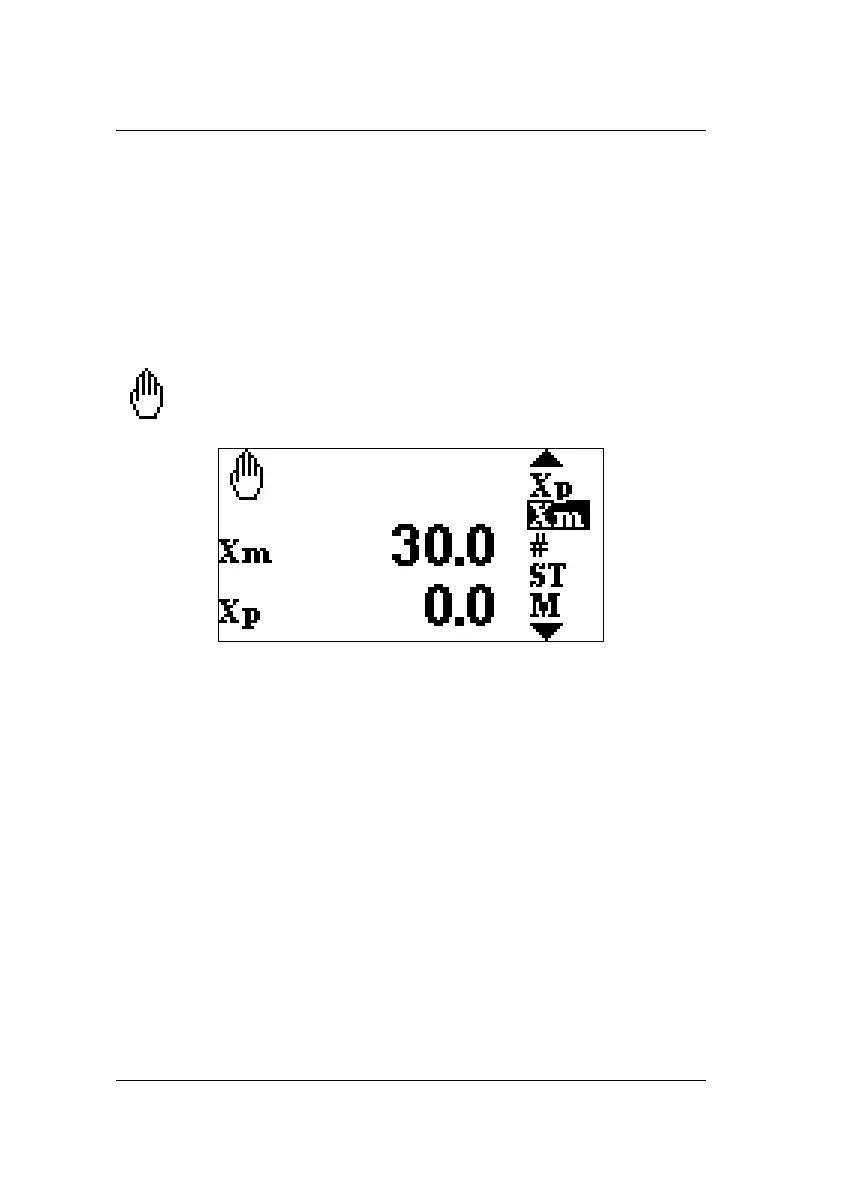
Manual mode is active in Step 0. It is indicated with
the hand symbol in the upper left corner.
In Manual Mode all parameters can be programmed.
When the automatic or semi-automatic key is pressed (start
function) in manual mode the back gauge moves to the
programmed position.
The stock counter (#) will be either incremented or decremented
at each manual cycle, depending on the setting (refer to chapter
4.3.8).
When the stock counter reaches zero in down counting mode the
DAC-310 stops. The # value is displayed at the top of the display.
The back gauge can be moved manually by pressing front keys.
To do so, the control must be stopped (the LED of the stop button
is lit). First move the cursor to the parameter Xp. The hand
symbol is now surrounded by two arrow symbols.



 To Next Page