DAC-310 Delem
V0504, 18
5. PROGRAM CONSTANTS
5.1. Selecting the program constants
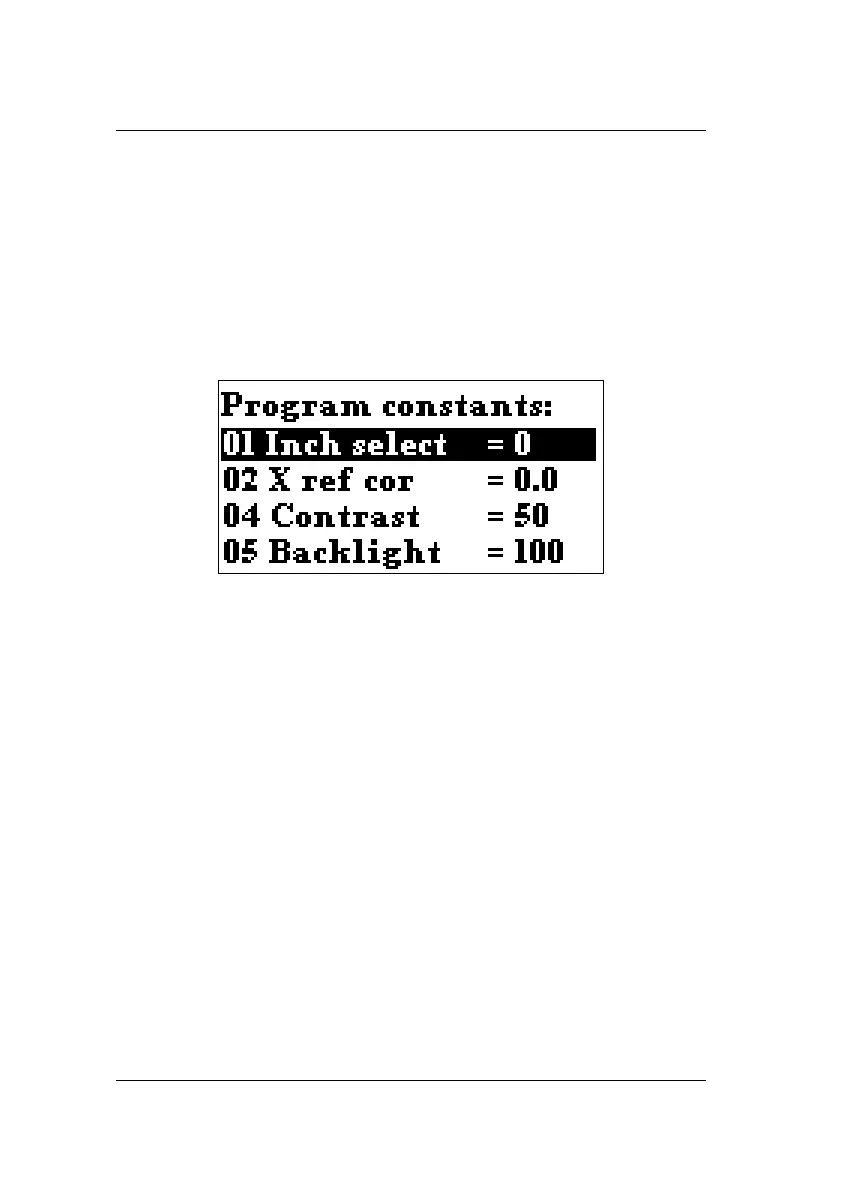
To enter the screen with program constants, browse to the M
parameter and press ENTER. A screen with parameters appears.
To return to the programming screen, press the Stop key.
5.2. The parameters
Inch select .............................................................. 01
To select millimetres or inches.
0 = millimetres (default)
1 = inches
In case of switching to inches the decimal point moves one
position to the left. The parameters, influenced by this
conversion, are Xm, Xp, COR and DX. The conversion
follows the machine-installed resolution.
X ref cor .................................................................. 02
Correction on the reference position in case the control
uses reference search.
This parameter is only available if a reference search
system is used.



 To Next Page