20
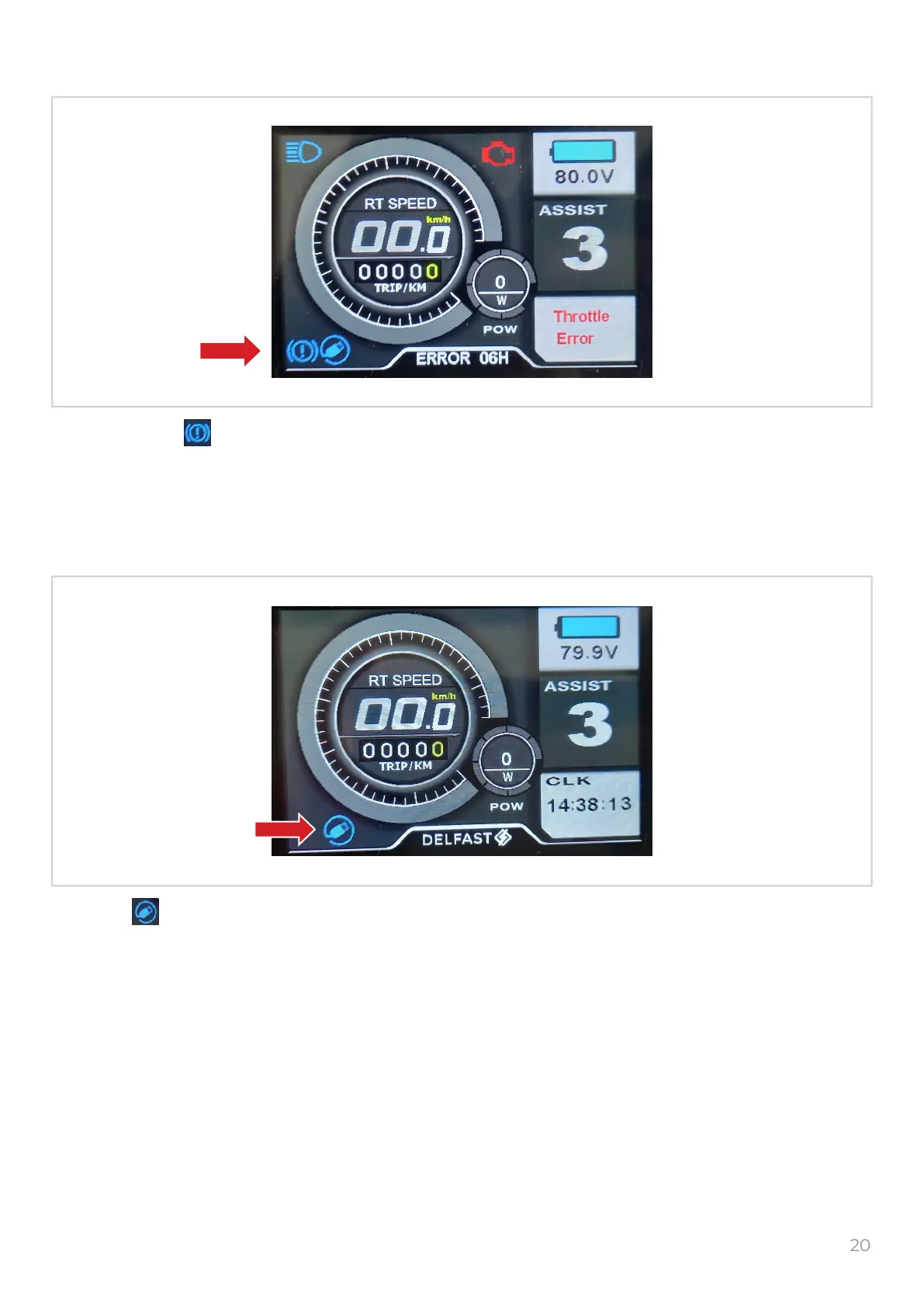
7. Brake indicator
8. USB indicator
The brake icon shows that the left or right brake lever on the handlebar is pushed
If the icon is not shown when you push the left or right brake lever, this shows a malfunction of
the related brake lever.
The icon shows that the USB socket is turned ON.
Push and hold the button to turn ON/OFF the USB socket
The USB socket can be used only for charging portable devices
Make sure that the power consumption of the portable device is not more than 5V and 0,5A
M


 To Next Page